
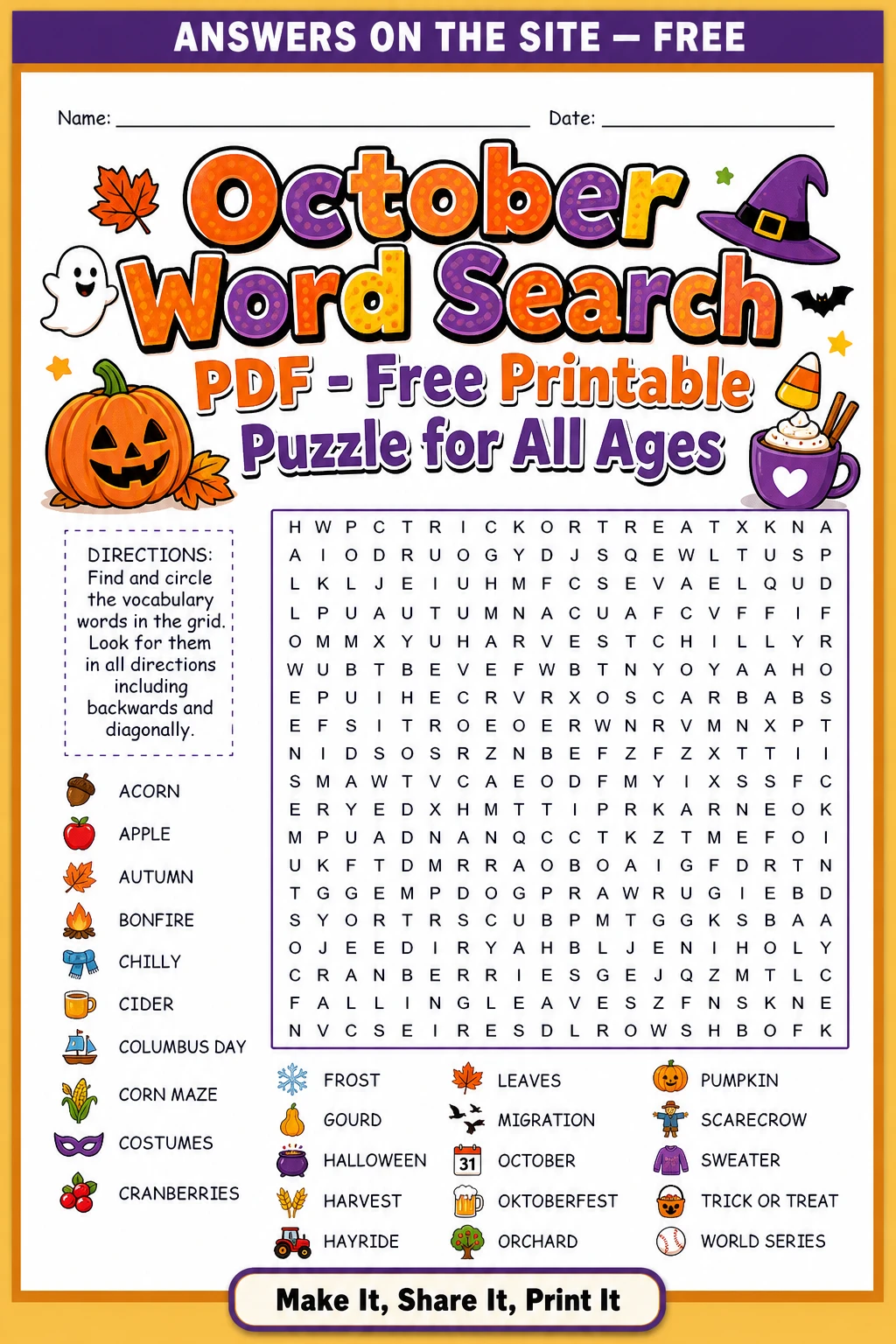
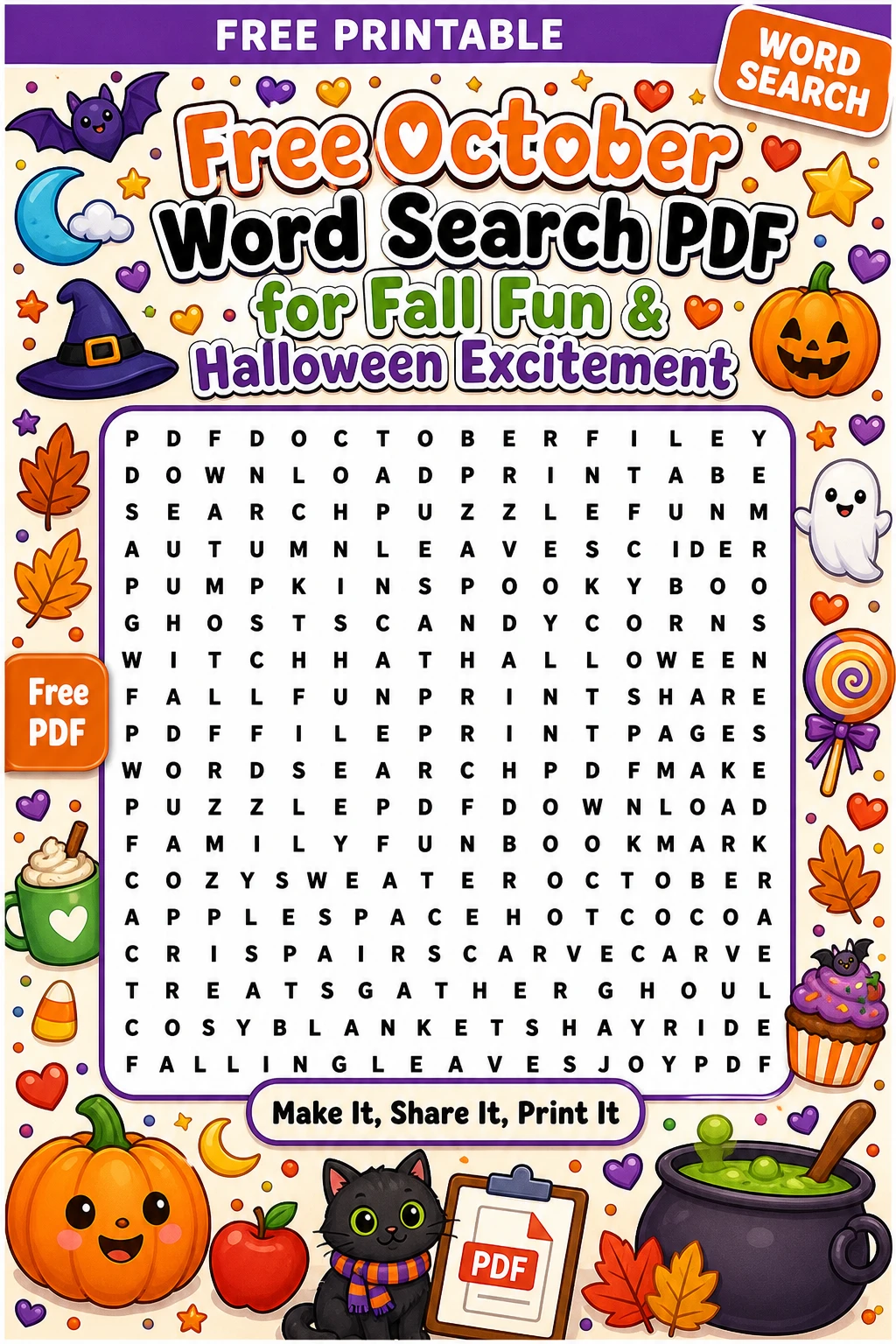
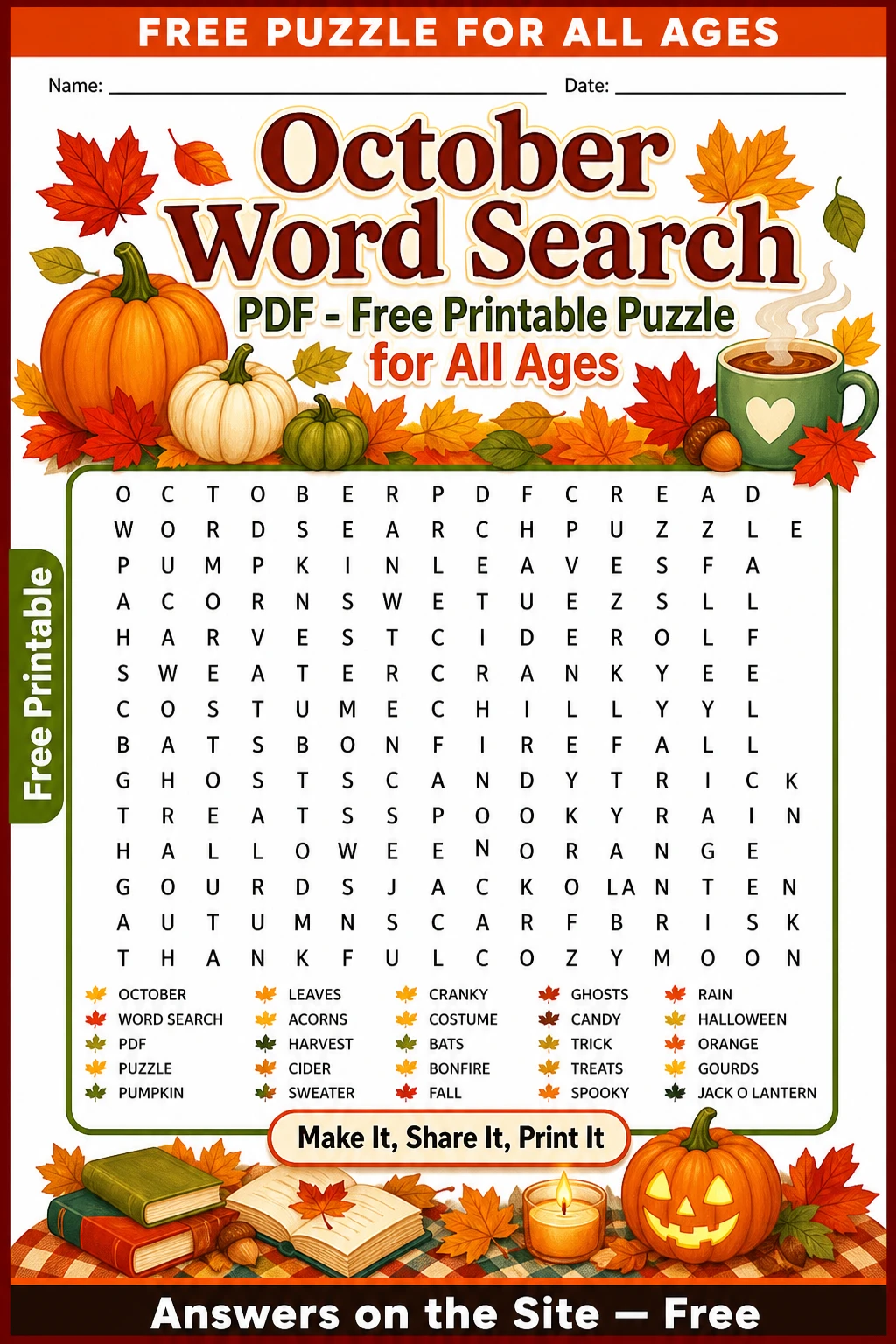
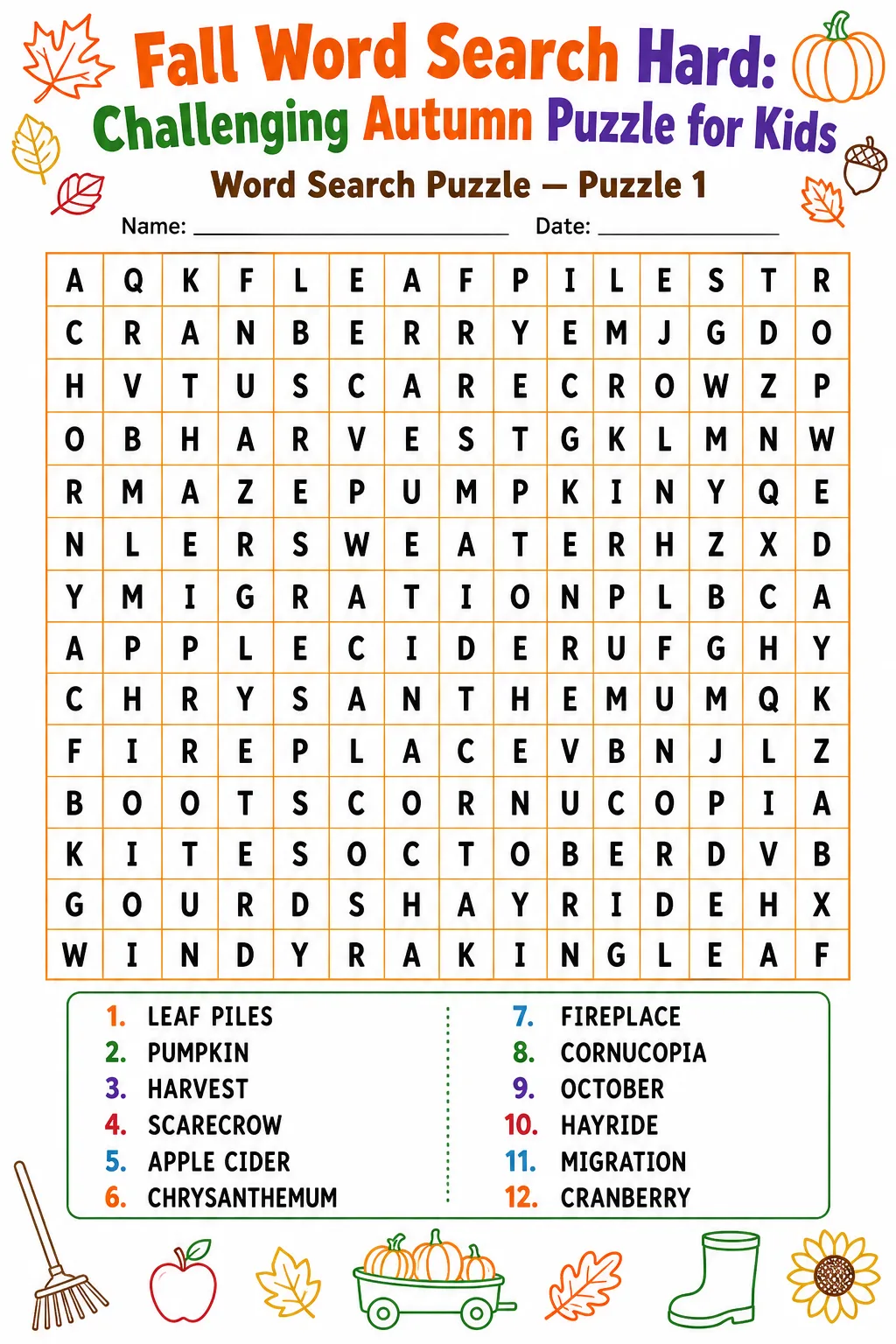
The October word search PDF offers a fun and engaging way to celebrate the season with a themed puzzle. This printable worksheet is perfect for classrooms, family activities, or solo challenge sessions. It combines seasonal words and simple instructions to create an enjoyable experience for all ages. Download and print your copy today to enjoy a creative October activity.
Introduction
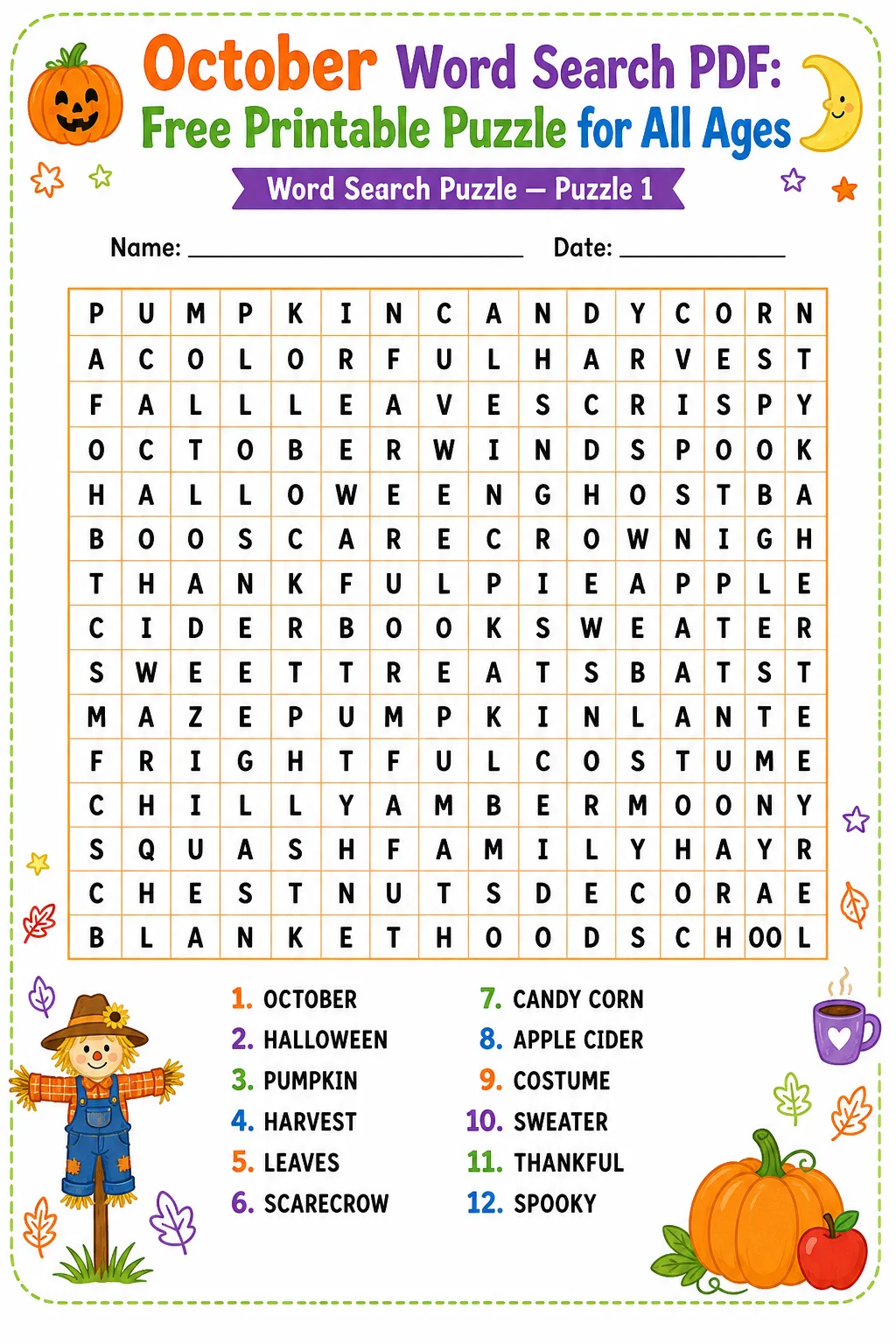
October word search PDF puzzles are a delightful way to celebrate the fall season while sharpening your word recognition skills. This printable worksheet combines autumn-themed vocabulary with a classic word search format, making it ideal for kids and adults alike. Whether you're a teacher looking for a classroom activity or a family seeking a cozy indoor game, this puzzle fits perfectly.
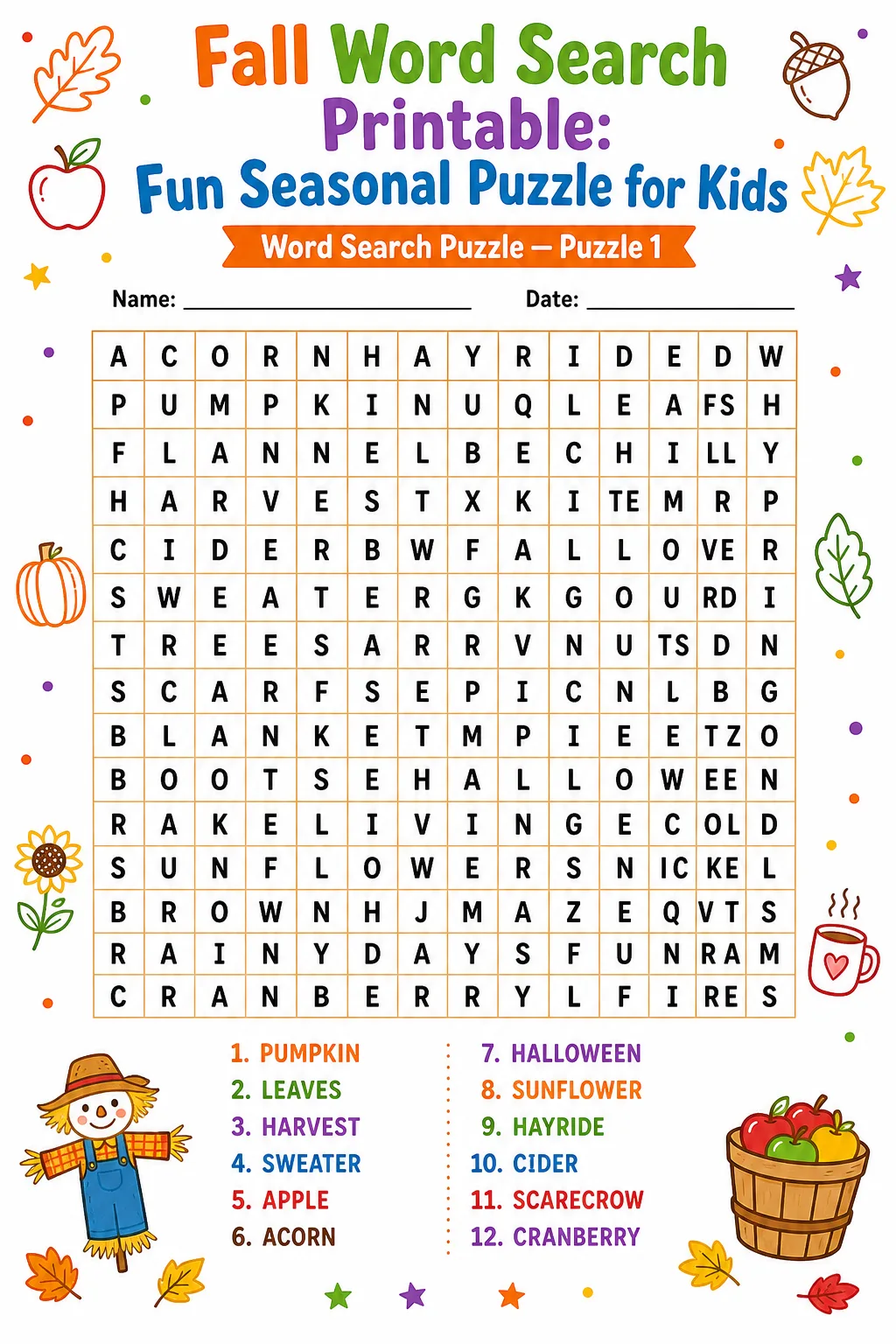
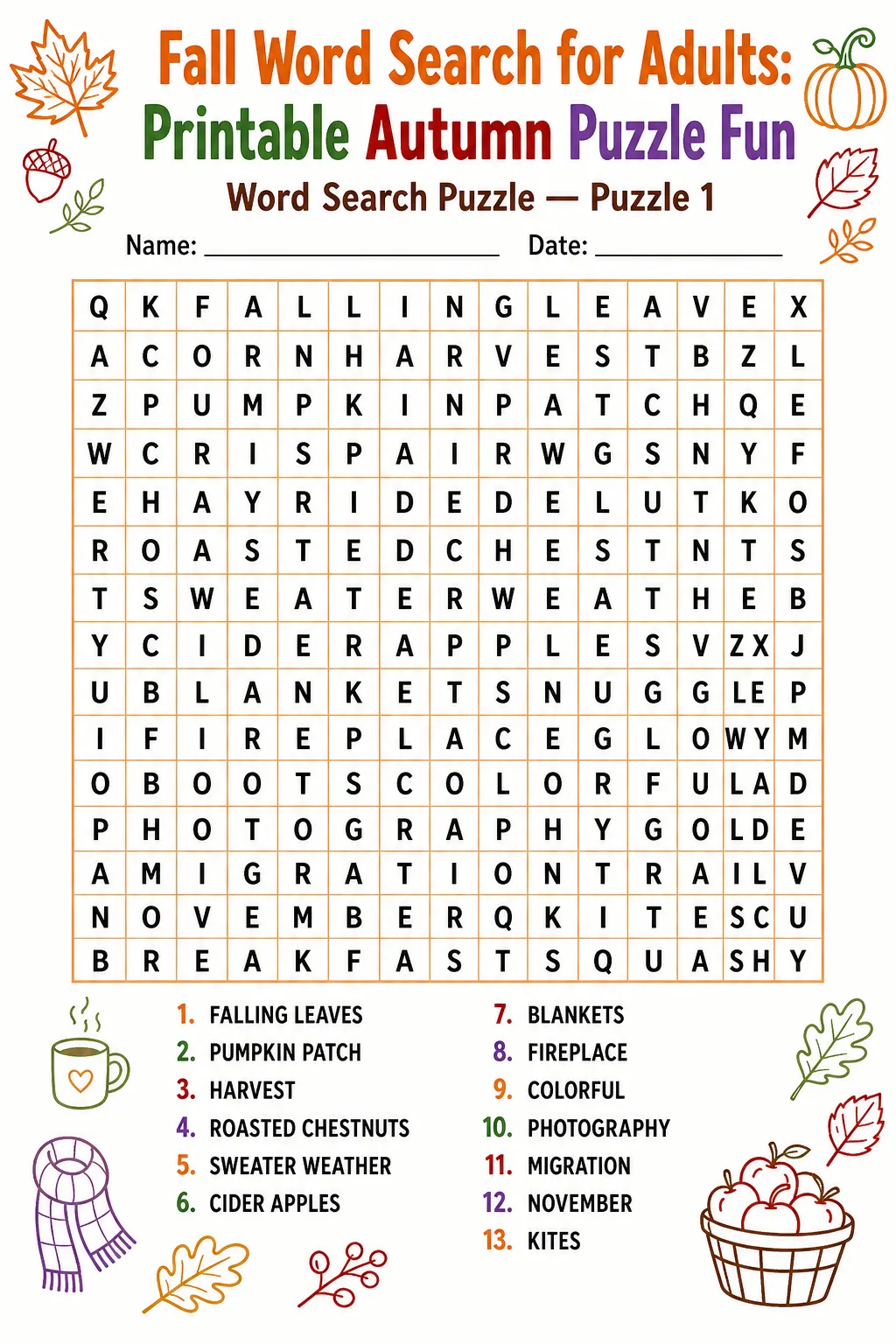
With the October word search PDF, you get a ready-made challenge that encourages focus and vocabulary learning. The puzzle includes words related to the season, such as leaves, harvest, and pumpkin, creating an immersive experience. Plus, the printable format means you can easily share it or use it on the go.
Story
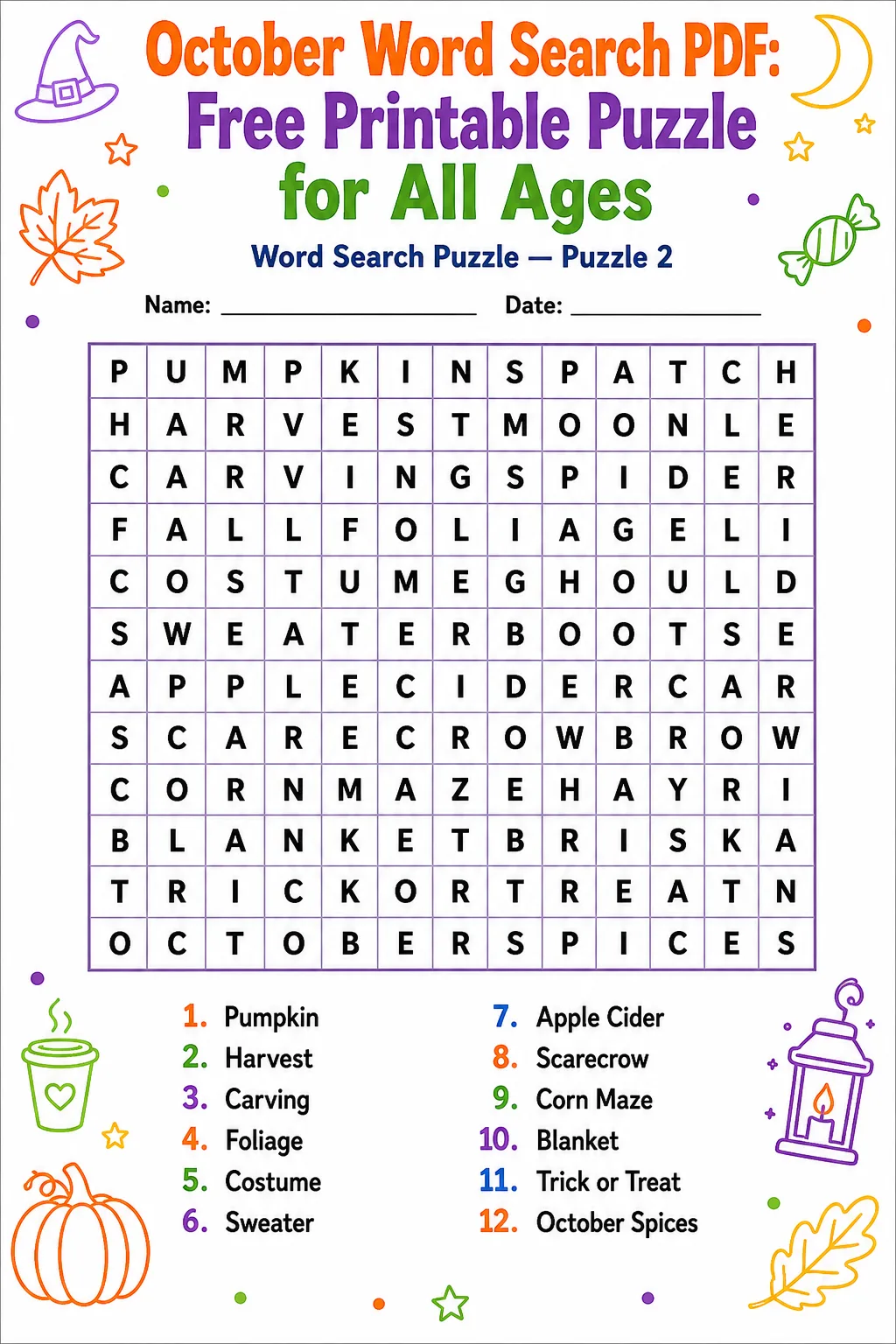
Last October, I was looking for a fun activity to keep my family entertained on a rainy afternoon. I wanted something that combined the spirit of the season with a bit of brain exercise. That’s when I decided to create an October word search PDF featuring words like "pumpkin," "harvest," and "autumn."
We gathered around the table with the printed puzzle, and it quickly became a favorite pastime. The kids enjoyed hunting for words, and even the adults found themselves challenged by the diagonal and backward placements. This simple activity sparked laughter and conversation, making the gloomy day bright and memorable.
Inspired by that experience, I wanted to share this October word search PDF with others so families and classrooms everywhere could enjoy a similar cozy, educational moment during the fall season.
How To Do It
Why This Works
Benefits of October Word Search PDF
Word search puzzles like the October word search PDF offer several advantages. They enhance vocabulary by exposing players to themed words related to the season, which helps with language acquisition and retention. Additionally, these puzzles improve concentration and pattern recognition skills, as players must carefully scan the grid to find hidden words.
This guide works well because it provides clear, step-by-step instructions that are easy to follow for all ages. It also explains the puzzle’s purpose and how it fits into seasonal learning and entertainment. By combining educational value with enjoyable content, this post encourages readers to engage with the puzzle and develop useful cognitive skills.
Moreover, the October theme adds a layer of excitement and relevance, making the puzzle more appealing during the fall months. The printable PDF format ensures accessibility and convenience, allowing users to print and use the puzzle anywhere. Overall, this post balances fun and learning, making it an effective resource for families, teachers, and puzzle enthusiasts.
FAQ
Pro Tips
Common Mistakes to Avoid
Final Thoughts
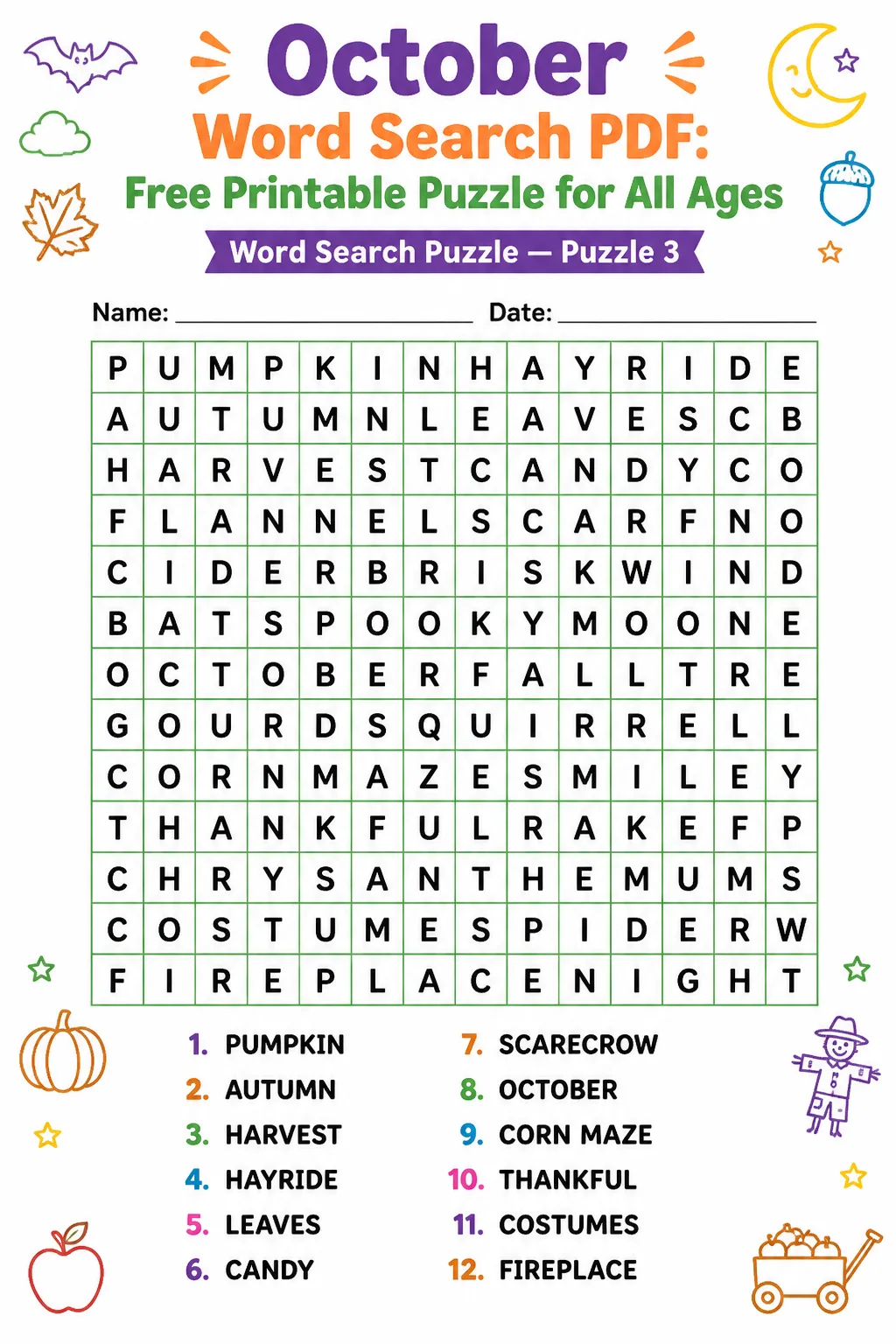
The October word search PDF is a wonderful way to combine learning and seasonal fun. By engaging with this printable puzzle, players of all ages can improve their vocabulary, focus, and pattern recognition skills. Whether used in classrooms or at home, it provides an enjoyable challenge that celebrates the spirit of October.
We encourage you to download and print this puzzle to experience the joy of word searching with an autumn twist. With clear instructions and helpful tips included, creating and solving these puzzles becomes a rewarding activity. Embrace the season and sharpen your mind with the October word search PDF today!
Select words that reflect October themes like harvest, leaves, and pumpkins to enhance the puzzle’s relevance.
Keep the word list visible to help beginners stay motivated and track progress easily.
Use a pencil for marking words so you can erase and correct mistakes during the puzzle.
Test the puzzle for readability and difficulty before sharing it widely to ensure a positive experience.
Gallery
Create puzzle
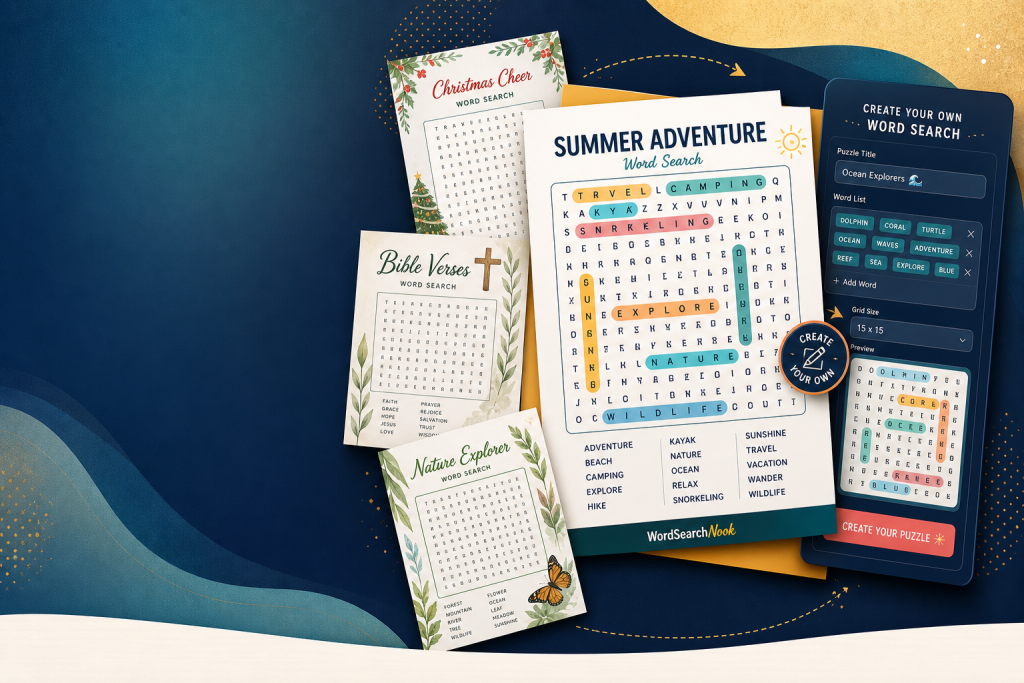
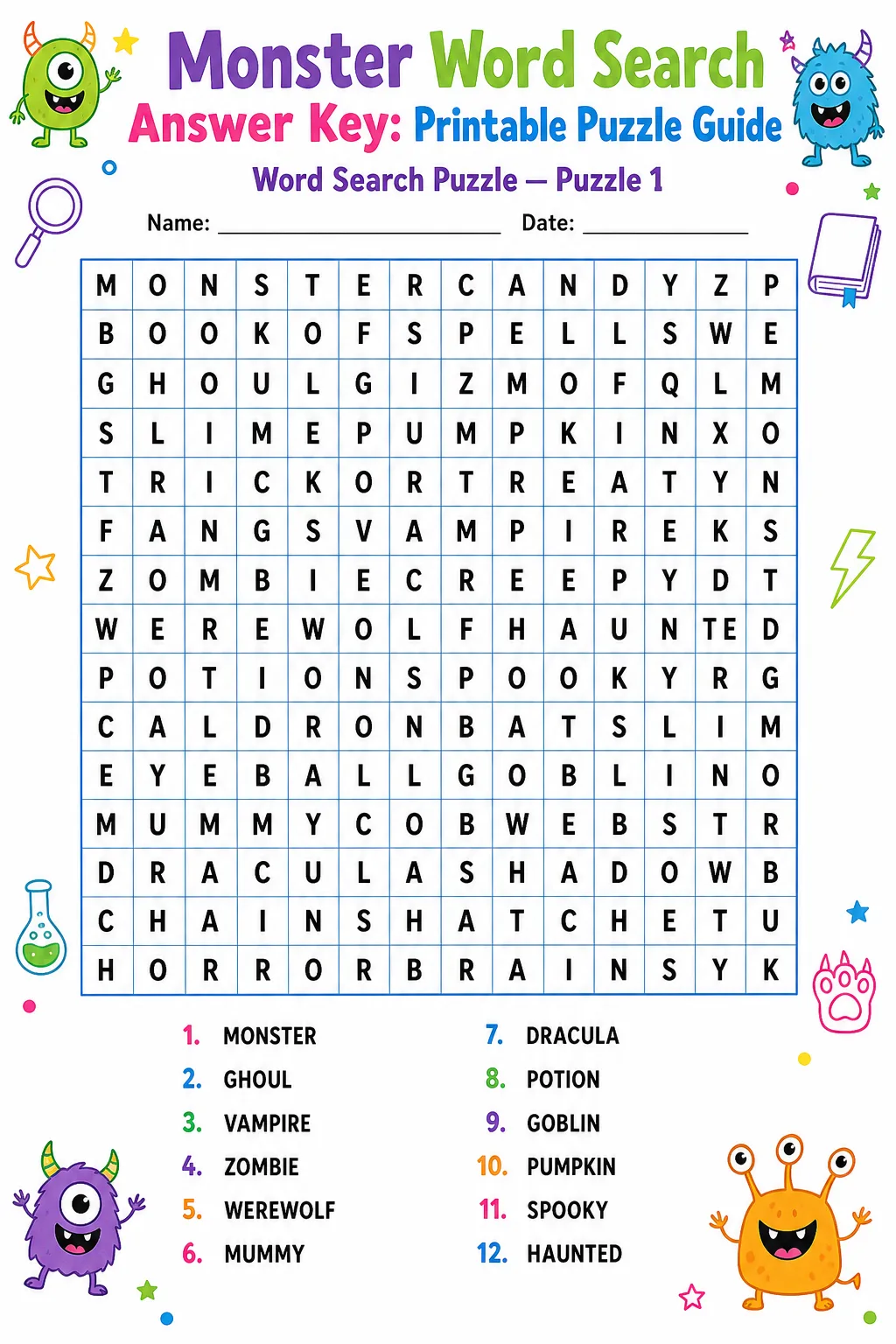
Creating your own October word search puzzle starts with choosing a theme and a list of words that fit the season. For example, select words like "leaves," "scarecrow," "October," and "harvest" to keep the puzzle relevant and engaging.
Next, decide on the grid size based on the age group. Younger children benefit from smaller grids with fewer words, while older kids and adults can handle larger grids with more complex word placements. Typically, a 10×10 or 12×12 grid works well for most puzzles.
To adjust difficulty, you can include words placed diagonally, backward, or even overlapping. However, avoid very long words or those with spaces and special characters, as they can be difficult to fit neatly and may confuse solvers.
After selecting your words and grid size, use a word search puzzle generator or design software to arrange the words and fill the remaining spaces with random letters. Finally, test the puzzle by solving it yourself or having someone else try it to ensure all words are findable and the puzzle is enjoyable.
Once satisfied, save your puzzle as a PDF for easy printing and sharing. This way, you can create personalized October word search PDFs tailored to any group or occasion.
Leave a Reply