
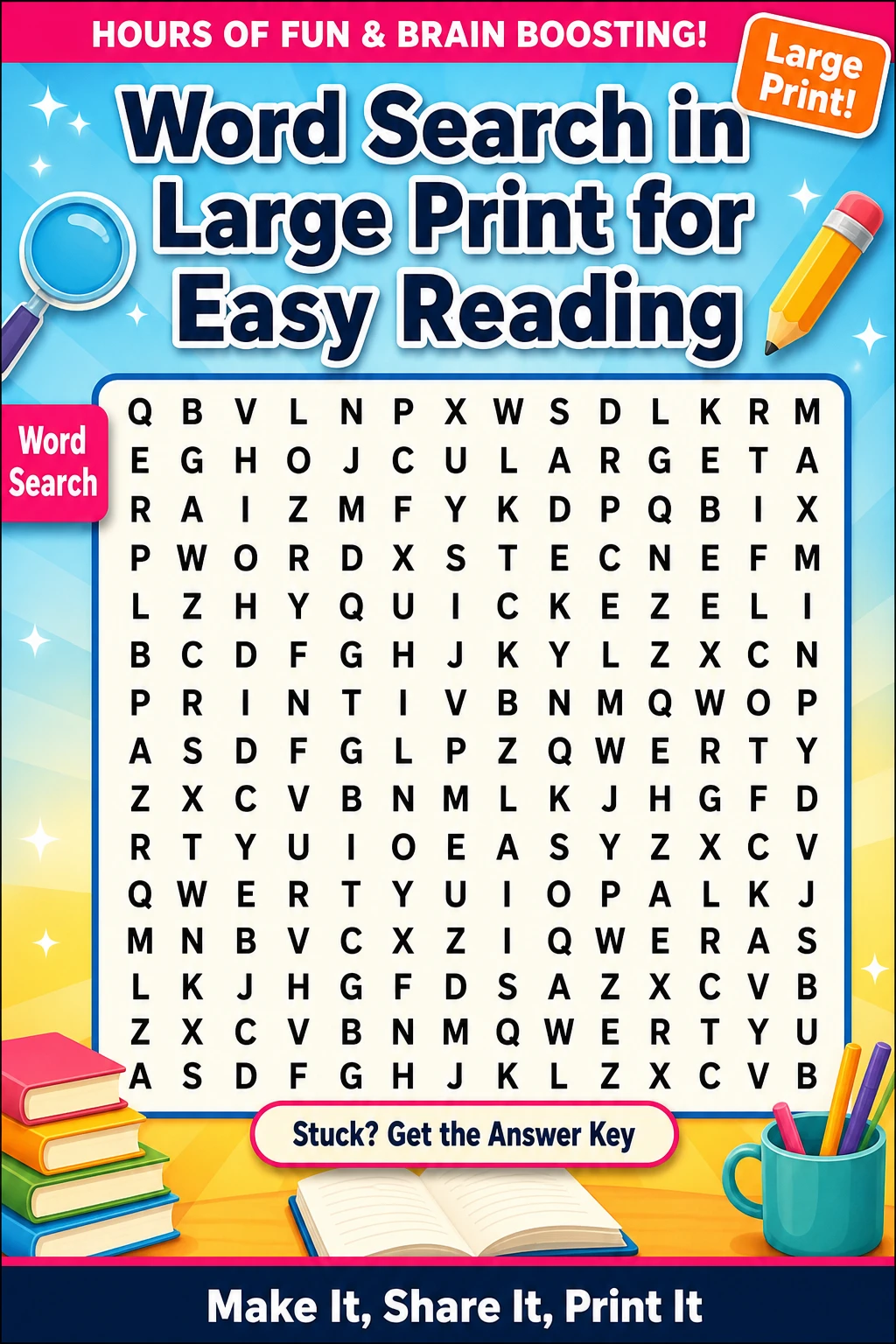
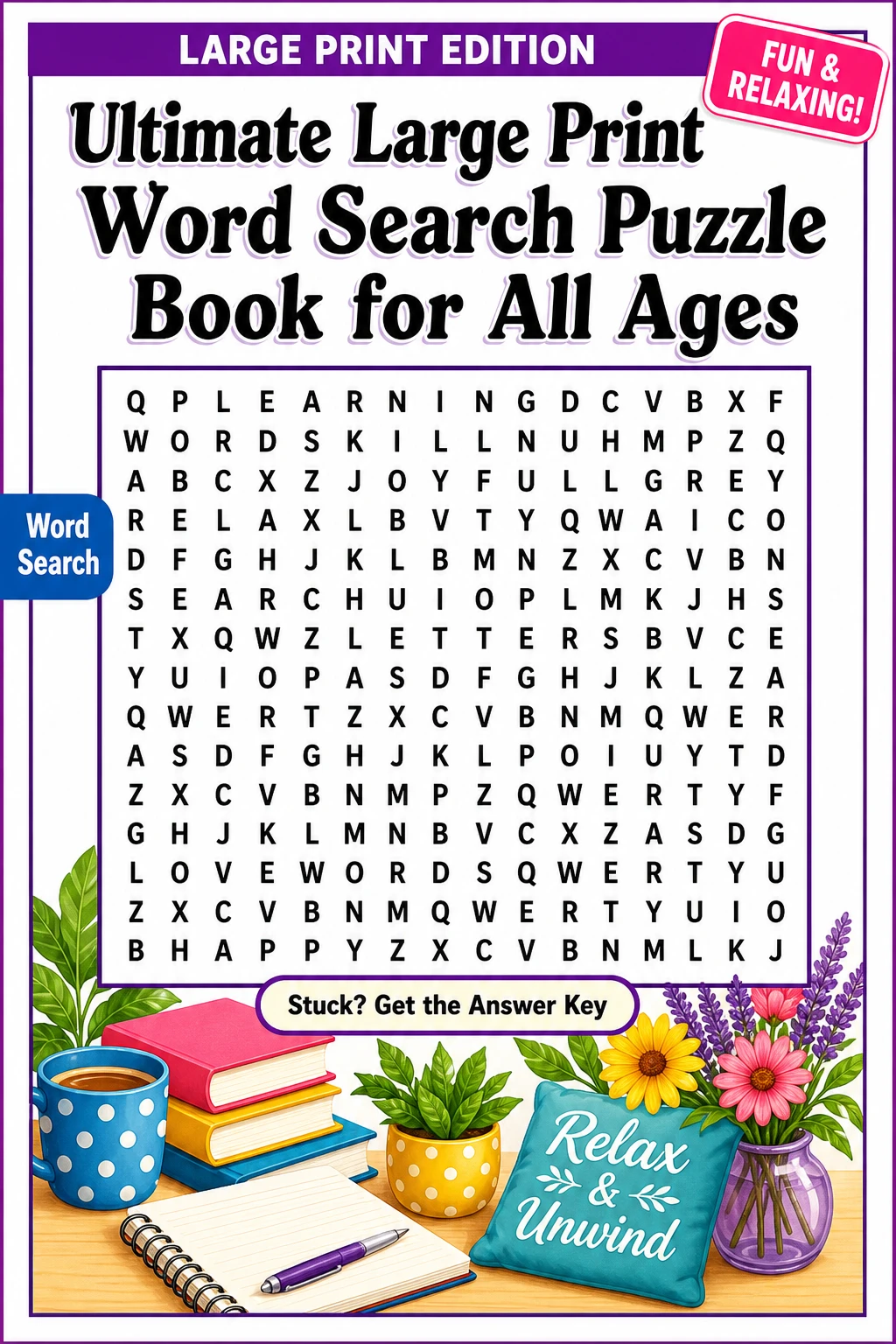
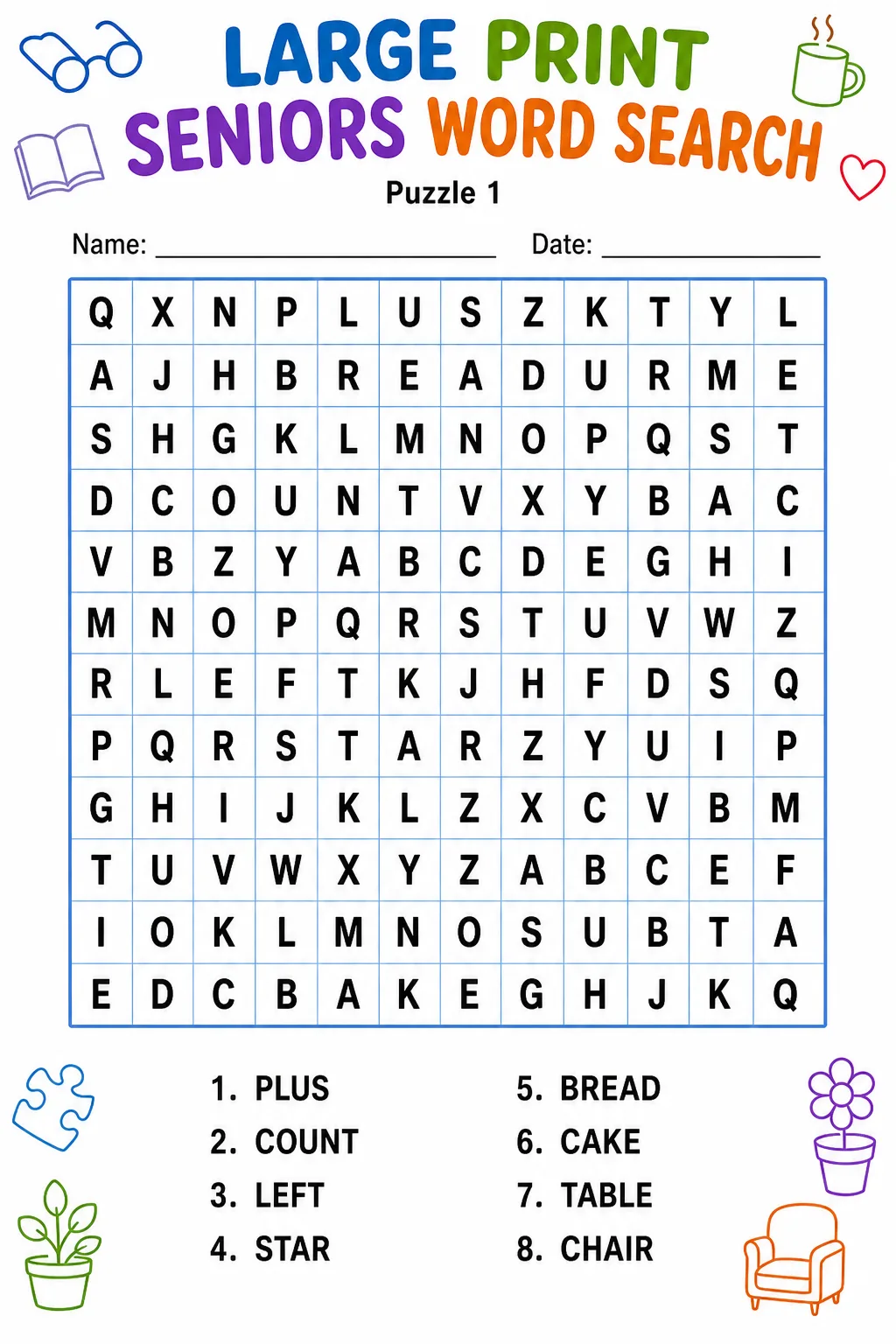
This word search in large print is designed for adults seeking an easy-to-read, relaxing puzzle experience. It features a medium difficulty level and is free to print as a PDF with a solution option. Enjoy a clear, accessible word find suitable for seniors and anyone who prefers larger letters.
Introduction
This word search in large print is perfect for adults and seniors who want a relaxing, accessible puzzle with easy-to-read letters. The medium difficulty level makes it suitable for casual solvers and those looking for a moderate challenge. It’s ideal for anyone who prefers larger print for comfort and clarity.
- Theme words you can use in your own version include: PUZZLE, PRINT, LARGE, SEARCH, LETTERS, RELAX, EASY, CHALLENGE, ADULTS, SENIORS, CLEAR, FUN, WORDS, FIND, GAME, BRAIN, FOCUS, QUIET, TIME
How to Download and Print This Puzzle
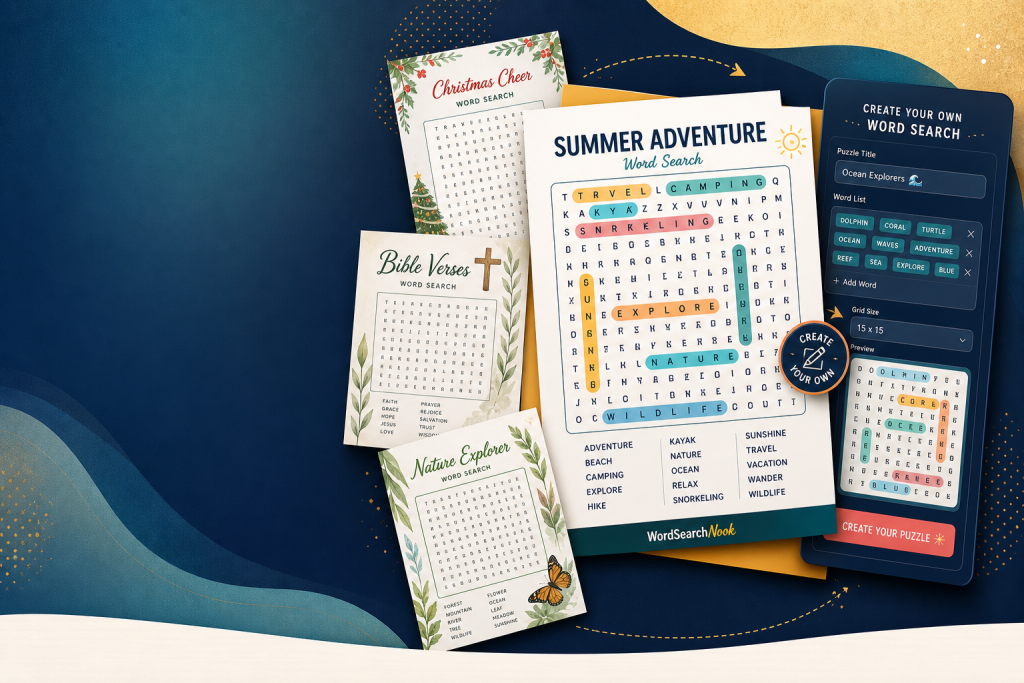
Create Your Own Word Search for Free
Creating a custom word search in large print is simple and free with the Word Search Nook puzzle maker. Follow these steps to design your own puzzle:
- Click "Create my puzzle" and enter a title for your word search.
- Type your words one per line; consider using 8 to 20 words related to your chosen theme. The tool automatically handles accents and hyphens. For a tougher challenge, enable "Question / answer mode."
- Choose a style by selecting a shape like a star or heart and pick a color palette. Use the live preview to see your puzzle and click "Shuffle layout" for a new arrangement if desired.
- Save and share your puzzle via a short link that you can send by WhatsApp or email. Set visibility to "Family" so only those with the link can access it.
- Print or save your puzzle as a PDF using the "Print" button, which opens a clean page with just the title, grid, and word list. You can choose to include solutions before saving.
The Word Search Nook puzzle maker is 100% free, with no watermarks, no credit card required, and no account needed to play. An account only saves your puzzles for future use. If a word is too long for the grid, it will be listed under the preview so you can remove or replace it. This tool does not offer grid size sliders or difficulty settings but provides a straightforward way to create large print puzzles easily.
About This Puzzle
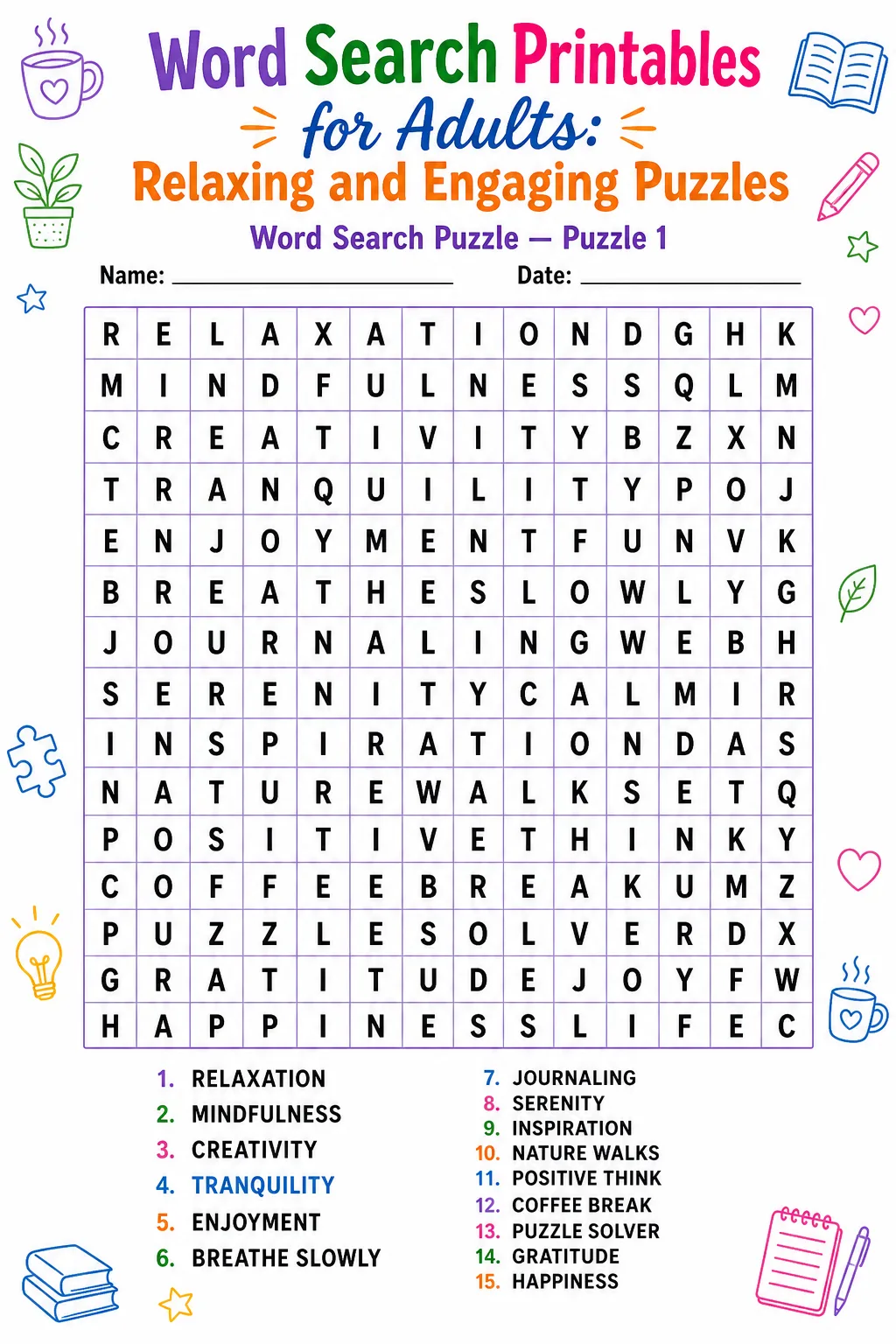
Word searches are a timeless puzzle enjoyed by many, and this version focuses on large print to make the experience accessible and comfortable for adults and seniors. Large print puzzles help reduce eye strain and make it easier to spot words, especially for those with vision challenges. The selected words relate to puzzles, relaxation, and the joy of word finding, making this word search in large print both thematic and practical. It encourages mental engagement while providing a pleasant, low-stress activity that can be shared in various settings such as homes, classrooms, or senior centers.
Solving Tips
Frequently Asked Questions
Gallery
Final Thoughts
Now that you know about this word search in large print, download and print the puzzle to enjoy a relaxing and accessible challenge. For more fun, explore related word searches designed for adults and seniors with large print options and various themes.
Leave a Reply