

Learn how to create and understand custom printable word search puzzles with this comprehensive guide. This article provides step-by-step instructions, expert tips, common mistakes to avoid, and answers to frequently asked questions, all aimed at enhancing your puzzle-making experience. Whether you are a puzzle enthusiast or an educator, you will find valuable insights to design engaging word searches tailored to any theme or skill level.
Introduction
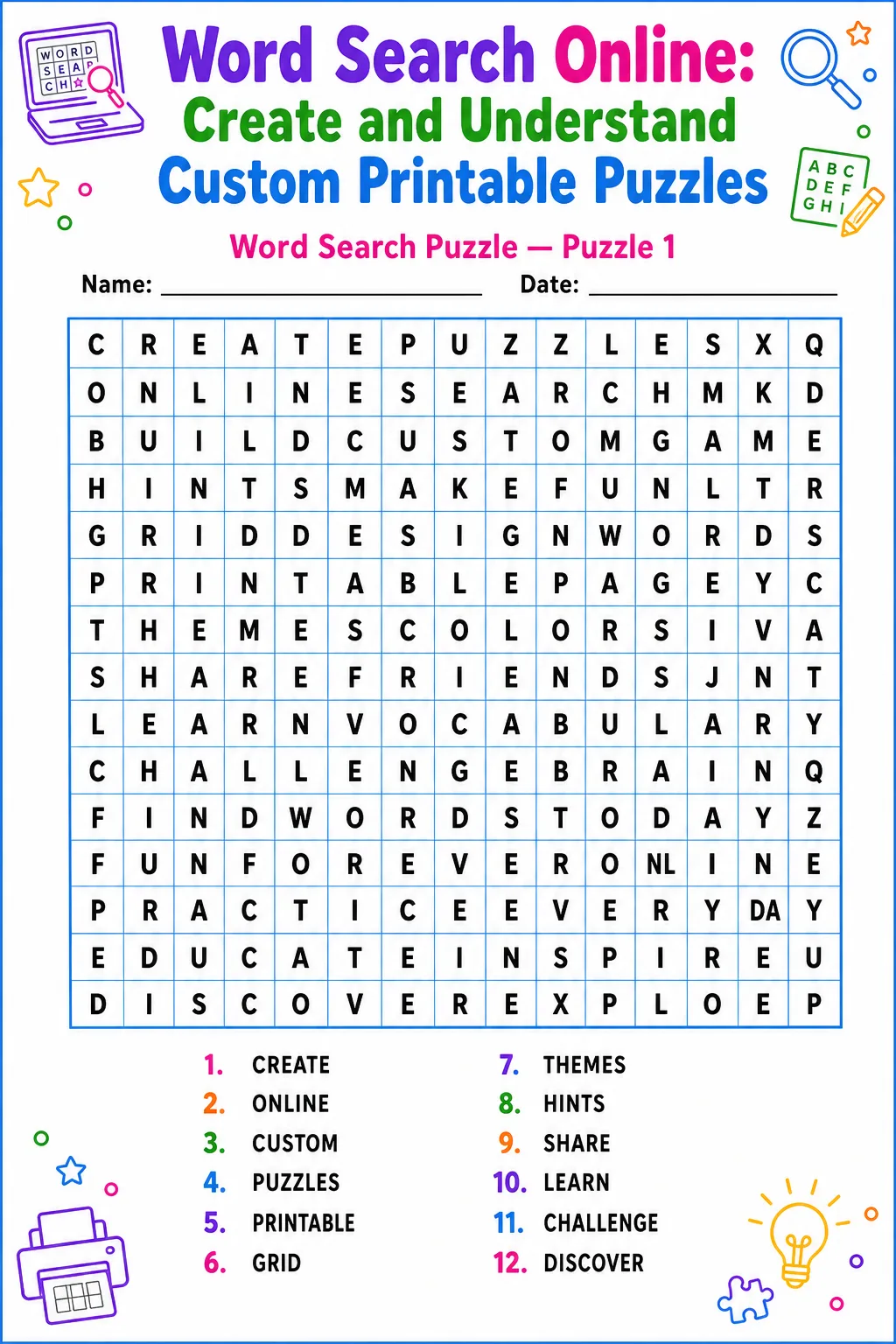
Online word search puzzles have gained popularity as a fun and interactive way to engage learners and puzzle fans. Whether you’re crafting a themed activity for a classroom, a family gathering, or simply looking for a fun pastime, understanding how to design your own printable word search is essential. This article will guide you through the process of creating custom puzzles, explaining key concepts and techniques to ensure your creations are both challenging and enjoyable.
By exploring the fundamentals of word placement, grid size, and word selection, you will build the confidence needed to tailor puzzles for different age groups and difficulty levels. Additionally, this guide includes helpful tips and highlights common pitfalls to avoid, ensuring your word search puzzles stand out and provide hours of entertainment.
Personal Experience
One rainy afternoon, I searched online for a fun activity to do with my family. We discovered a nature-themed word search puzzle that sparked everyone’s interest. Inspired, I decided to create my own custom puzzles for various occasions and interests. Crafting these puzzles became a delightful way to bring family and friends together, promoting learning and laughter. The process of selecting words, designing grids, and solving the puzzles turned into a cherished pastime, especially when we printed them out for offline enjoyment. This experience demonstrated how versatile and enjoyable word search puzzles can be, motivating me to share this knowledge with others who wish to create their own engaging printable puzzles.
How to Create a Word Search Puzzle
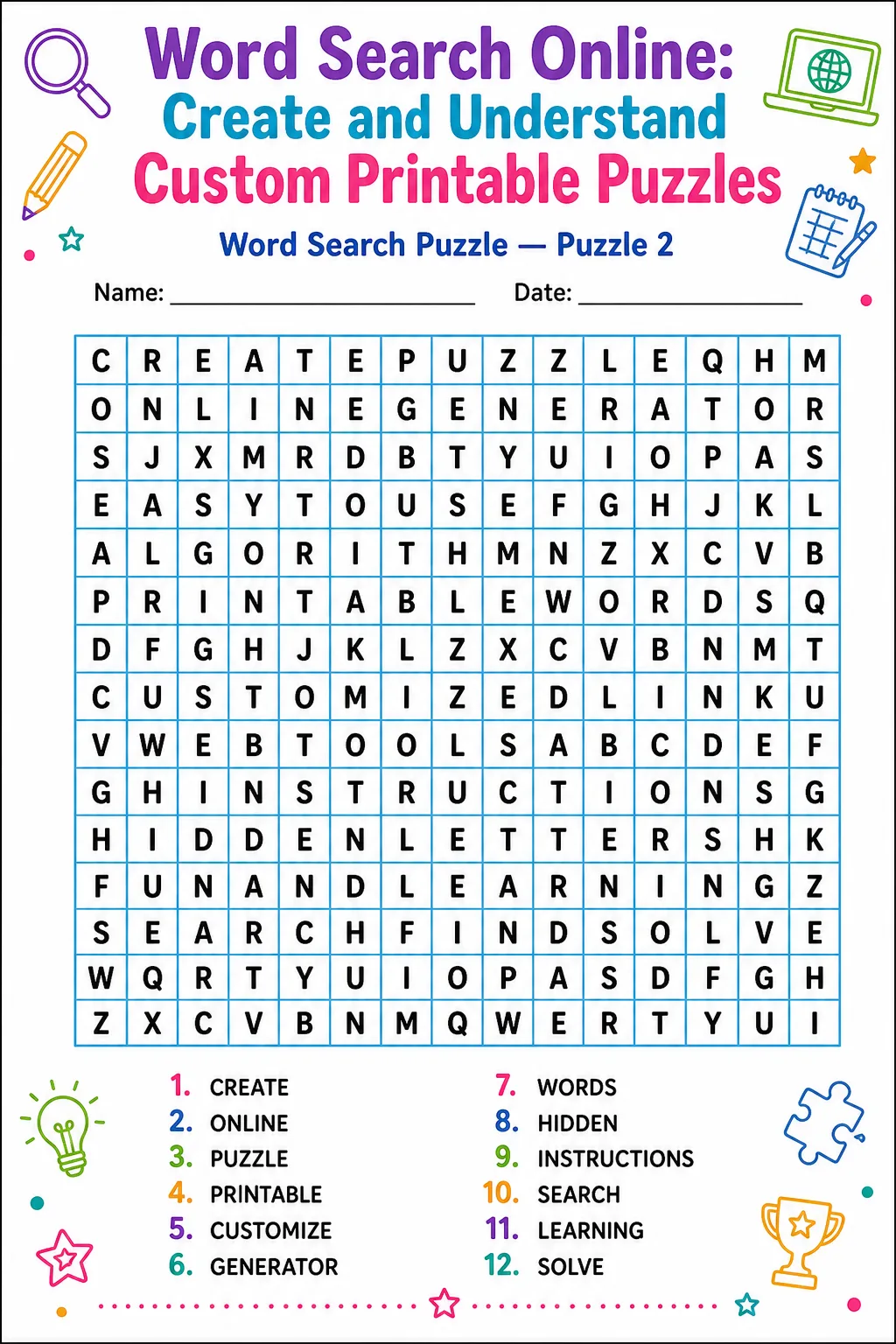
Creating a word search puzzle involves several key steps that ensure both fun and educational value.
Benefits of Word Search Puzzles
Word search puzzles serve as excellent tools for enhancing vocabulary, spelling, and pattern recognition. They engage the brain in a playful manner, making learning feel enjoyable rather than tedious. This guide effectively breaks down the puzzle creation process into manageable steps, catering to both beginners and experienced creators.
Furthermore, the article provides practical advice on customizing puzzles based on difficulty and theme, fostering creativity and adaptability. By addressing common mistakes and offering expert tips, it ensures that your puzzles are enjoyable and educational. The inclusion of frequently asked questions clarifies common doubts that arise during puzzle creation, making this post a comprehensive resource for anyone interested in printable word search puzzles.
Frequently Asked Questions
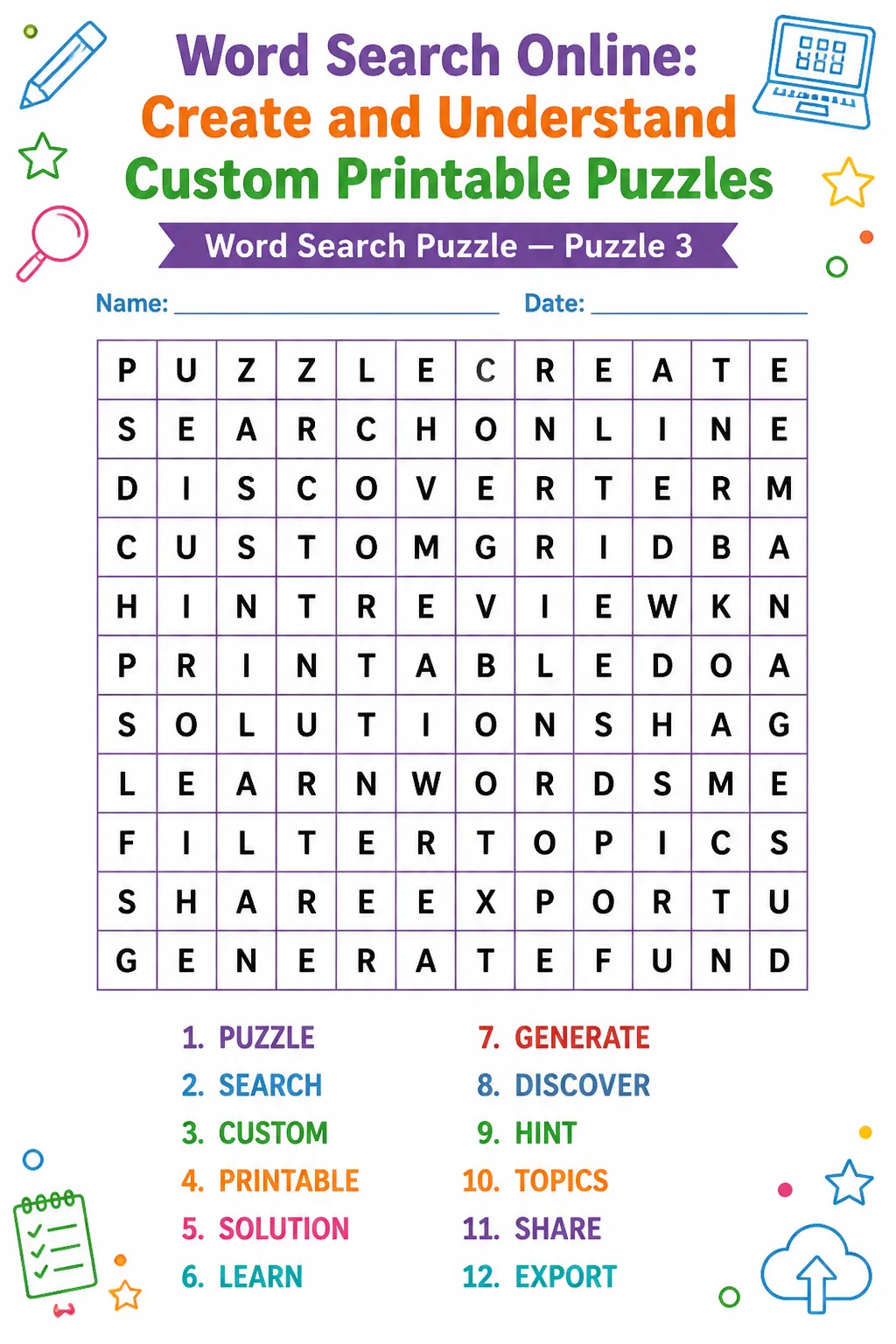
Here are some common questions regarding word search puzzles:
Common Mistakes to Avoid
Pro Tips
Creating custom printable word search puzzles is a rewarding activity that combines creativity with educational value. By following the steps and tips in this guide, you can design puzzles that suit any theme and skill level, providing fun and learning for all ages. Avoiding common mistakes ensures your puzzles are clear, challenging, and enjoyable. Whether for classroom use, family fun, or personal enjoyment, word search puzzles remain a timeless pastime. Start crafting your own puzzles today and share the joy of discovery with others.
Keep your word list focused and relevant to maintain player interest.
Use a consistent font style and size for a clean, readable puzzle.
Balance the number of words with grid size to avoid overcrowding.
Include an answer key with every puzzle for easy solution checking.
Gallery
Creating Your Puzzle
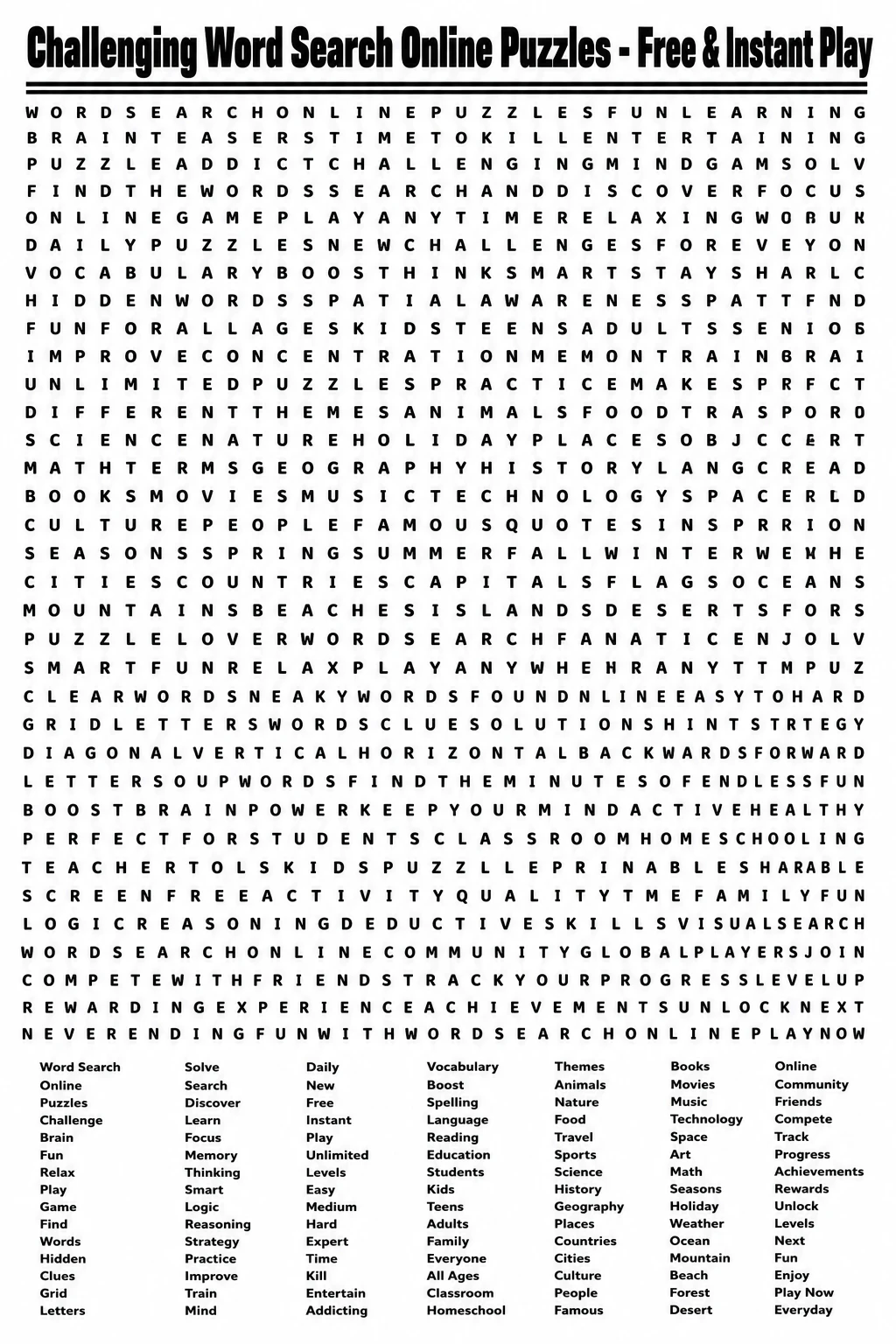
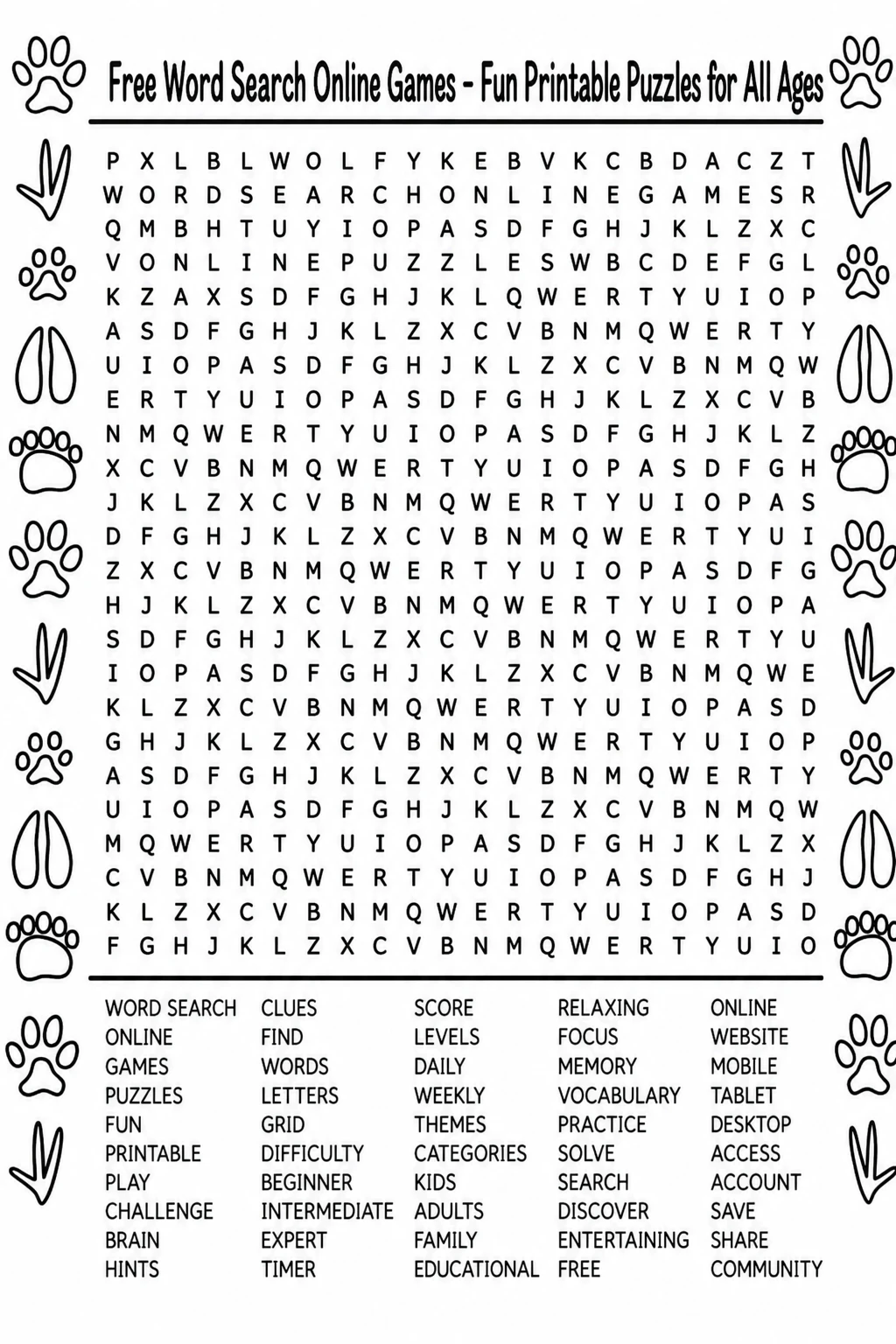
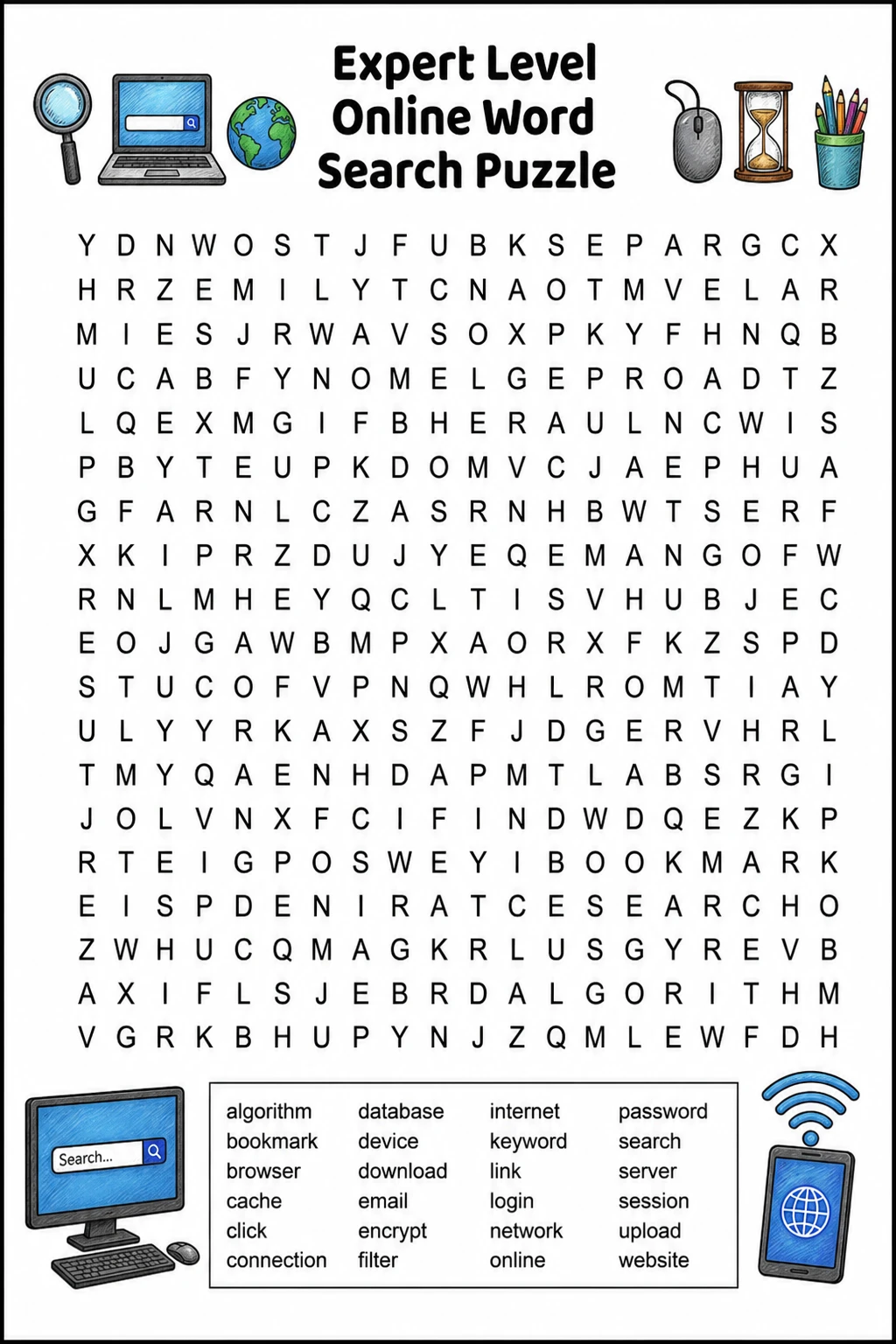
To create a custom word search puzzle, start by selecting a theme that resonates with your audience. This could range from animals and holidays to educational topics. Next, compile a list of relevant words. Keep in mind that very long words or those containing spaces and symbols can be challenging to fit into the grid.
Choose a grid size appropriate for your target age group and difficulty level. For younger players, smaller grids with fewer words are ideal, while larger grids with more words and complex placements are better suited for advanced solvers. You can increase difficulty by allowing words to be placed diagonally or backward, but be cautious not to make the puzzle overly frustrating.
- Begin placing your words in the grid, ensuring they fit without improper overlaps.
- Fill any empty spaces with random letters to complete the visual aspect of the puzzle.
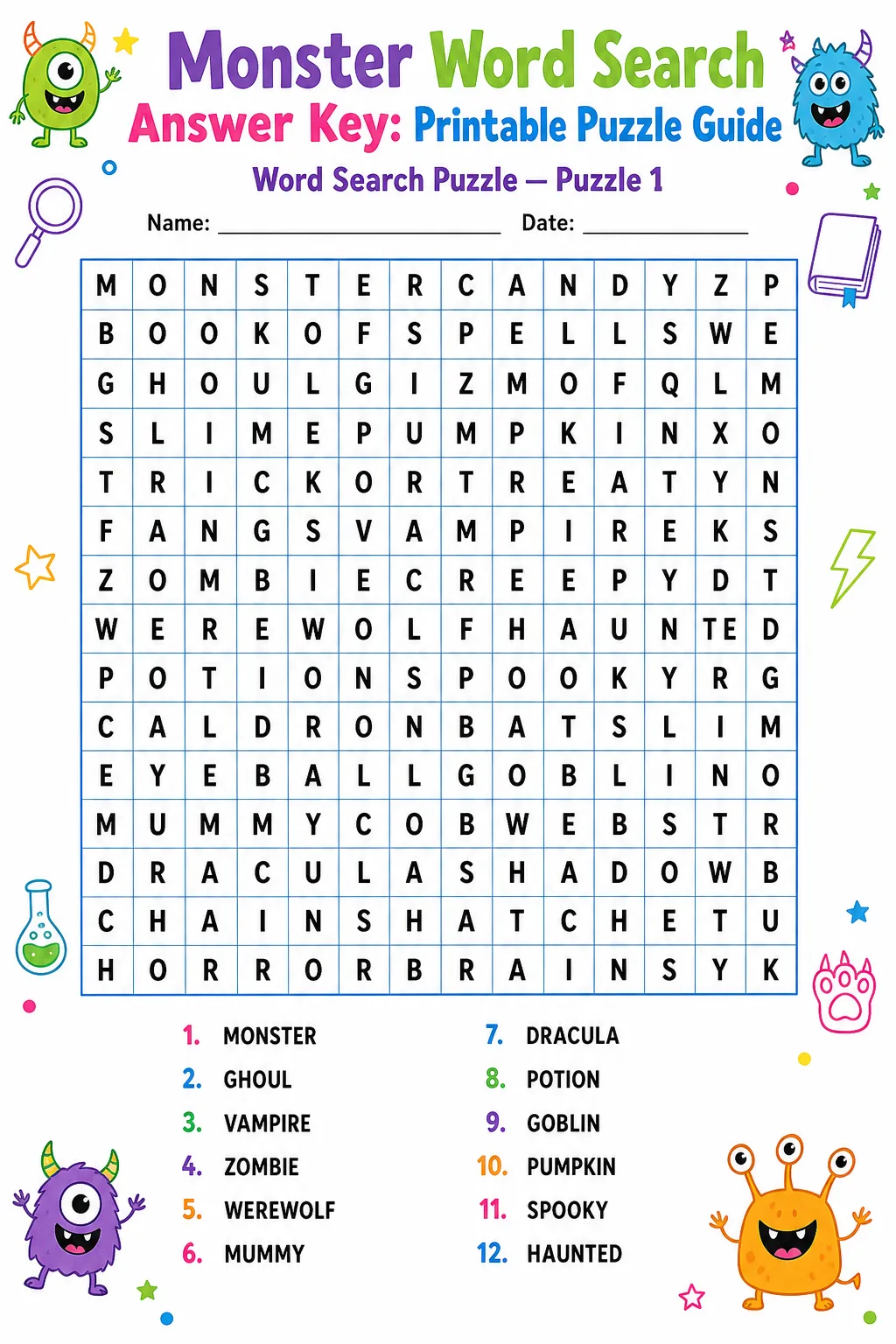
- Finally, generate an answer key that highlights all word locations for easy verification.
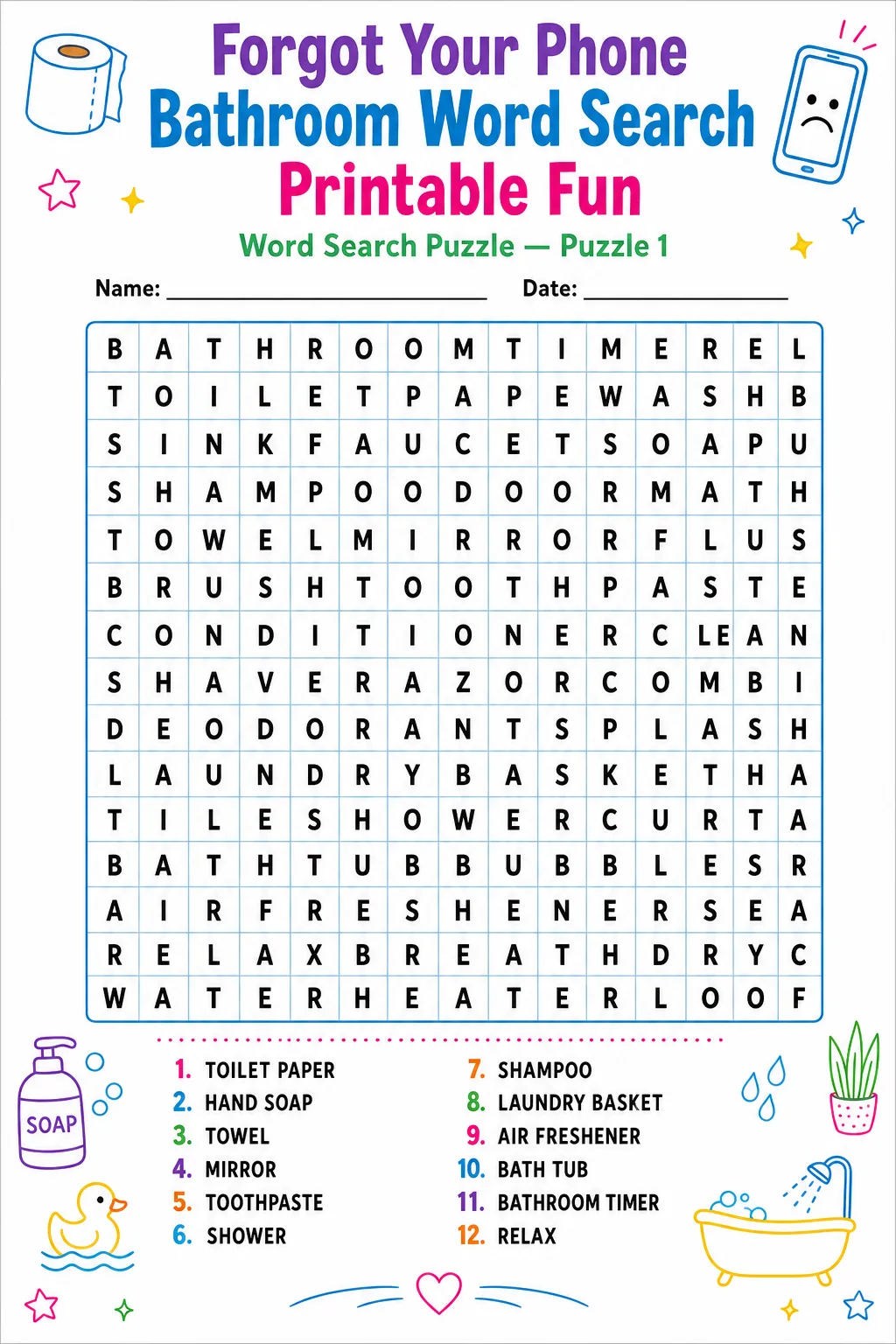
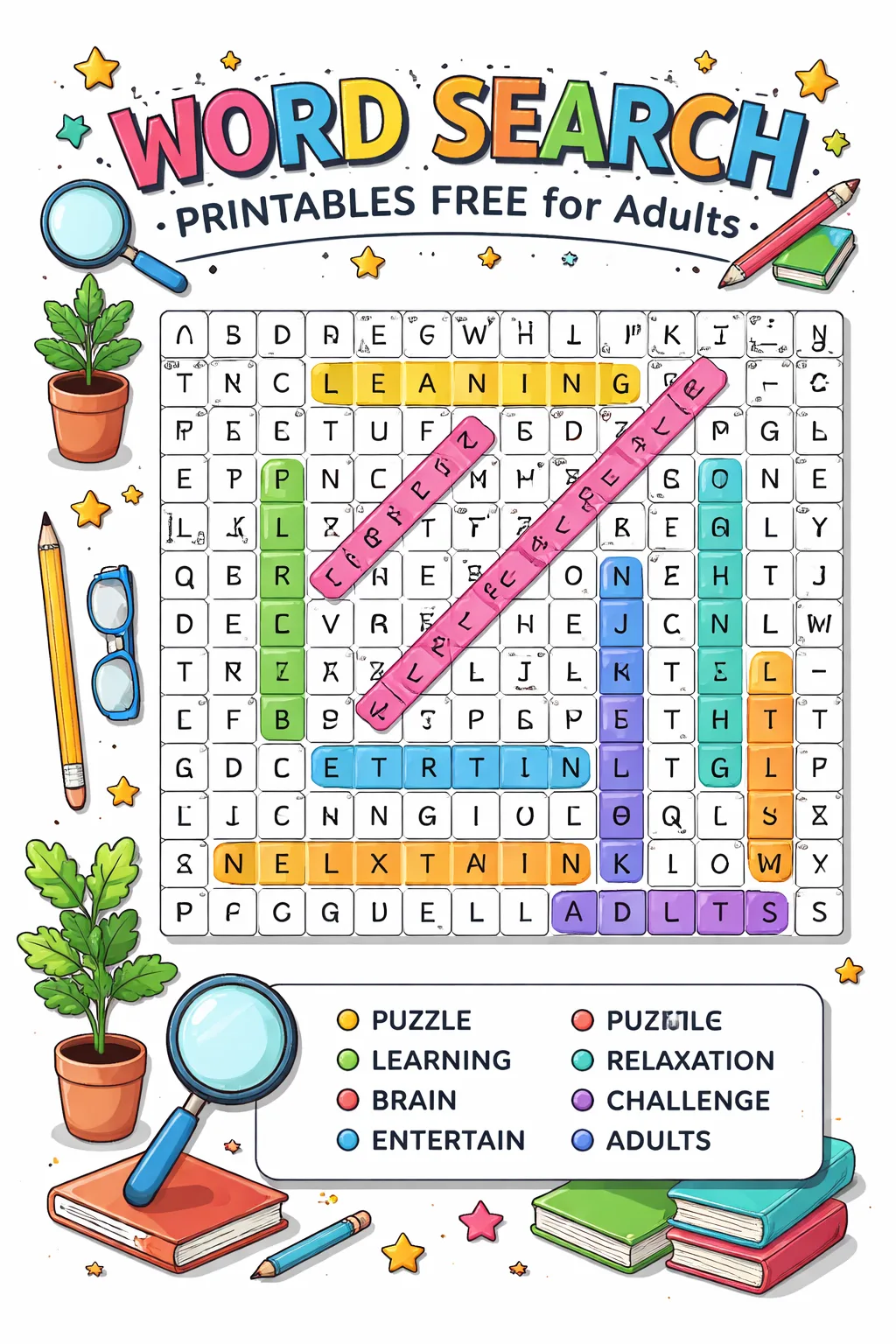
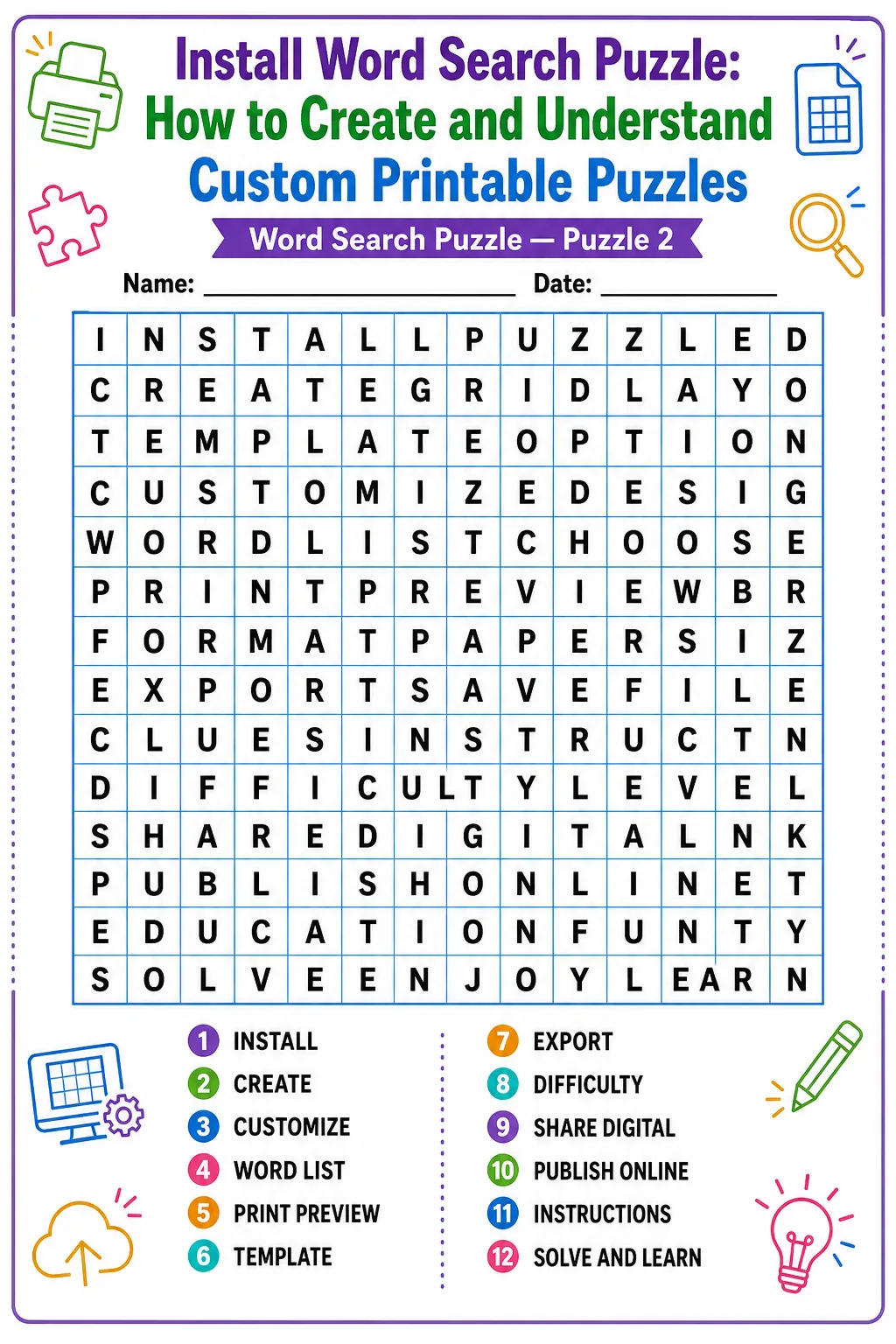
By following these steps, you can create a personalized word search puzzle that is both enjoyable and challenging, perfect for printing and sharing with others.


Leave a Reply