
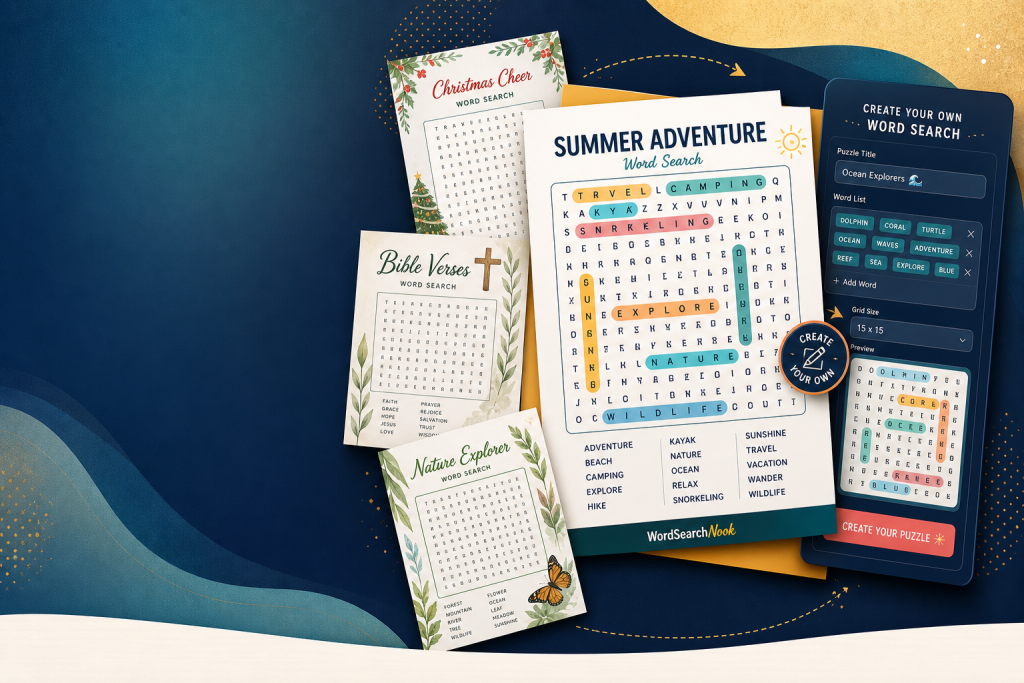
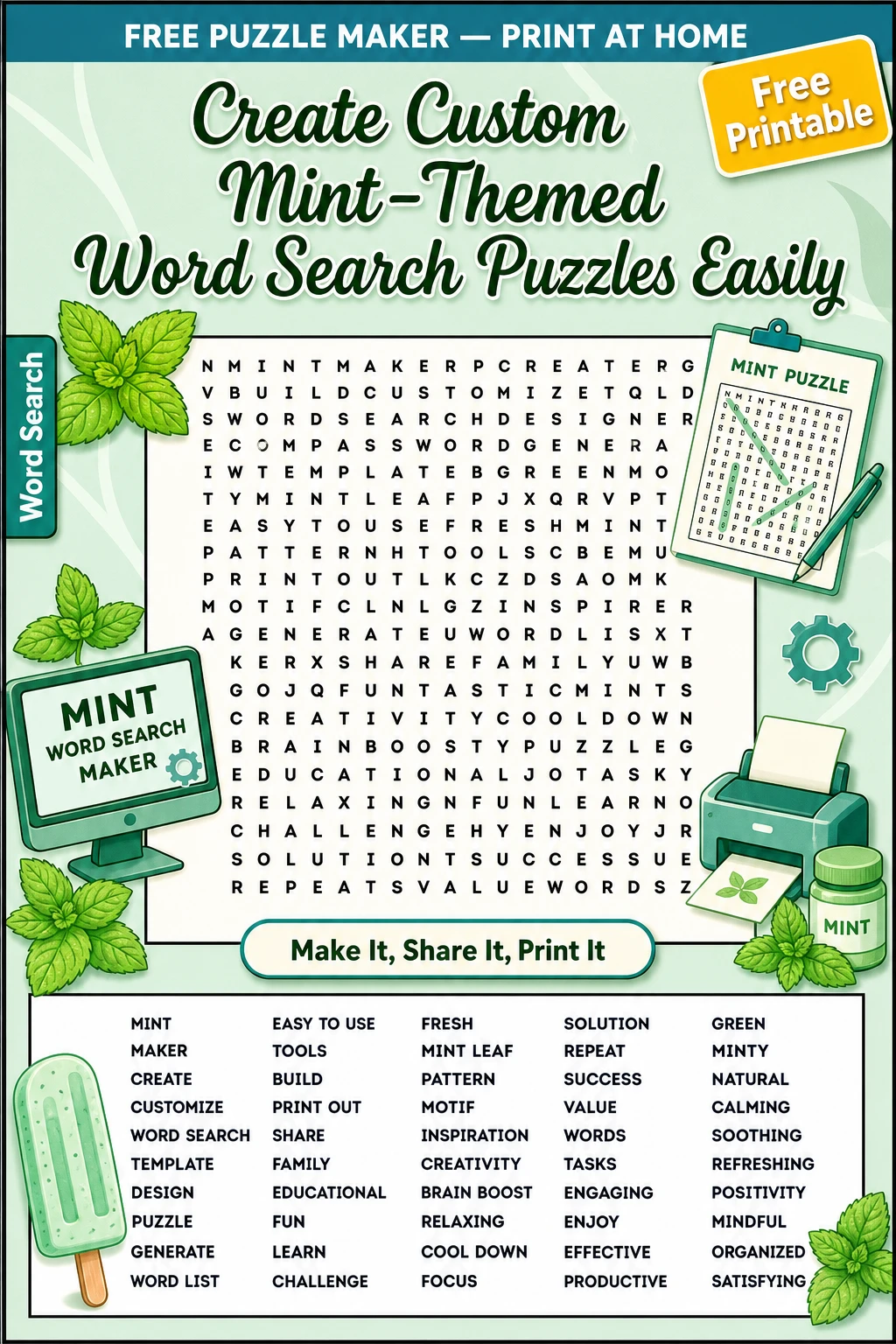
The mint word search maker lets you create custom printable word search puzzles tailored to any theme or skill level. This guide explains how to design your own puzzles, choose word lists, and adjust difficulty for a fun and educational activity. Perfect for classrooms, family fun, or indoor games, it offers step-by-step instructions and helpful tips.
Introduction
The mint word search maker is an excellent tool for anyone interested in creating personalized word search puzzles. Whether you are a teacher looking for classroom activities or a parent planning fun indoor games, this tool offers flexibility and ease of use. By selecting your own words and themes, you can tailor puzzles to fit different age groups and interests. This article will guide you through the process of making your own printable word search puzzles, explaining key features and offering advice to ensure your puzzles are both challenging and enjoyable. With the mint word search maker, you can engage learners and puzzle enthusiasts alike with customized word finds that promote vocabulary skills and concentration.
Story
One rainy afternoon, I found myself searching for a fun indoor activity that could keep my family entertained and learning at the same time. That’s when I discovered the mint word search maker. It allowed me to create a custom word search puzzle themed around leadership and inspiration, which was perfect for our little group. We enjoyed finding words related to motivation and values, sparking conversations and laughter. This experience showed me how versatile and enjoyable printable word search puzzles can be, especially when tailored to specific interests. Since then, I’ve used the mint word search maker to craft puzzles for classroom activities, family game nights, and even as thoughtful gifts. It’s a simple yet powerful way to bring people together through words and fun.
How To Do It
Why This Works
Benefits of Custom Word Search Puzzles
Word search puzzles are a popular educational tool because they improve vocabulary, spelling, and pattern recognition. This post works well because it explains how to create personalized puzzles that are both fun and instructional. By customizing puzzles with the mint word search maker, users can tailor difficulty and themes to suit specific needs, making learning more engaging. The step-by-step instructions and practical tips help beginners avoid common pitfalls, ensuring a smooth puzzle-making experience. Additionally, printable puzzles are easy to share and reuse, making them ideal for classrooms and family activities.
Why This Guide Stands Out
This guide focuses on clear, simple language and practical advice, which helps readers quickly understand how to use the mint word search maker effectively. It also addresses common challenges such as selecting appropriate words and adjusting puzzle complexity. By combining educational benefits with user-friendly instructions, this post encourages creativity and active learning through word search puzzles. The inclusion of pro tips and common mistakes to avoid further enhances the reader’s ability to produce high-quality, enjoyable puzzles.
FAQ
Pro Tips
Common Mistakes to Avoid
Final Thoughts
Using the mint word search maker to create custom printable word search puzzles is a rewarding way to engage learners and puzzle fans of all ages. This guide has shown how to select themes, choose word lists, and adjust difficulty to suit your audience. By following the instructions and tips, you can design puzzles that are both educational and entertaining. Whether for classroom use, family fun, or indoor games, personalized word searches offer a great way to build vocabulary and focus. Start creating your own puzzles today and enjoy the satisfaction of sharing a unique, challenging activity with others.
Keep your word list focused on a single theme to maintain puzzle coherence.
Use simple, easy-to-spell words for younger players to avoid frustration.
Double-check the puzzle after creation to ensure all words are included and correctly placed.
Experiment with grid sizes and word orientations to find the perfect balance of fun and challenge.
Gallery
Create puzzle
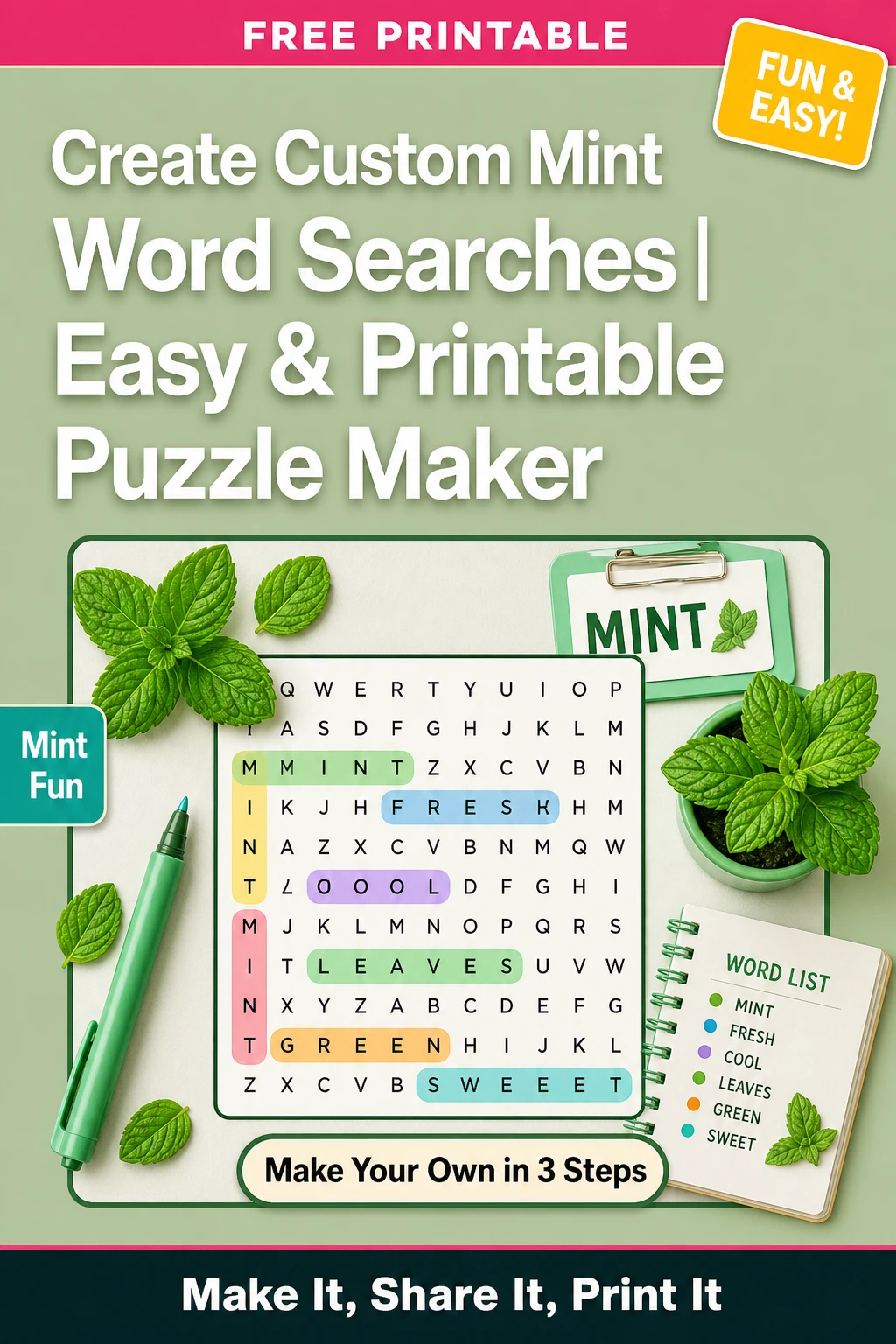
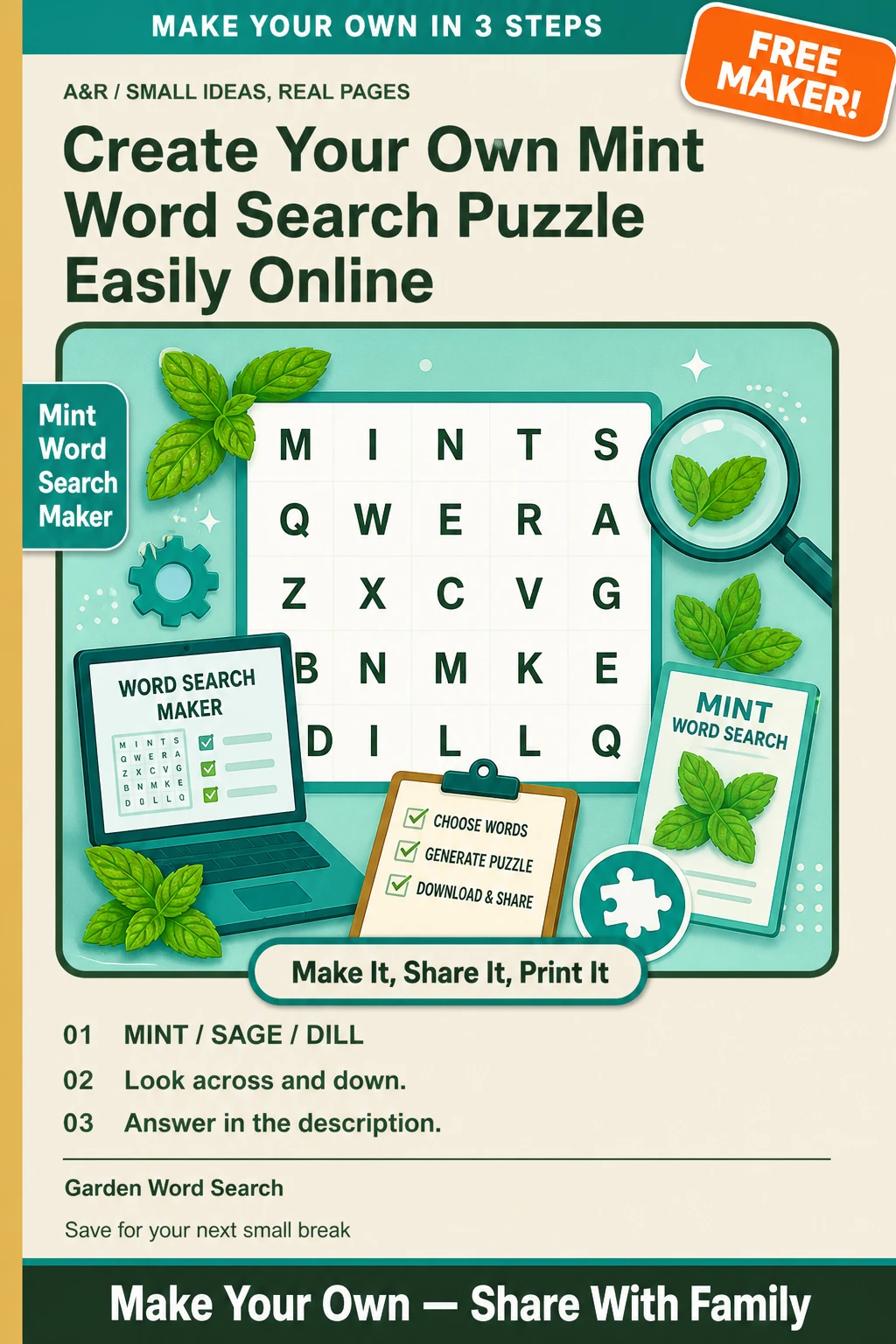
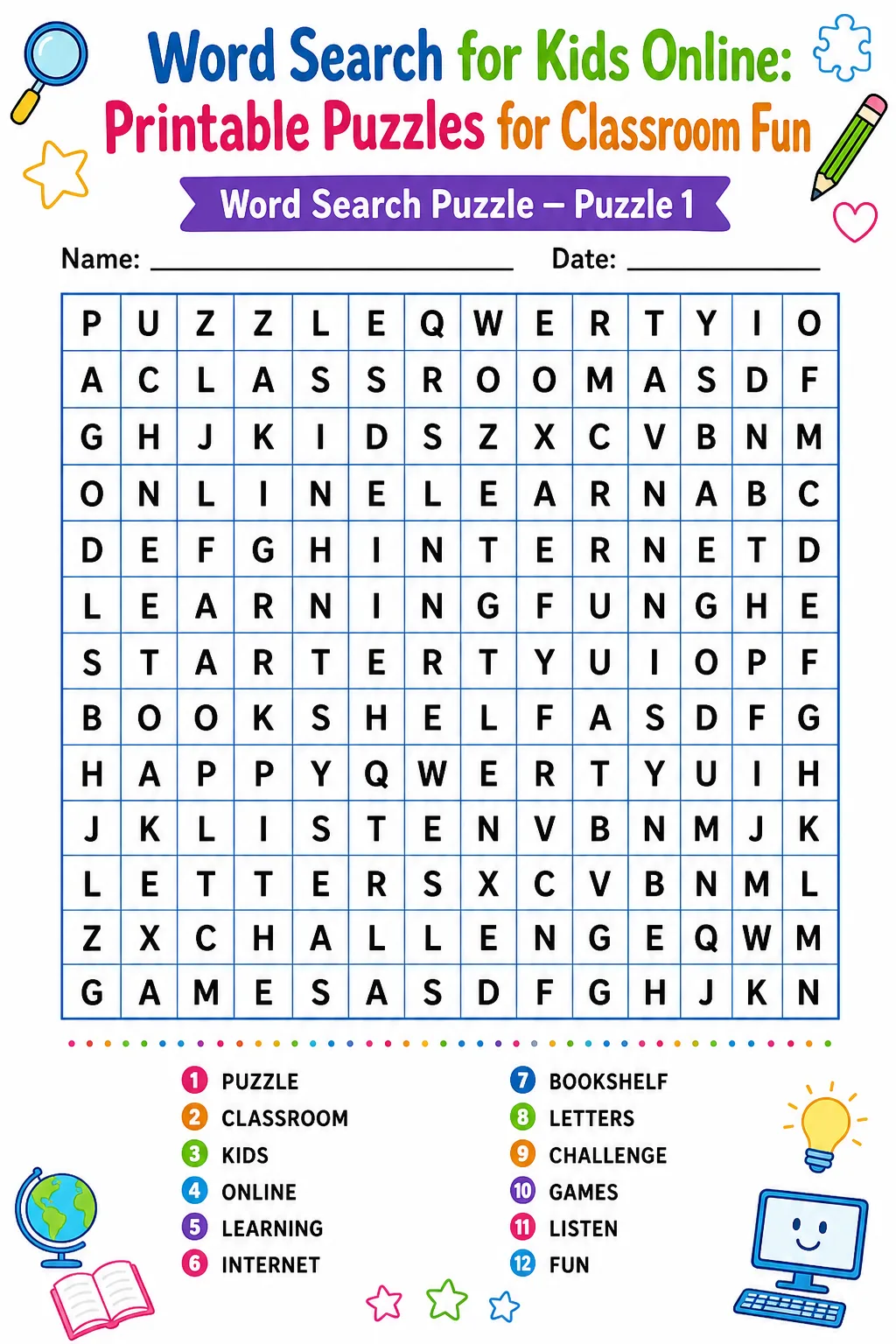
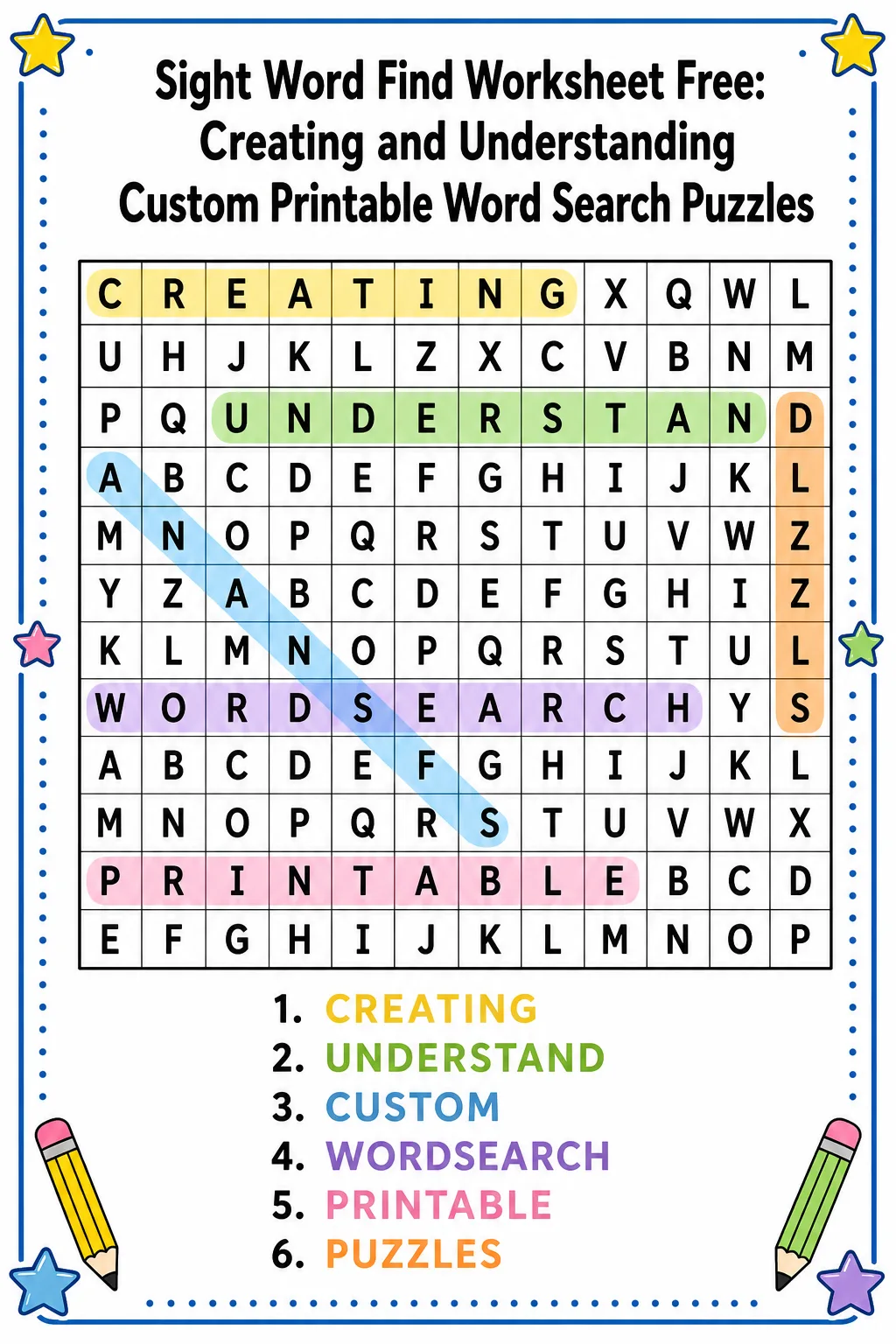
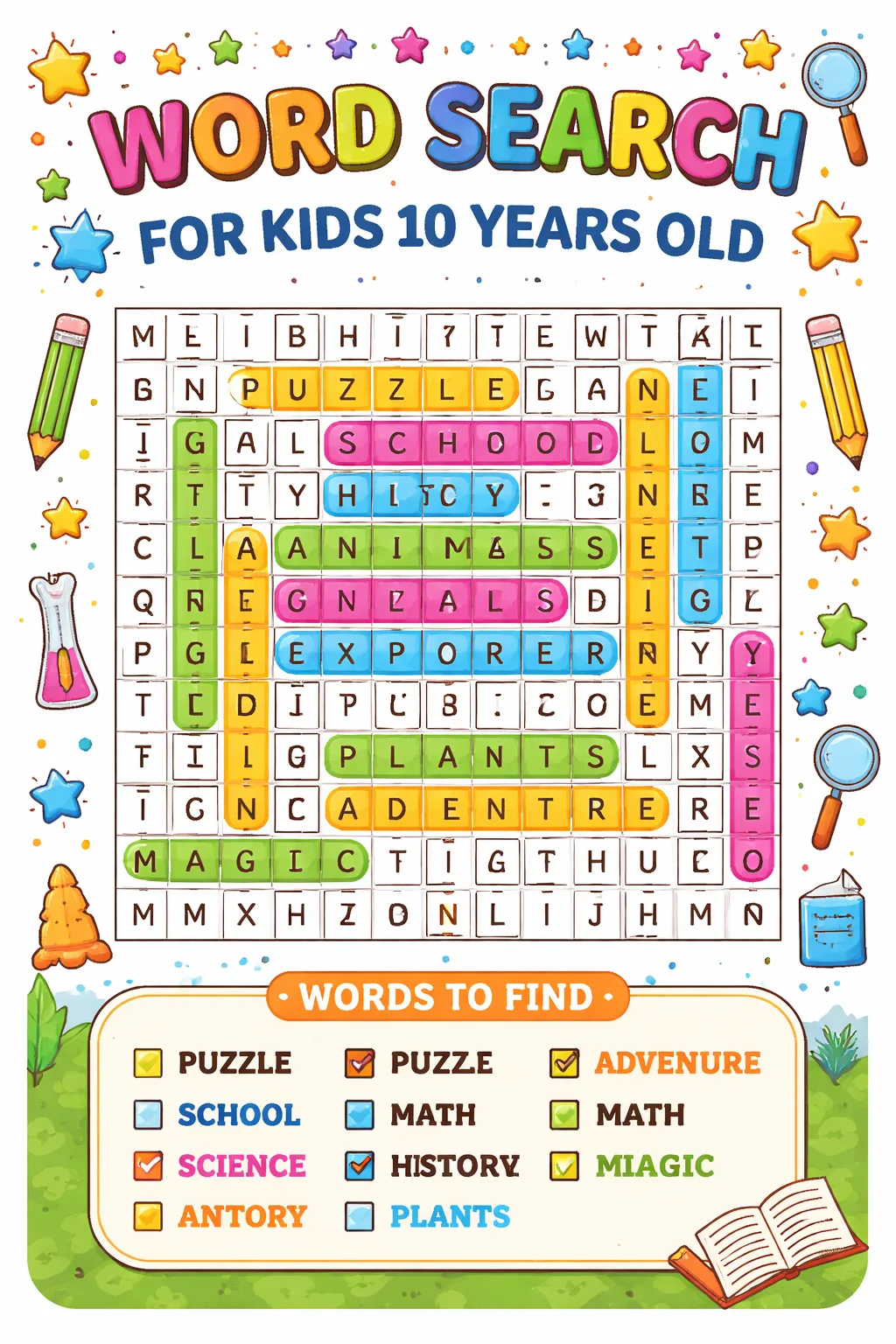
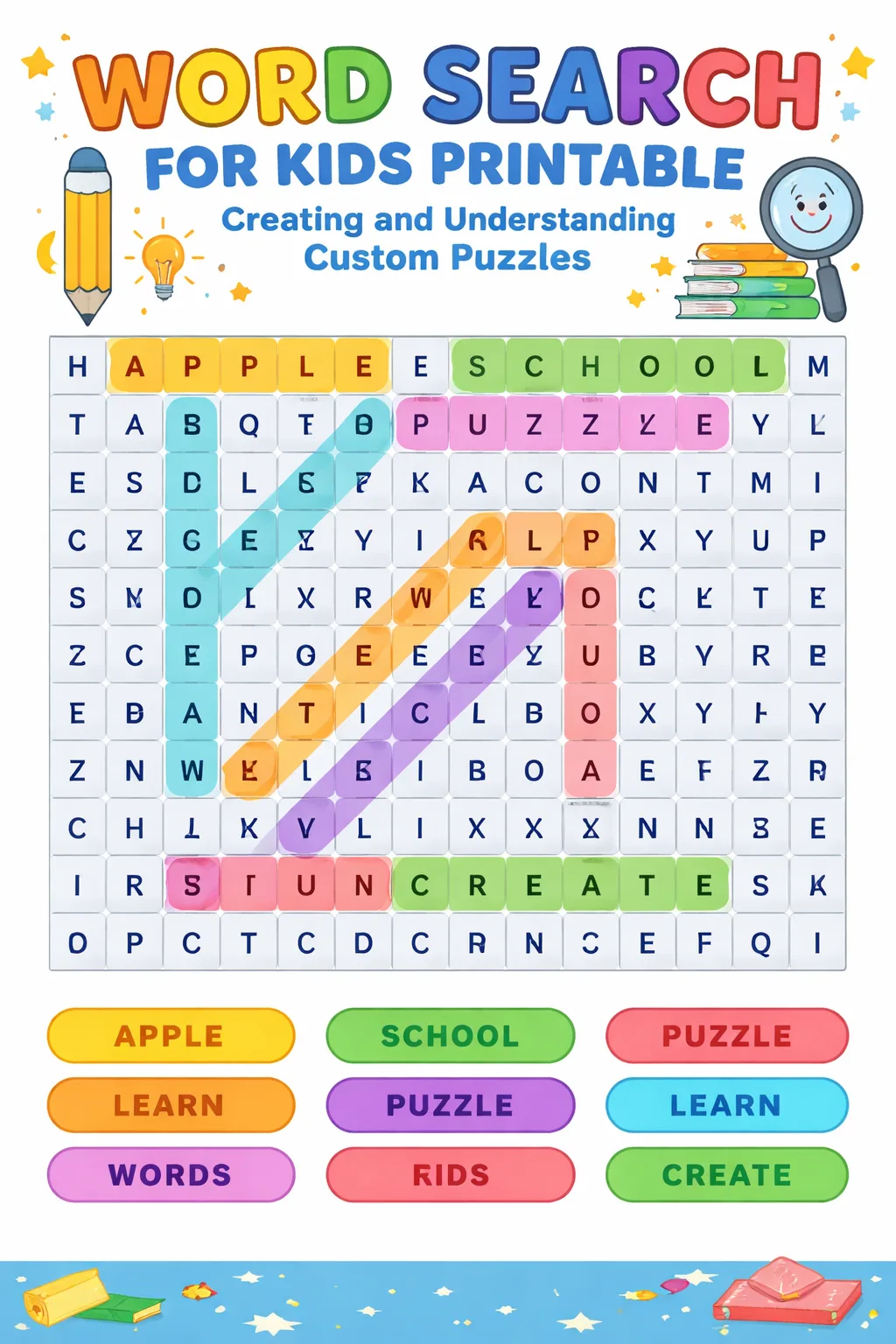
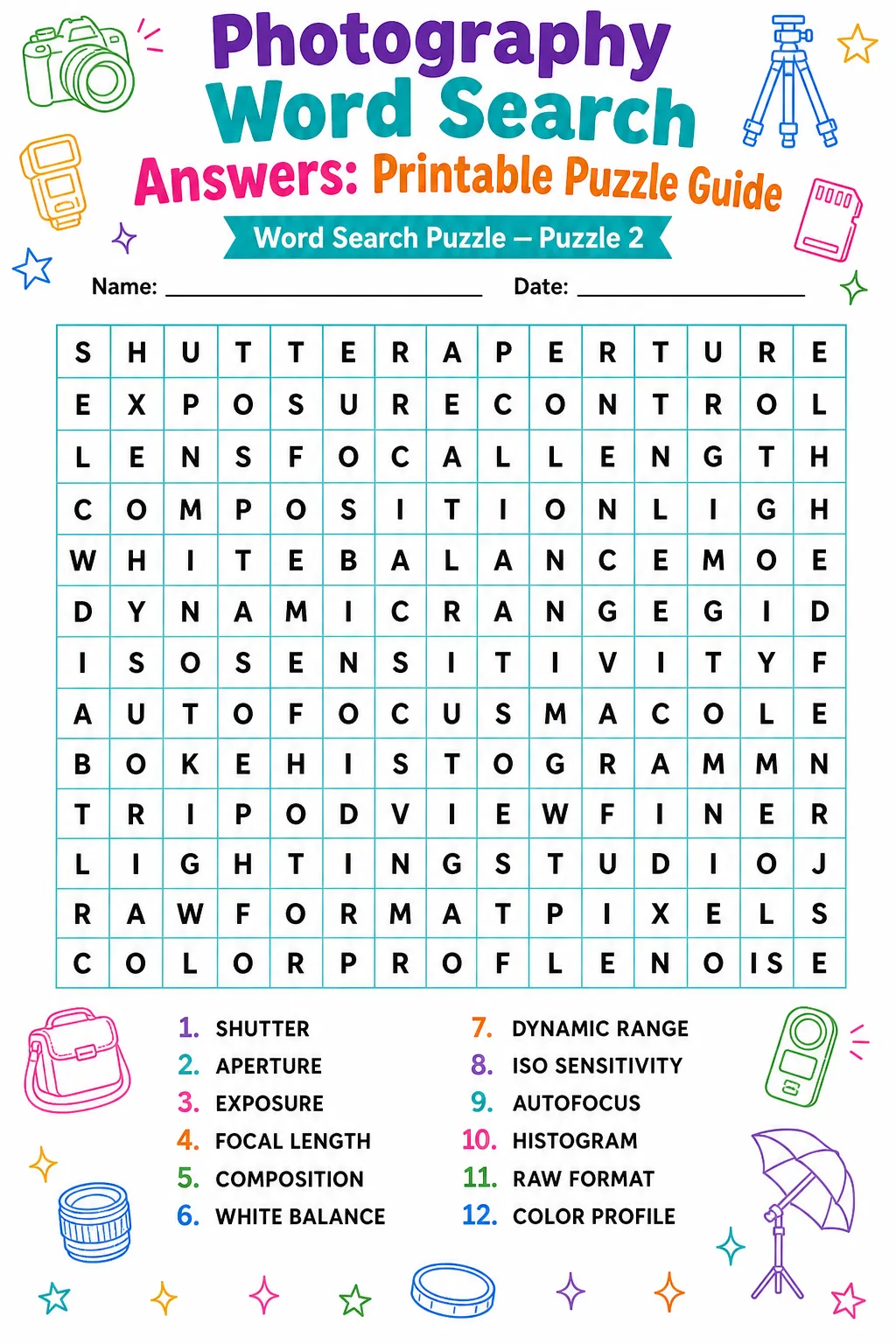
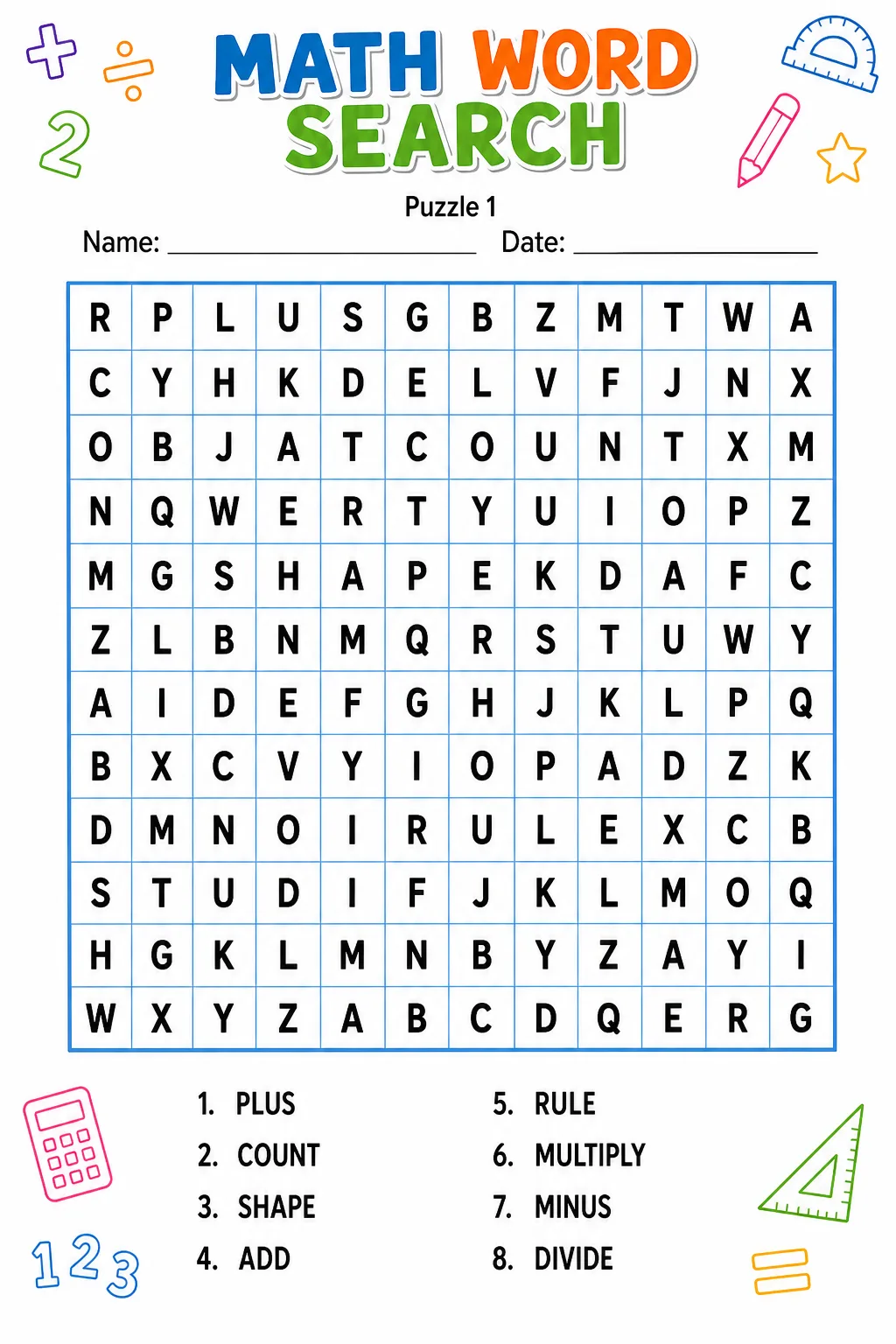
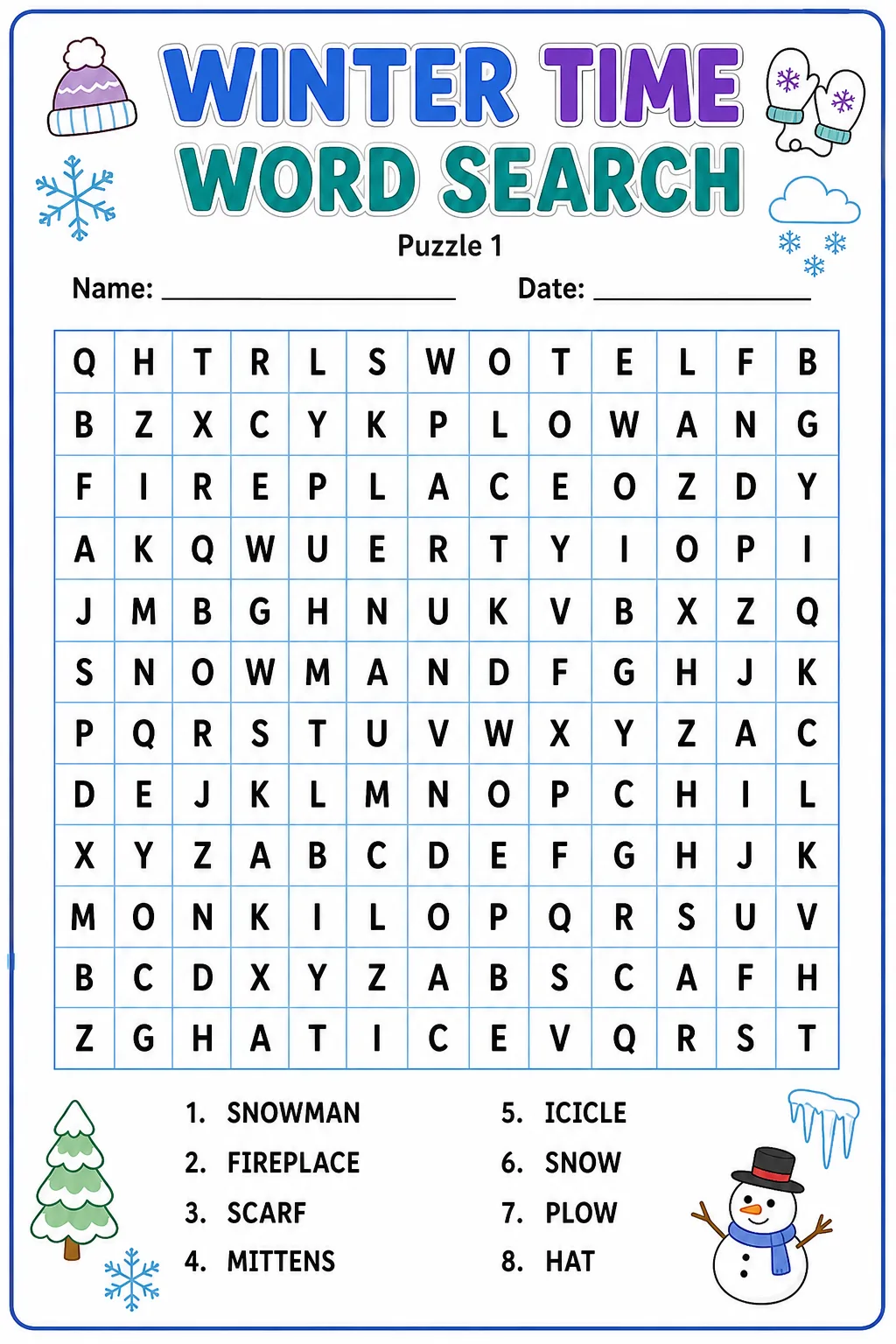
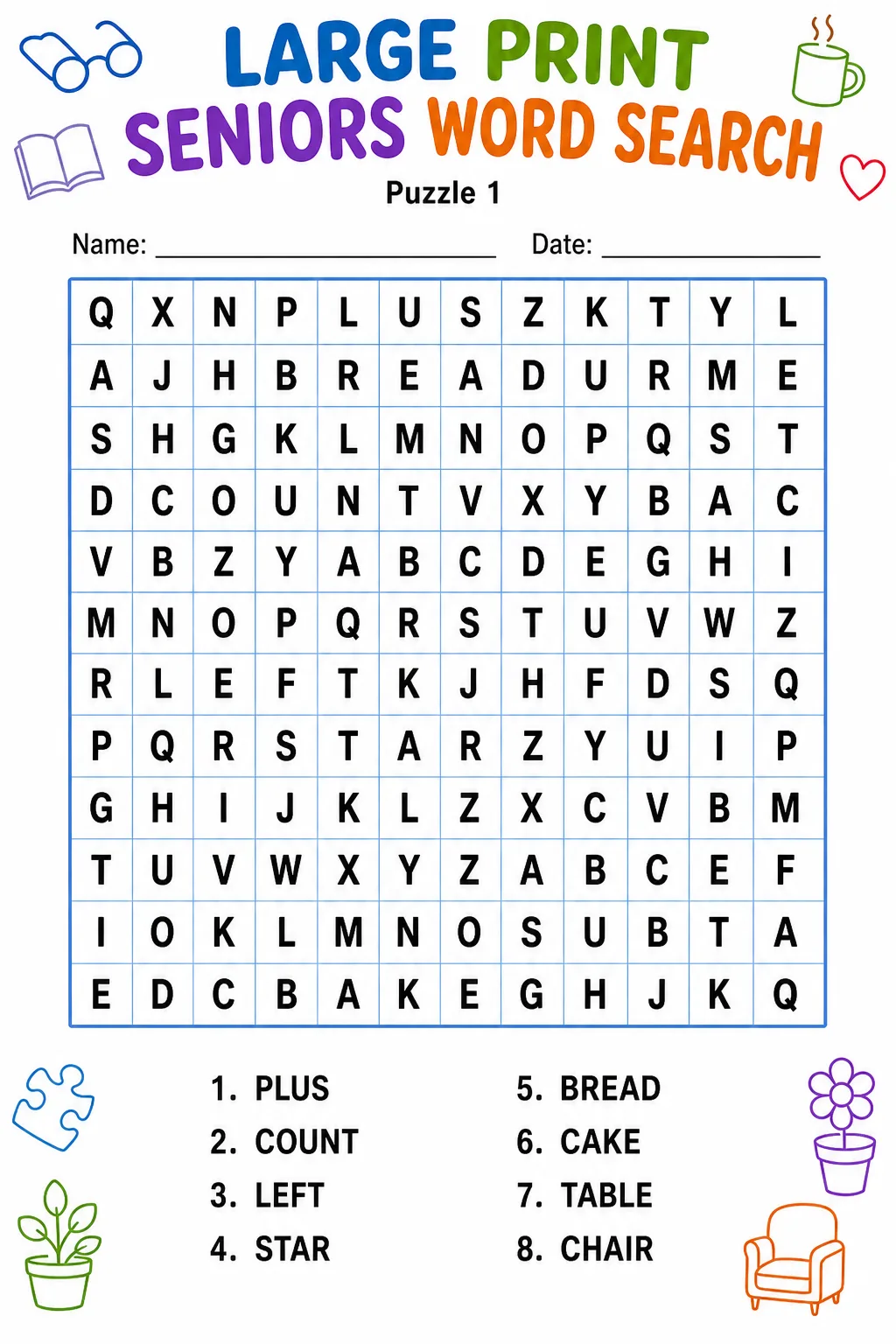
Creating your own custom word search puzzle with the mint word search maker is straightforward and enjoyable. Begin by selecting a theme that interests you or your audience, such as leadership, nature, or holidays. Then, compile a list of words related to that theme. Consider the age group you’re targeting when choosing the number and length of words. For younger children, smaller grids with fewer, simpler words work best. For older kids or adults, larger grids with more words and added complexity like diagonal or backward placement can increase the challenge.
When entering your word list, avoid very long words or those with spaces and special characters, as these may not be accepted by the tool. After inputting your words and selecting the grid size, generate the puzzle. Review it carefully to ensure all words are included and the difficulty level matches your needs. Finally, print your puzzle and share it for classroom use, family fun, or any indoor activity. The mint word search maker makes it easy to create engaging, personalized puzzles that anyone can enjoy.
Leave a Reply