

Discover the art of creating and understanding custom printable word search puzzles with this comprehensive guide. Whether you are designing puzzles for educational purposes, entertainment, or thematic events, this article provides detailed instructions, tips, and insights. Learn how to select appropriate grid sizes, manage difficulty levels, and avoid common pitfalls to craft engaging and effective word search puzzles. Perfect for teachers, parents, and puzzle enthusiasts alike, this guide ensures your word searches are both fun and challenging.
Introduction
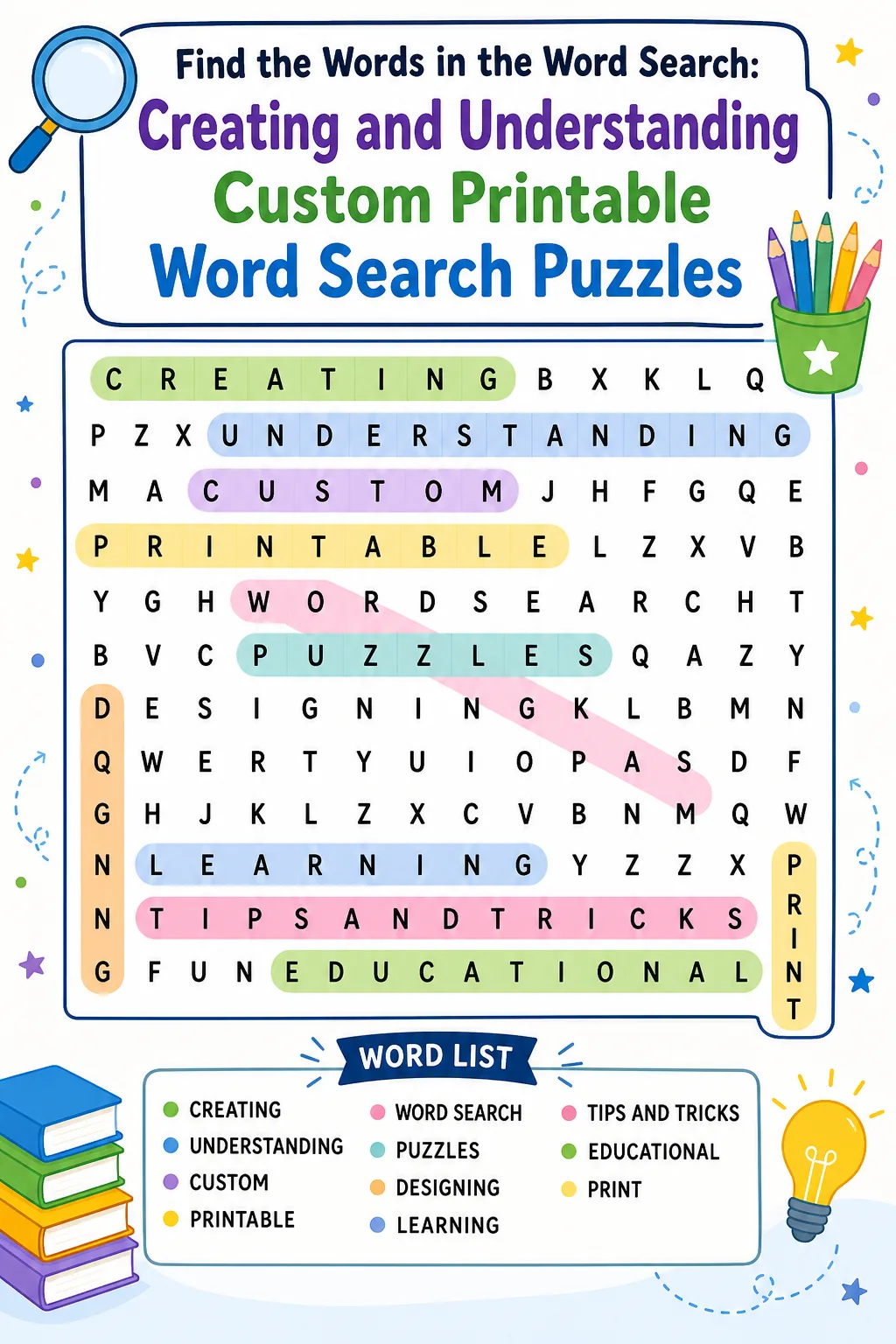
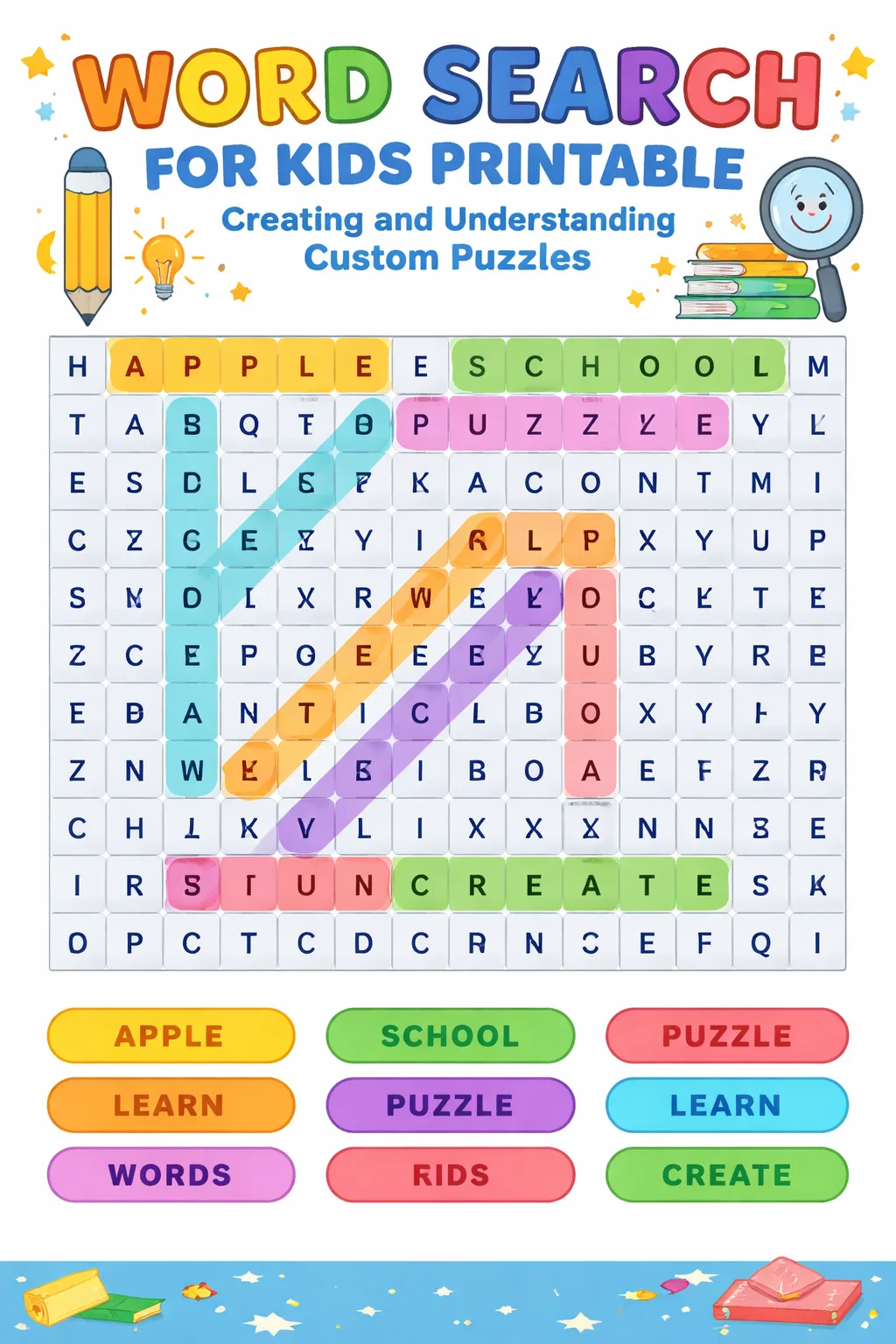
Word search puzzles have long been a favorite pastime for people of all ages, offering a delightful way to enhance vocabulary, improve pattern recognition, and stimulate cognitive skills. Creating custom printable word search puzzles allows you to tailor the experience to specific themes, age groups, or educational goals. This article delves into the step-by-step process of designing your own word searches, from selecting the right words to arranging them thoughtfully within a grid. We will also explore how to adjust difficulty levels and provide practical advice to ensure your puzzles are both enjoyable and effective. By understanding the mechanics and best practices behind word search creation, you can produce puzzles that captivate and challenge solvers, making every search an engaging adventure.
How To Do It
Select Your Word List Carefully: Begin by choosing words that fit the theme or purpose of your puzzle. Consider the age group and vocabulary level of your target audience. Aim for a balanced mix of word lengths and complexity to maintain interest. Ensure the words are relevant and engaging to encourage solvers to immerse themselves in the puzzle.
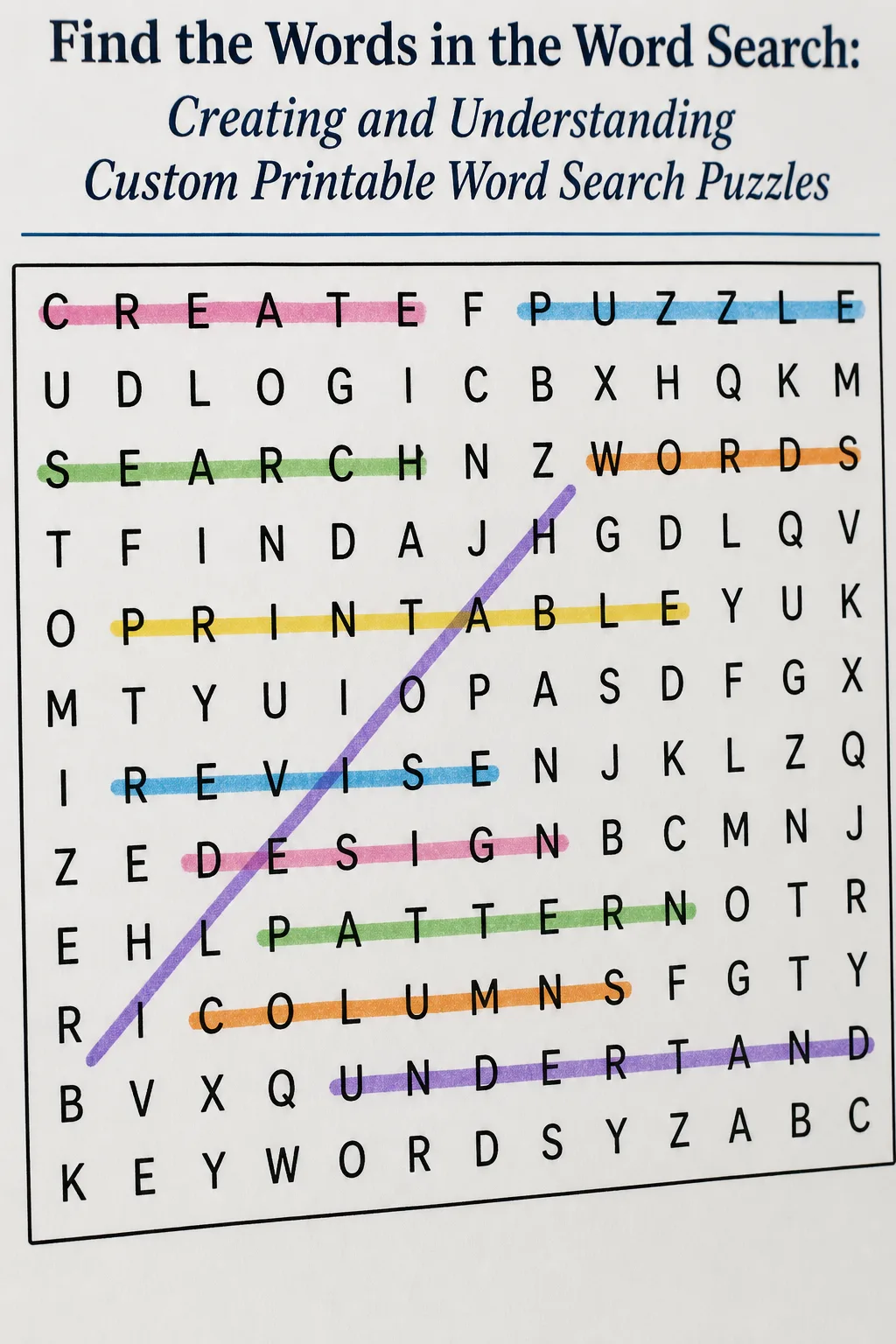
Design the Grid Thoughtfully: Decide on an appropriate grid size that accommodates your word list comfortably without overcrowding. Place words horizontally, vertically, diagonally, and even backwards to increase challenge. Fill remaining spaces with random letters to camouflage the words effectively. Maintain clarity and readability by avoiding overly dense or sparse layouts.
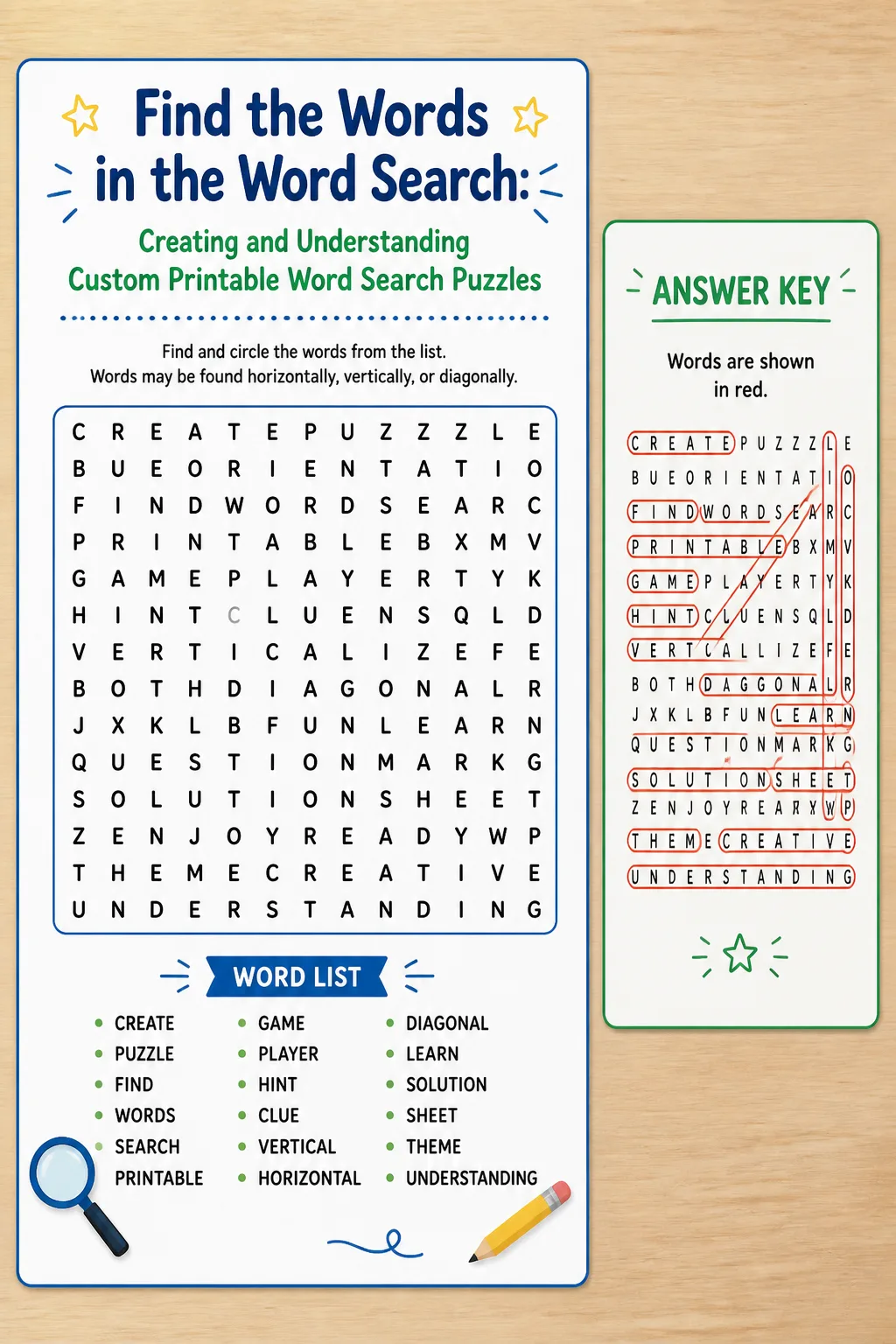
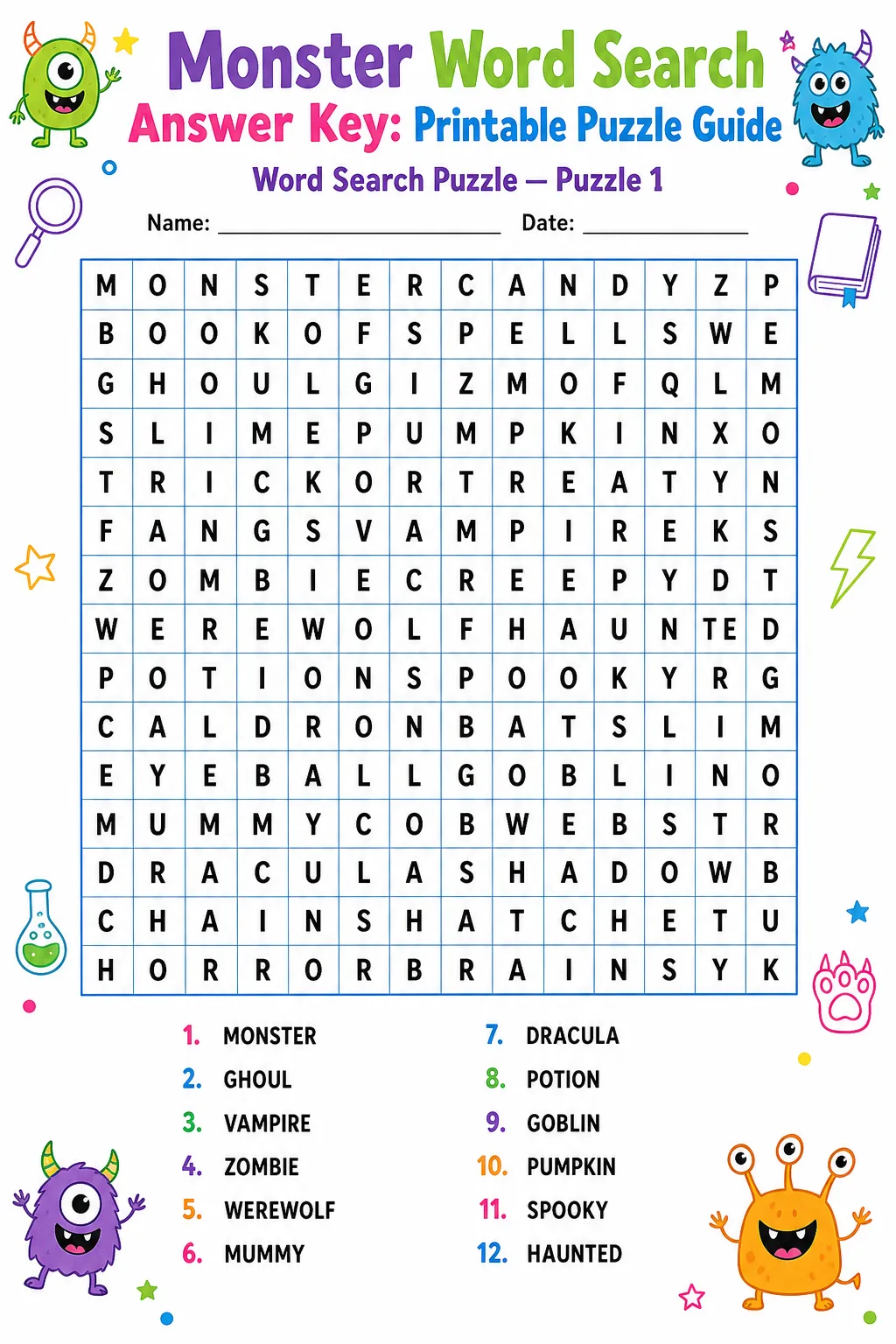
Test and Refine Your Puzzle: After placing all words, review the puzzle to ensure all words are findable and correctly spelled. Check for unintended word formations that might confuse solvers. Adjust word placement or grid size if necessary. Finally, provide a clear word list and consider including solution keys for reference.
Grid Size and Grade Guidance
What Changes Difficulty?
Input Limits and Skipped Words
When creating custom word search puzzles, input limits are essential to maintain puzzle quality and solvability. Typically, the number of words allowed depends on the grid size; for example, a 10×10 grid might comfortably hold up to 15 words. Exceeding these limits can lead to overcrowded puzzles that are difficult to solve and visually unappealing. Additionally, words that are too long to fit within the chosen grid dimensions are automatically skipped to prevent layout issues. It is important to review the word list beforehand to ensure all entries are appropriate in length and relevance.
Skipped words are usually those that cannot be accommodated due to length or conflicting placements. The puzzle creator should be notified about these omissions so adjustments can be made, such as resizing the grid or substituting words. Managing input constraints carefully ensures the final puzzle is balanced, enjoyable, and free from errors. This approach also helps maintain solver motivation by providing a fair challenge without frustration caused by unsolvable or cluttered puzzles.
FAQ
For beginners, especially children or those new to word searches, a grid size between 10×10 and 12×12 is ideal. This size allows for a manageable number of words, typically around 10 to 15, providing enough challenge without overwhelming the solver. Larger grids can be used for more advanced players or longer word lists.
To increase difficulty, incorporate words placed diagonally and backwards, use larger grids with more words, and select longer or less common words. Additionally, minimizing the number of visible clues or using similar letter patterns can add complexity. Balancing these factors carefully ensures the puzzle remains solvable yet stimulating.
Absolutely. Word search puzzles are excellent educational tools that help improve vocabulary, spelling, and pattern recognition. They can be tailored to specific subjects or themes, such as science terms, historical figures, or vocabulary lists, making learning interactive and enjoyable for students.
If a word is too long or complex to fit, consider reducing the grid size or substituting the word with a shorter synonym. Alternatively, adjust the layout by allowing more diagonal or backward placements. Ensuring all words fit cleanly maintains the puzzle’s quality and solvability.
While not mandatory, including a solution key is highly recommended. It helps solvers verify their answers and reduces frustration, especially for more difficult puzzles. Solution keys also enhance the educational value by allowing users to learn from mistakes.
Overlapping words can make puzzles more interesting and space-efficient. When letters repeat, ensure that each word is clearly identifiable and does not cause confusion. Careful placement and testing help maintain clarity and prevent ambiguity in the puzzle.
Final Thoughts
Creating custom printable word search puzzles is a rewarding endeavor that combines creativity, education, and entertainment. By following the detailed steps and tips provided in this guide, you can design puzzles that are engaging, appropriately challenging, and tailored to your audience’s needs. Remember to consider grid size, word selection, and difficulty factors to optimize the solver’s experience. Whether for classroom use, family fun, or themed events, well-crafted word searches stimulate the mind and provide hours of enjoyment. Embrace the process, avoid common mistakes, and share your puzzles confidently, knowing they offer both fun and learning opportunities.
Gallery
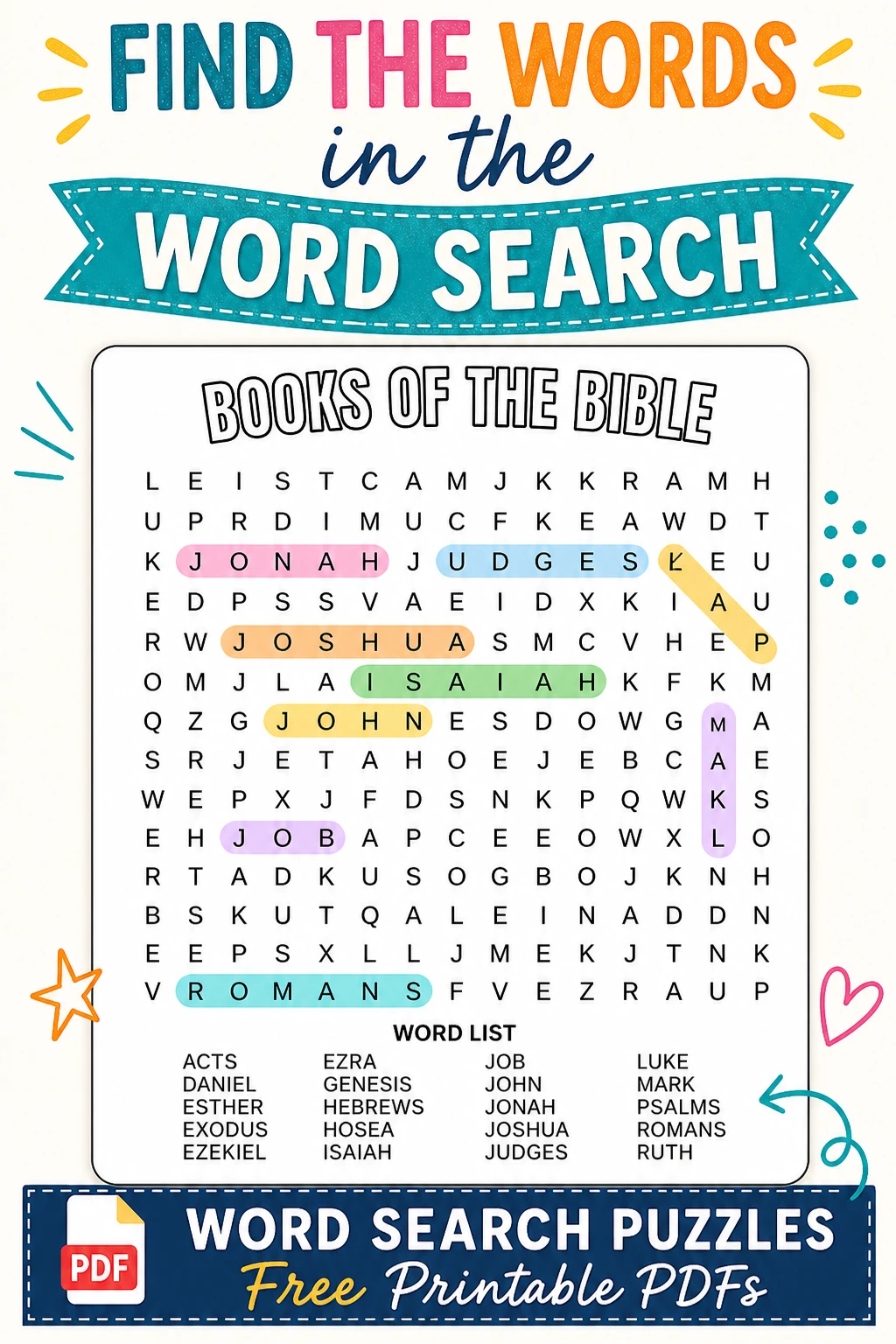
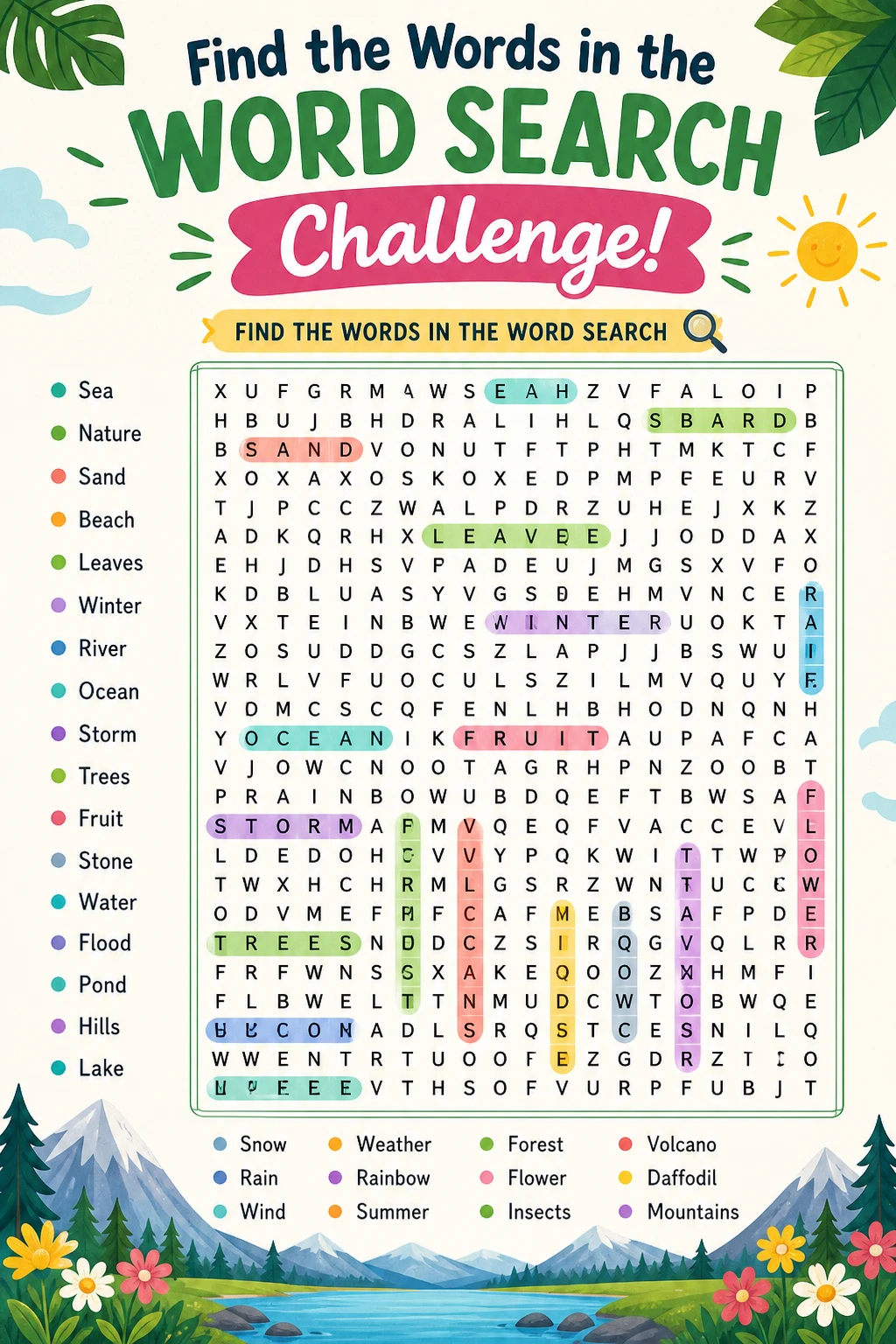
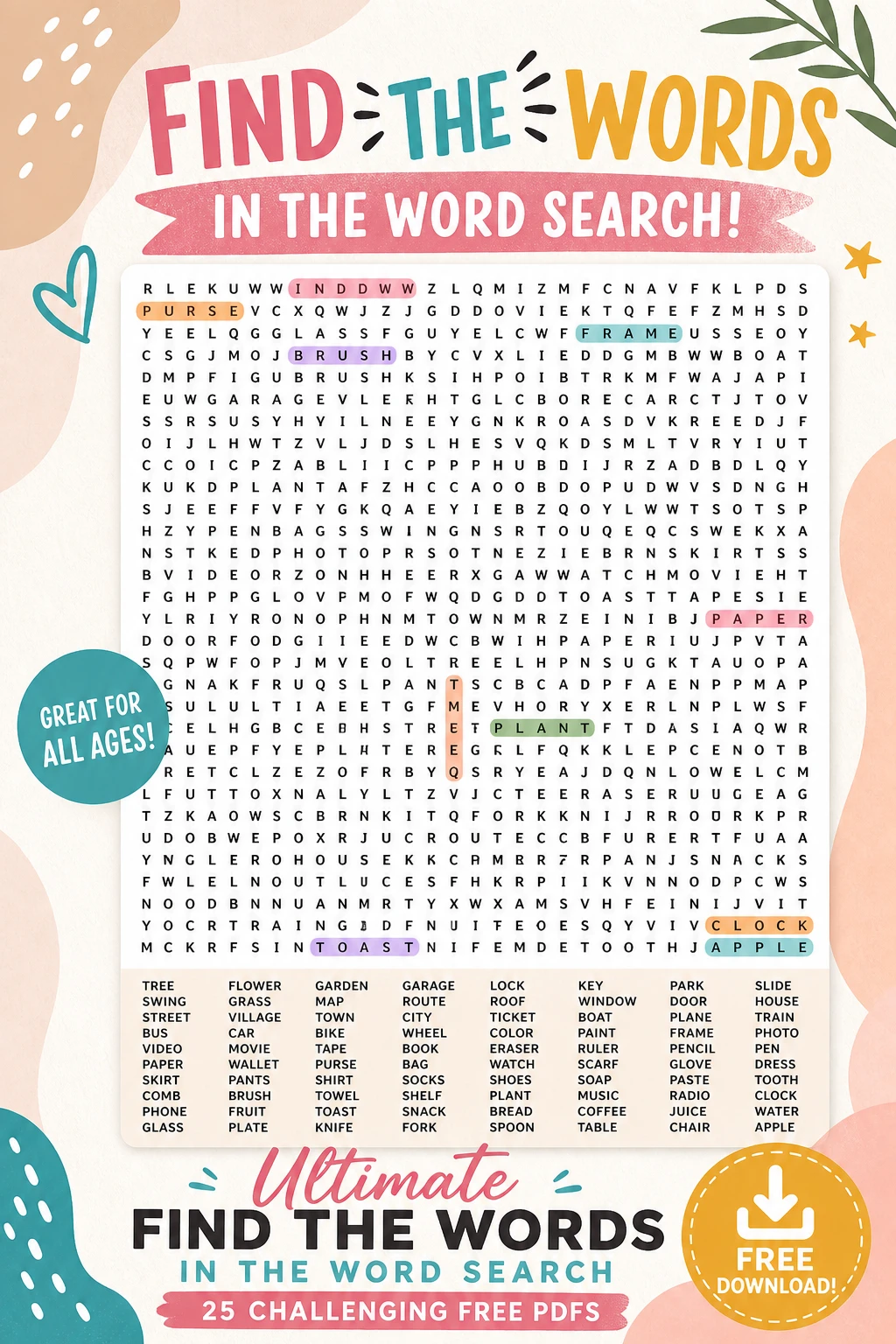
Start with a clear theme or purpose to guide word selection and puzzle design.
Keep the solver’s age and skill level in mind when choosing grid size and word difficulty.
Use software tools or manual checks to verify word placements and puzzle solvability.
Regularly update your word lists to keep puzzles fresh and engaging for repeat users.
You Might Also Like


Leave a Reply