

Discover the fun and educational benefits of creating your own Halloween word search printable. This article guides you through the process of designing custom puzzles that are perfect for all ages, especially during the festive Halloween season. Learn how to select words, choose appropriate grid sizes, and understand the difficulty factors that make your word search both challenging and enjoyable. Whether for classroom use, party activities, or personal enjoyment, this guide ensures you craft engaging puzzles that enhance vocabulary and pattern recognition.
Introduction
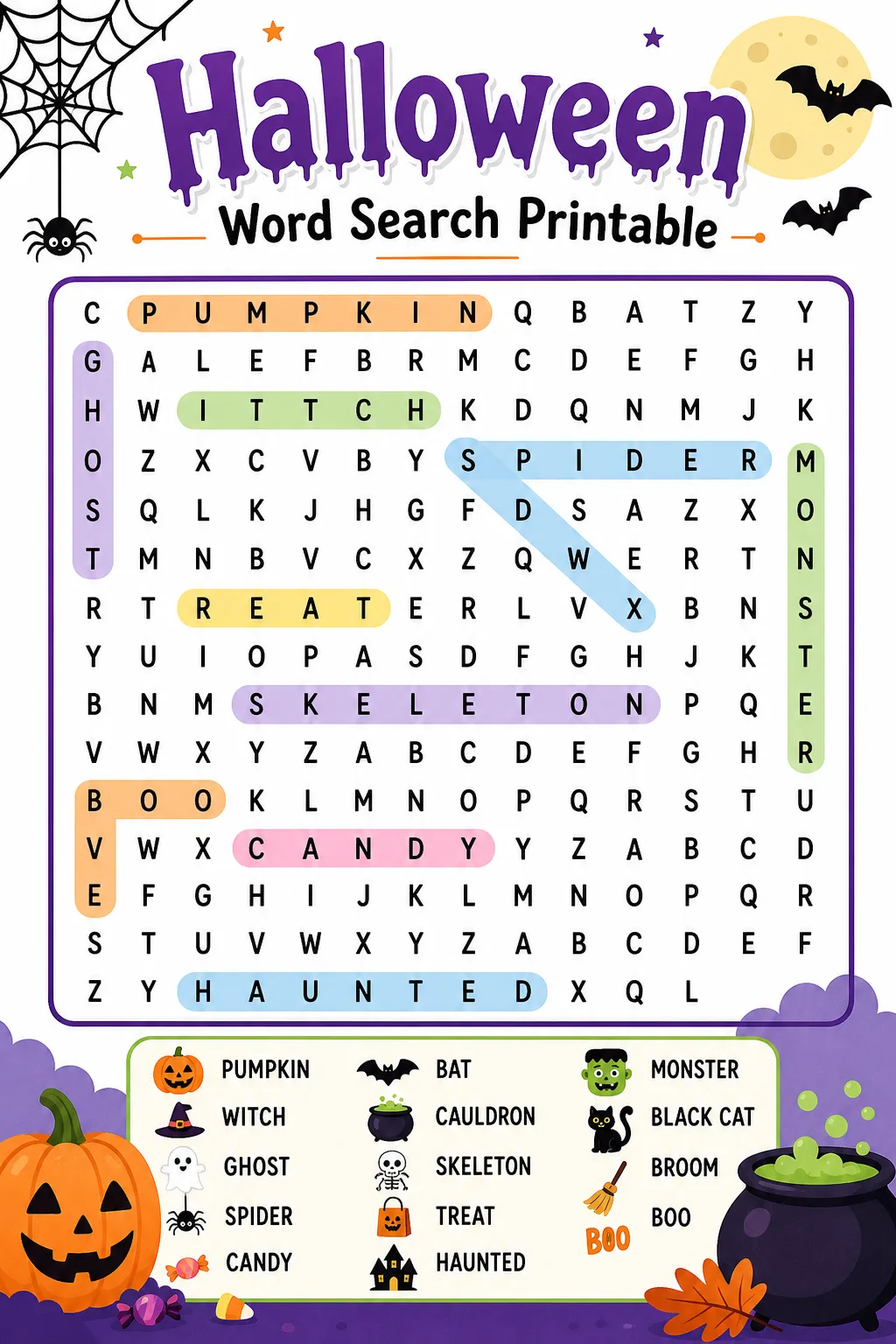
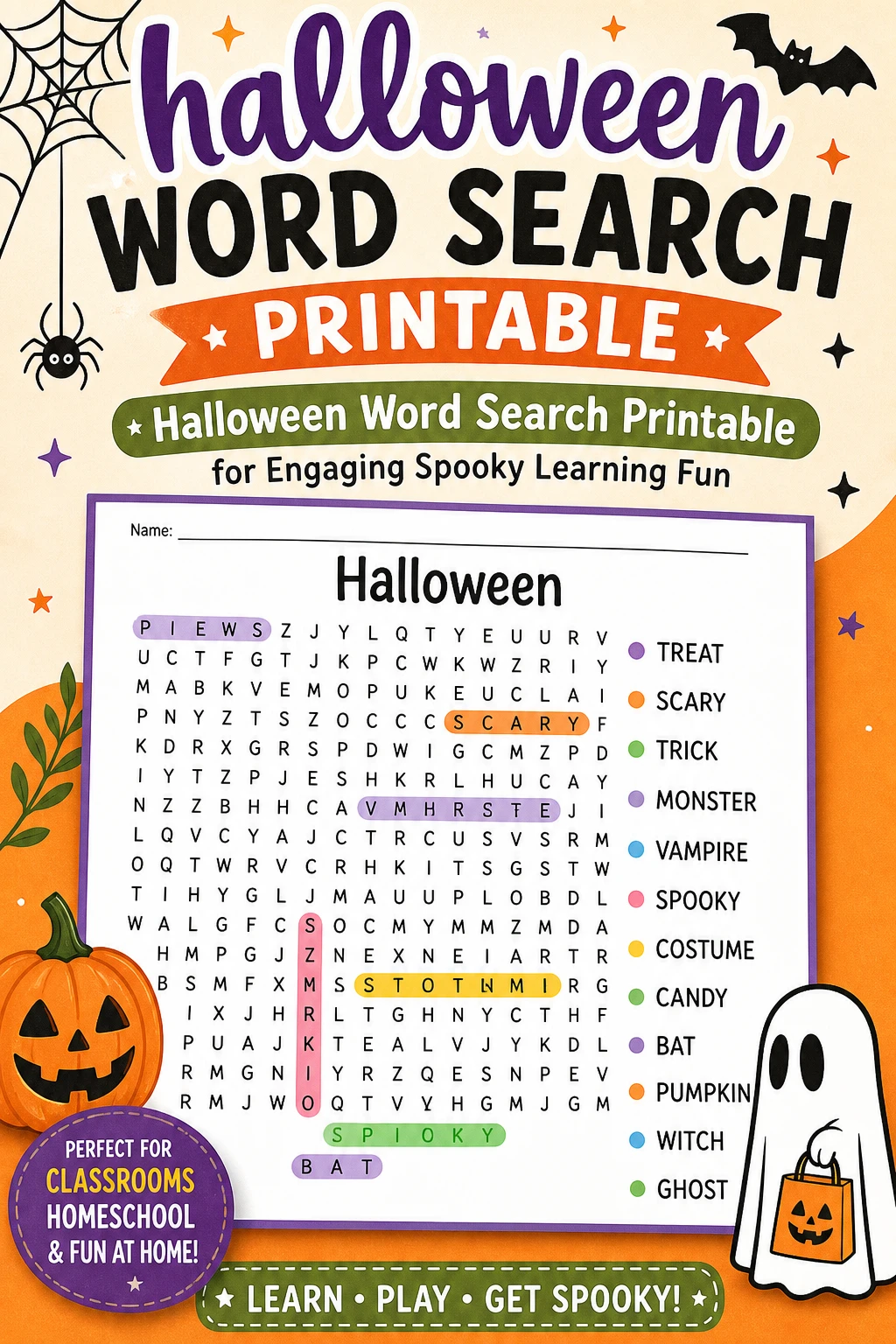
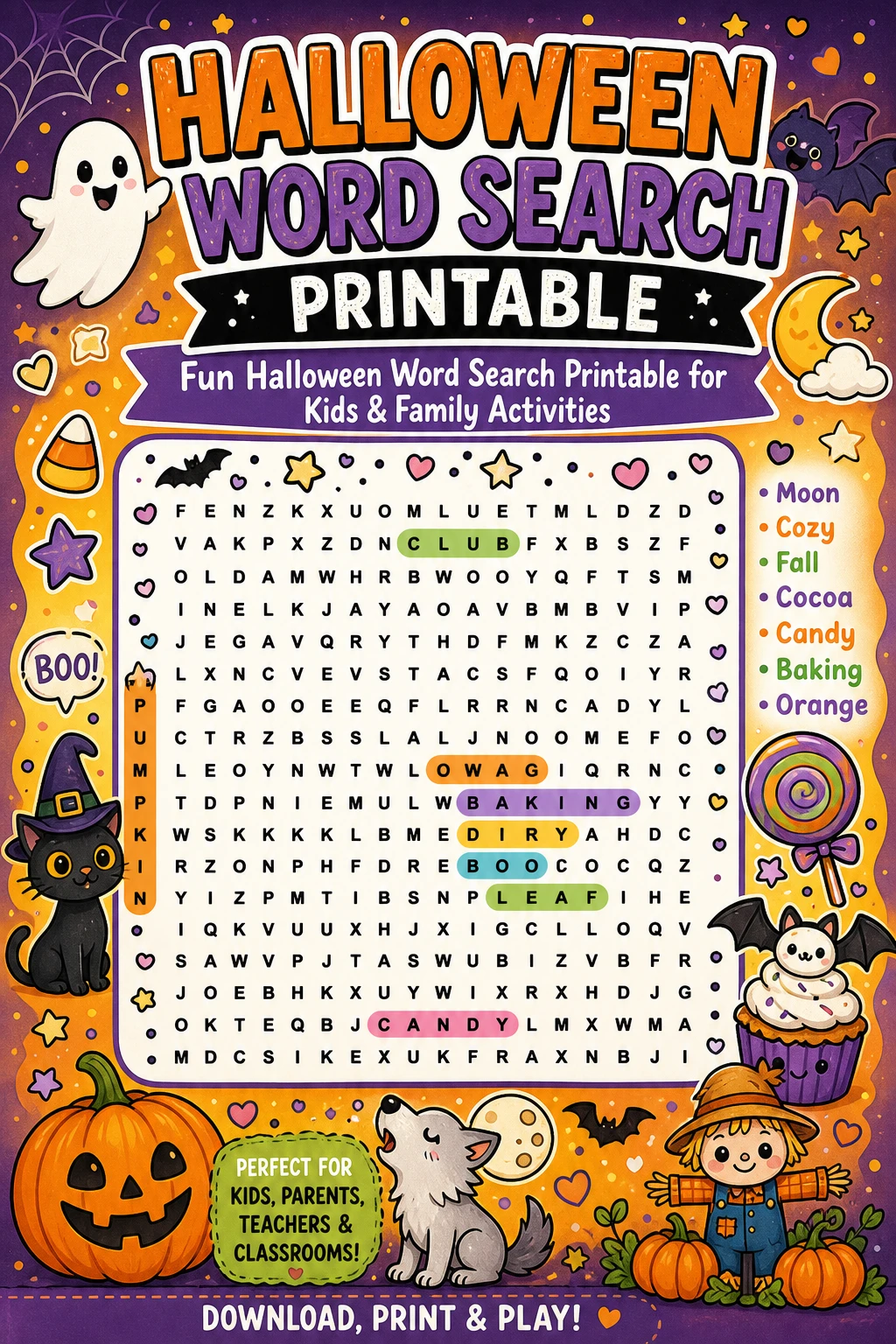
Halloween is a time filled with excitement, creativity, and themed activities that bring people together. One of the most enjoyable and educational pastimes during this season is the Halloween word search puzzle. Creating a custom printable word search allows you to tailor the experience to your audience, whether children, teens, or adults. This article delves into the step-by-step process of designing your own Halloween word search, from selecting thematic words to arranging them in a grid that balances challenge and fun. By understanding the mechanics behind word search puzzles, you can create engaging printables that not only entertain but also help improve spelling, concentration, and cognitive skills. Embrace the spirit of Halloween with a personalized word search that will delight participants of all ages.
How To Do It
Select Your Halloween-Themed Words: Begin by compiling a list of words related to Halloween, such as "pumpkin," "ghost," "witch," and "candy." Aim for a variety of word lengths and difficulty levels to ensure the puzzle is engaging. Consider the age group of your audience when choosing words to keep the puzzle accessible yet stimulating.
Choose an Appropriate Grid Size: Decide on the dimensions of your word search grid based on the number and length of your chosen words. Smaller grids work well for younger children with fewer and shorter words, while larger grids accommodate more complex puzzles for older participants. Ensure the grid size allows for all words to fit comfortably without overcrowding.
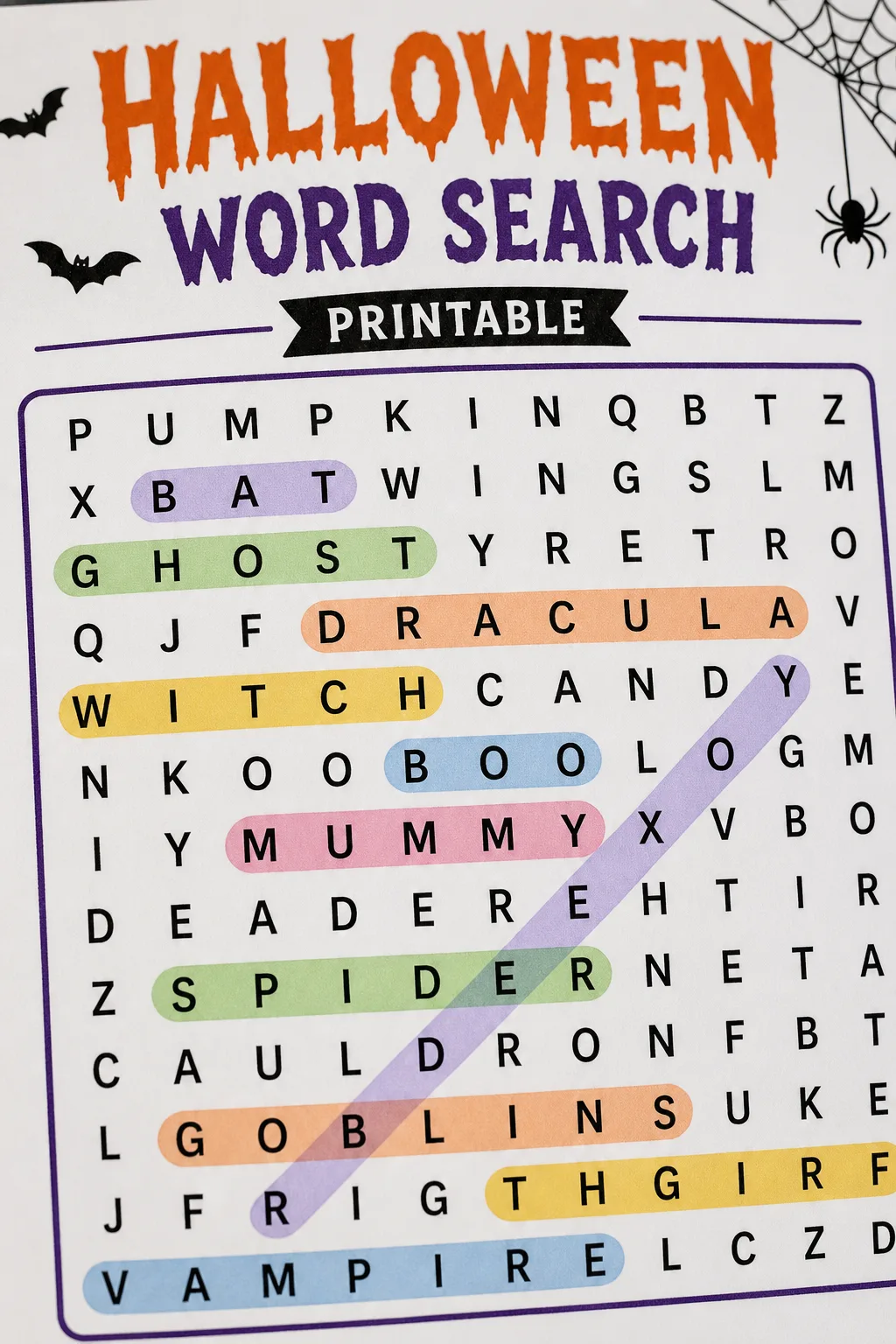
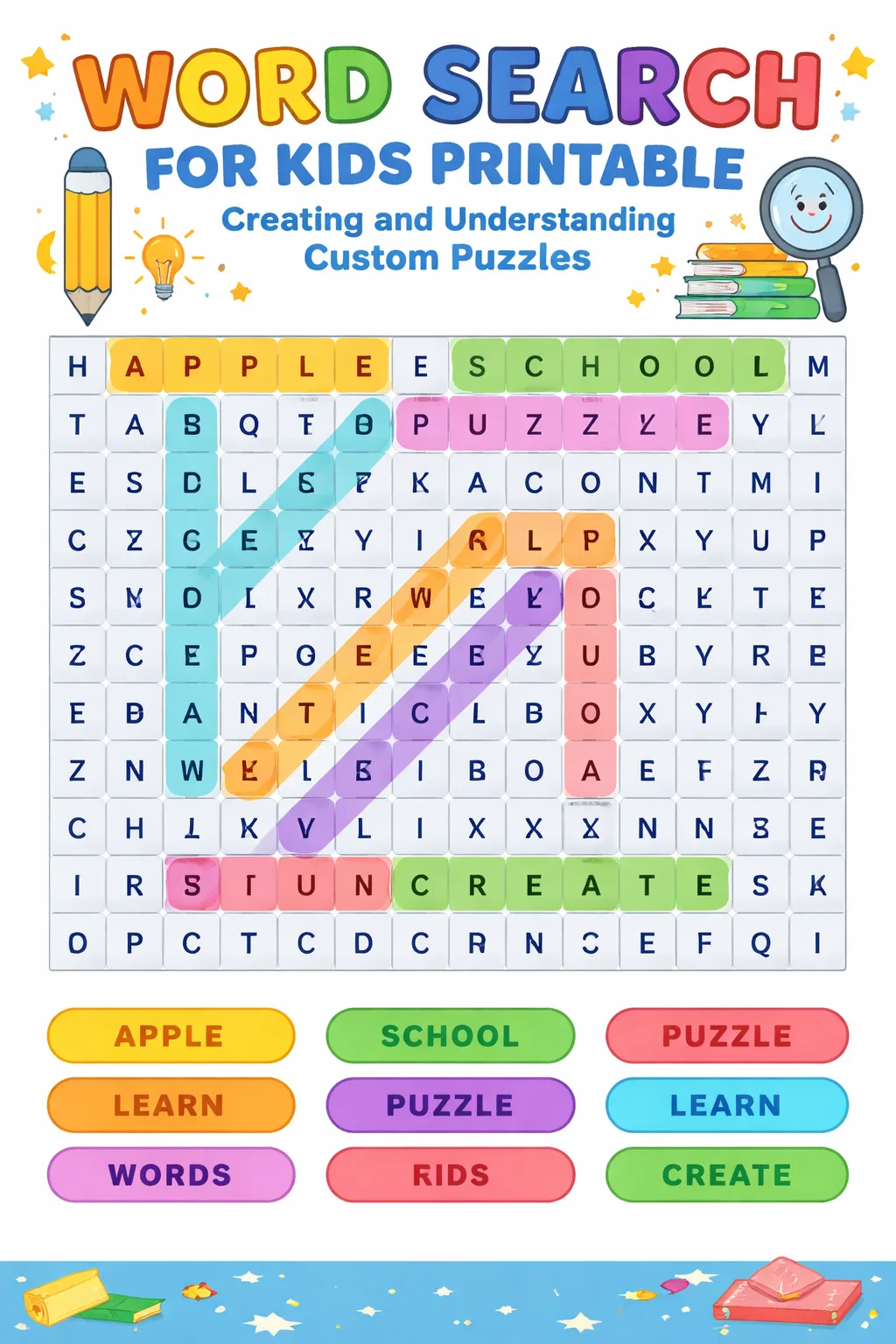
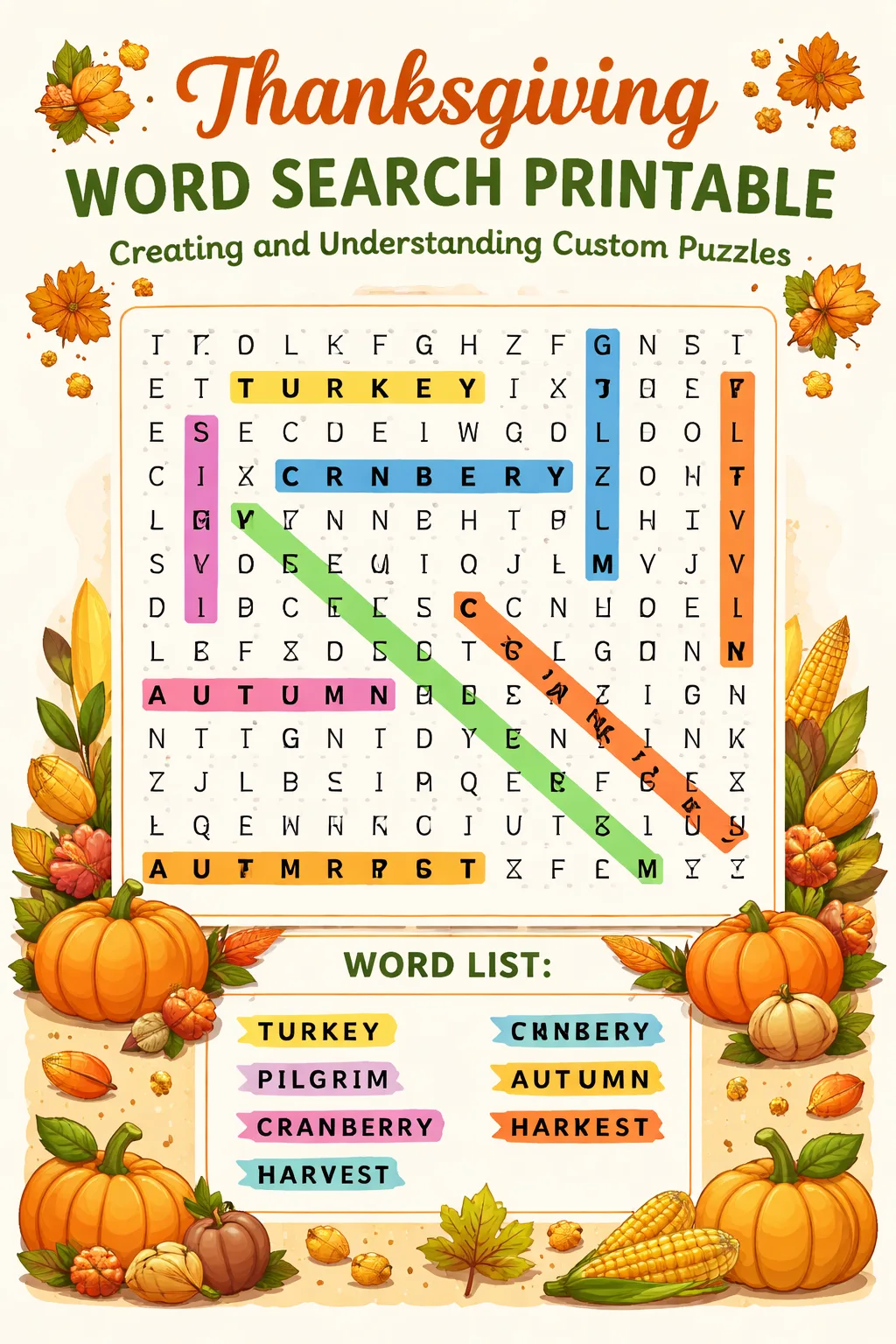
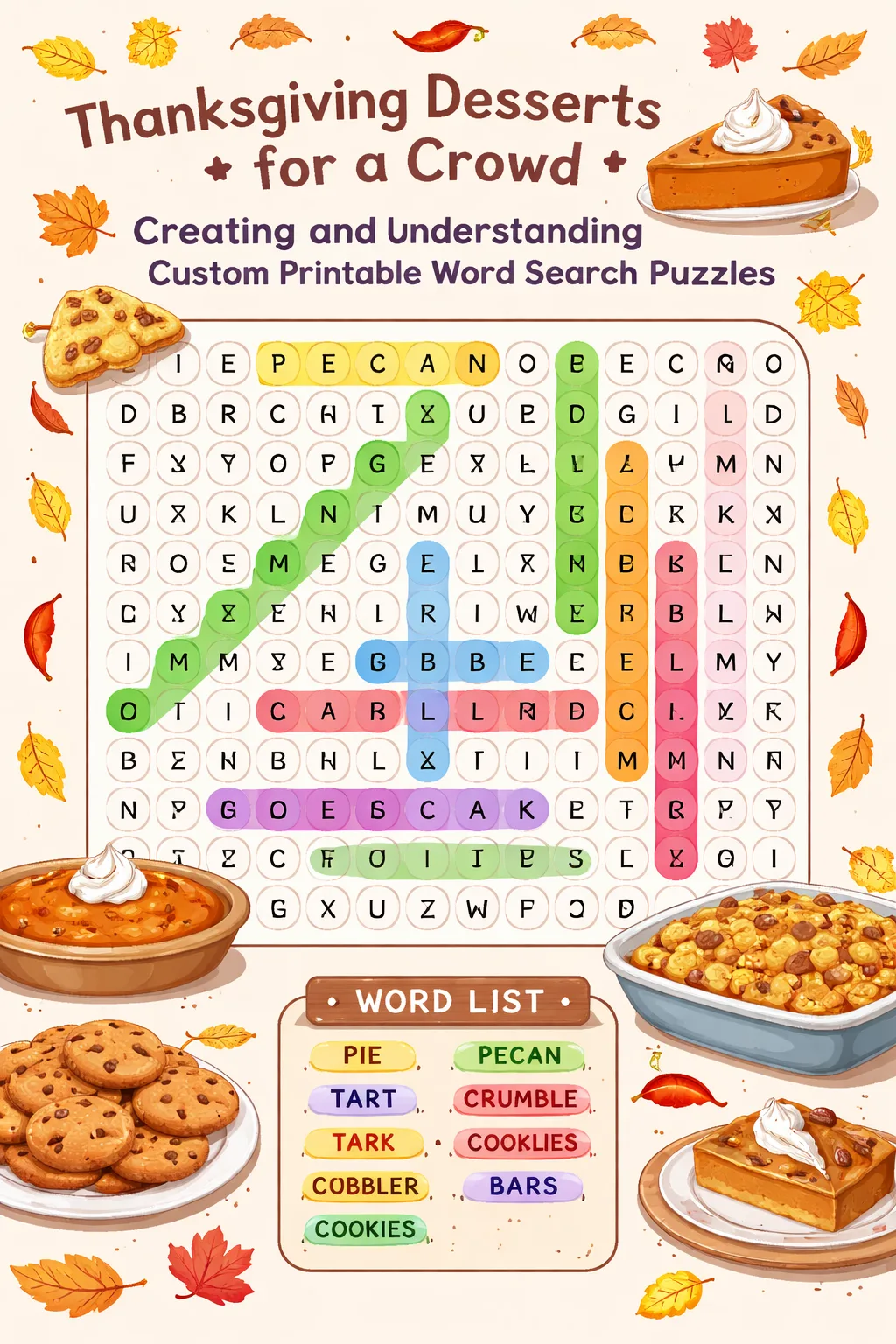
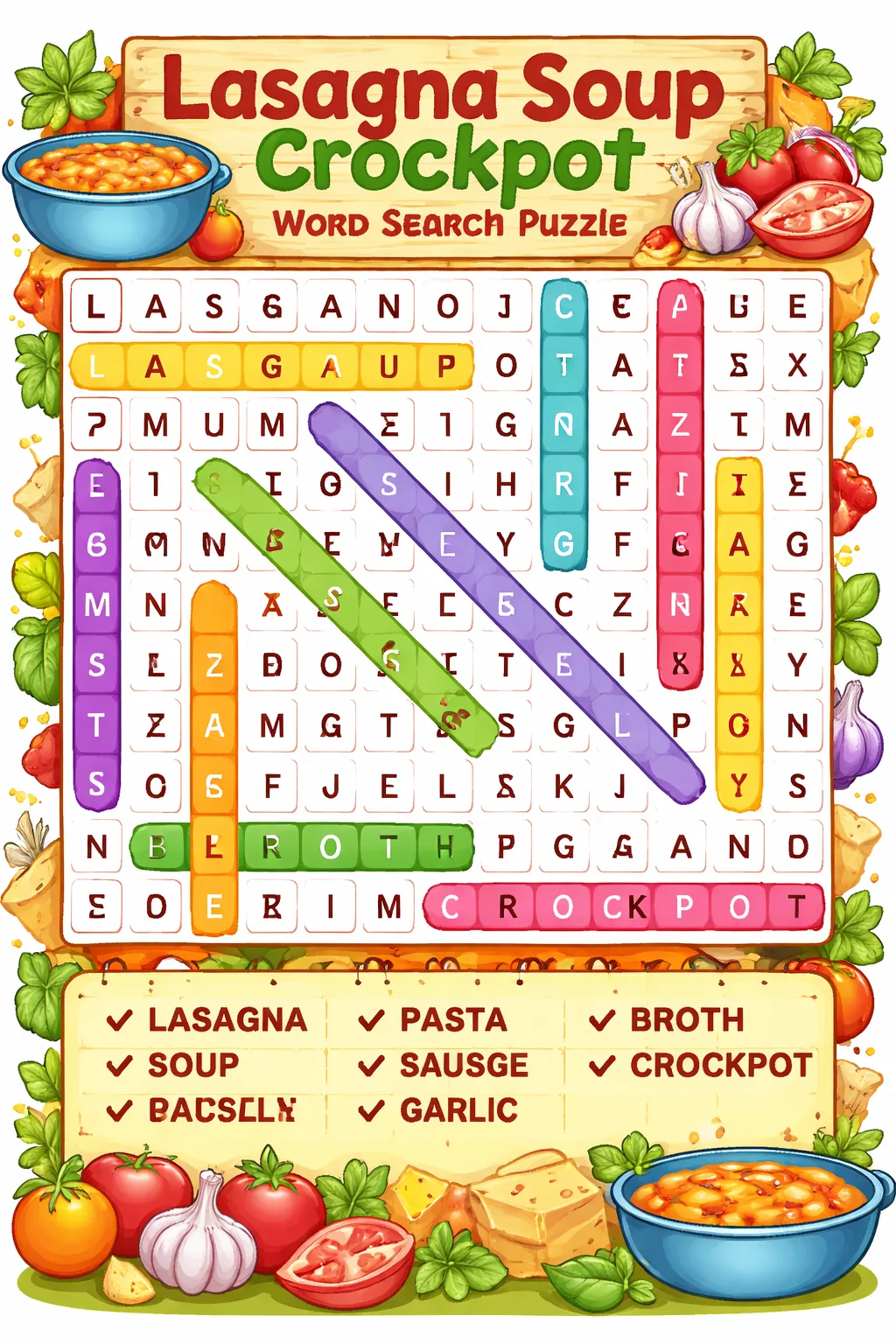
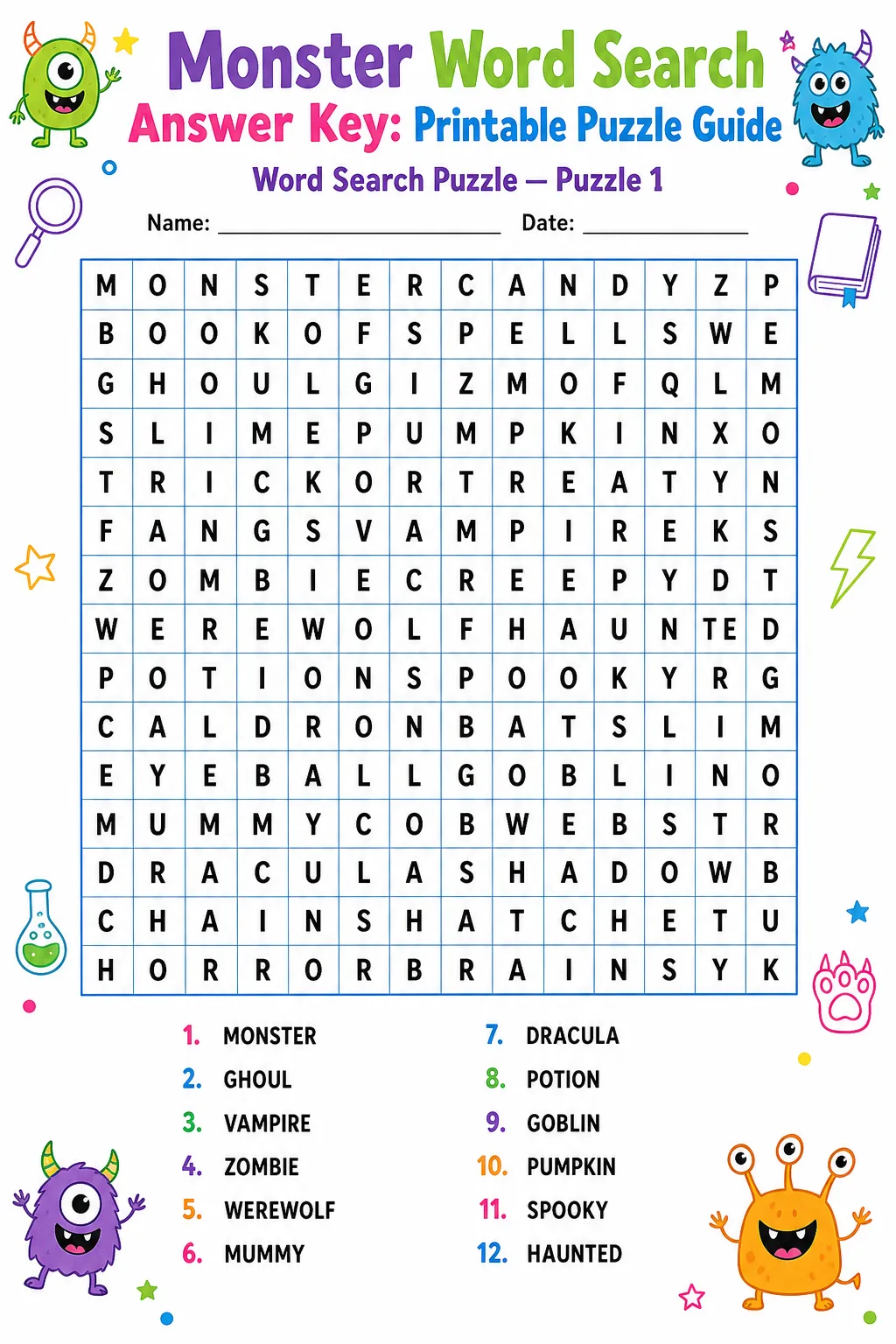
Arrange Words and Fill the Grid: Place your selected words into the grid horizontally, vertically, diagonally, and even backwards to increase difficulty. After positioning all words, fill the remaining empty spaces with random letters to complete the puzzle. Double-check that all words are correctly placed and that the puzzle remains solvable and enjoyable.
Grid Size and Grade Guidance
What Changes Difficulty?
Input Limits and Skipped Words
When creating a Halloween word search printable, it is important to consider input constraints to maintain puzzle quality and solvability. Most word search generators and manual designs limit the maximum grid size to around 15×15 or 20×20 to ensure the puzzle remains manageable and printable. Exceeding these sizes can lead to overly complex puzzles that may discourage solvers.
Additionally, the number of words you can include is typically limited by the grid size and word lengths. Words that are too long or contain uncommon characters may not fit well within the grid and can be skipped or require adjustment. It is advisable to review your word list carefully and remove or modify words that do not fit the grid constraints.
Some tools automatically skip words that cannot be accommodated, but when designing manually, you should plan your word list accordingly. Prioritize words that fit well and contribute to the Halloween theme. Avoid including too many similar words that could confuse solvers or cause placement conflicts. By respecting these input limits and thoughtfully selecting your words, you ensure a smooth creation process and a high-quality, enjoyable word search puzzle.
FAQ
The ideal number of words depends on the grid size and the target age group. For younger children, 10 to 15 words work well within a 10×10 grid, while older participants can handle 20 or more words in larger grids. Balancing word count with grid size ensures the puzzle is neither too sparse nor overcrowded.
To increase difficulty, use multiple word orientations such as diagonal and backwards placements. Incorporate longer words and increase grid size to add complexity. Additionally, filling the grid with random letters that closely resemble the puzzle words can make finding them more challenging.
Yes, using established themed word lists can save time and ensure relevance. However, customizing your list with unique or less common words can make your puzzle stand out and offer a fresh challenge to solvers.
Elementary students typically benefit from grids sized between 8×8 and 12×12. These sizes provide enough space for a moderate number of words without overwhelming young solvers, making the activity both fun and educational.
If a word is too long to fit, consider shortening it if appropriate or choosing a synonym. Alternatively, increase the grid size to accommodate longer words. Ensuring all words fit comfortably maintains the puzzle's integrity and solvability.
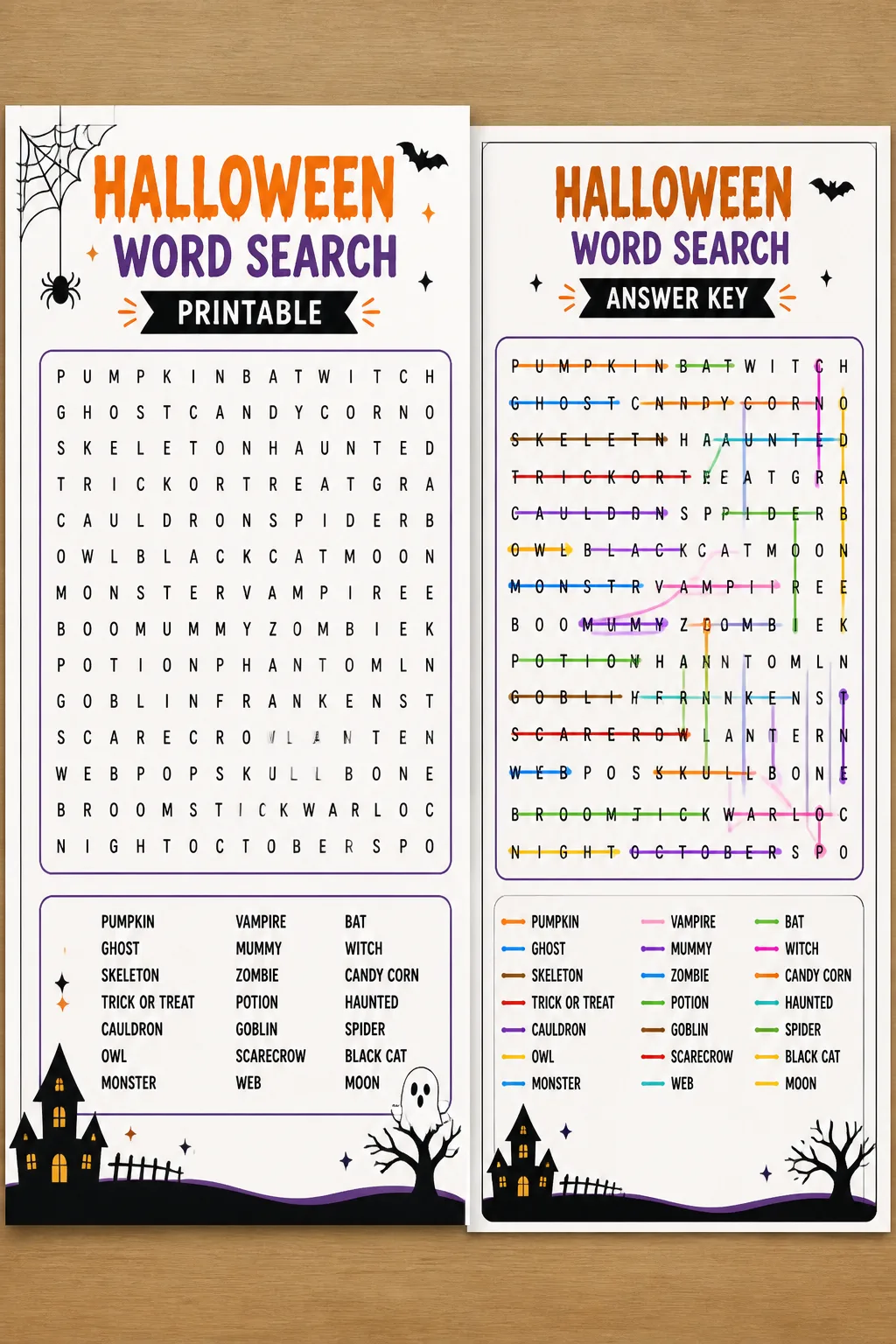
Both options are effective; black and white printing is cost-efficient and clear, while color printing can enhance visual appeal and engagement, especially for younger audiences. Choose based on your resources and the preferences of your audience.
Final Thoughts
Creating a Halloween word search printable is a rewarding endeavor that combines creativity, education, and festive fun. By carefully selecting words, choosing the right grid size, and understanding difficulty factors, you can craft puzzles that captivate and challenge solvers of all ages. This guide has provided comprehensive instructions, helpful tips, and insights to avoid common mistakes, ensuring your word search is both enjoyable and effective. Embrace the Halloween spirit by designing your own custom puzzles that bring joy, learning, and a touch of seasonal magic to your celebrations.
Gallery
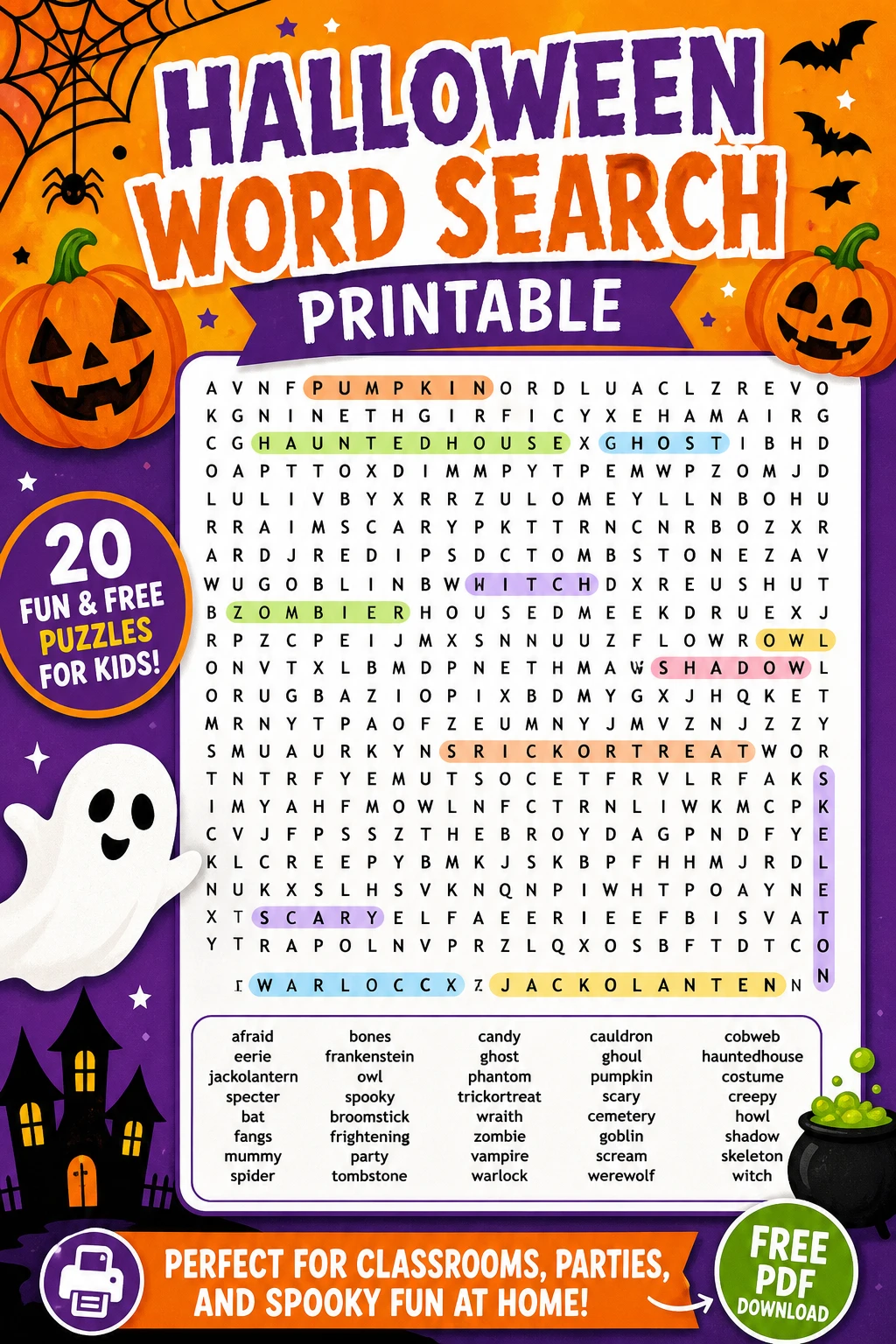
Always preview your puzzle before printing to catch any errors or layout issues.
Use thematic clipart or borders when presenting your word search to enhance the Halloween atmosphere.
Encourage participants to time themselves to add a fun competitive element.
Provide a word list alongside the puzzle to assist younger or less experienced solvers.
You Might Also Like


Leave a Reply