

Discover how to create and understand a custom printable word search puzzle themed around "Halloween Trick or Treat." This article provides comprehensive guidance on designing engaging puzzles that capture the festive spirit of Halloween, focusing on the iconic phrase "trick or treat." Learn step-by-step instructions, pro tips, and common pitfalls to avoid to craft puzzles suitable for various age groups and skill levels. Whether for classroom use, parties, or personal enjoyment, this guide ensures your word search puzzles are both fun and educational.
Introduction
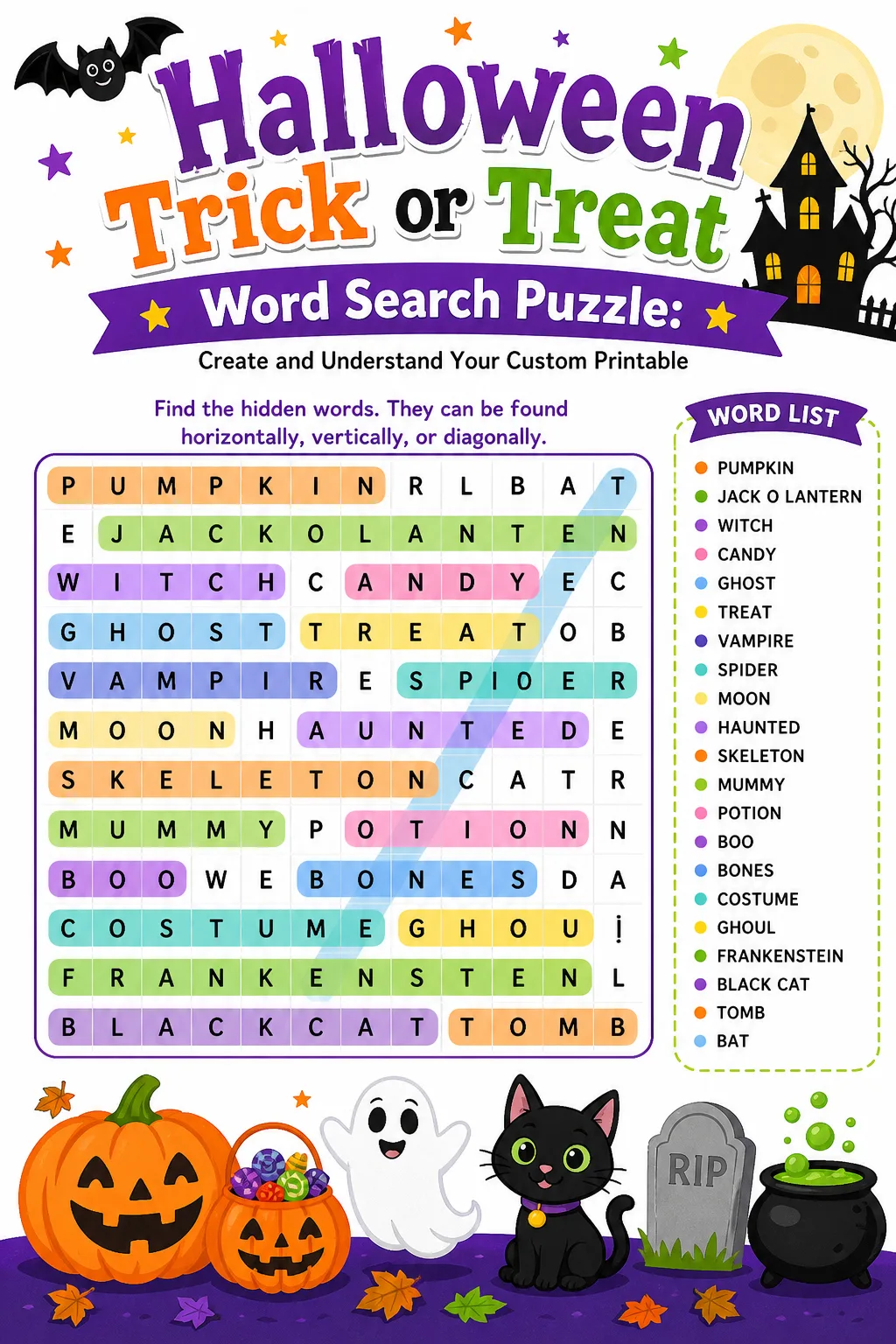
Word search puzzles have long been a popular pastime, combining entertainment with cognitive benefits such as improved vocabulary, concentration, and pattern recognition. Creating a custom printable word search puzzle themed around "Halloween Trick or Treat" offers a unique opportunity to engage participants with a seasonal and festive challenge. This article delves into the process of designing such puzzles, explaining the importance of grid size, word selection, and difficulty adjustment. By understanding these elements, you can tailor puzzles to suit different age groups and preferences, making them ideal for educational settings, Halloween parties, or simply as a fun activity. We will also explore best practices, common mistakes, and frequently asked questions to provide a thorough foundation for anyone interested in crafting personalized word searches. Embrace the Halloween spirit and learn how to create captivating puzzles that delight and challenge solvers of all levels.
How To Do It
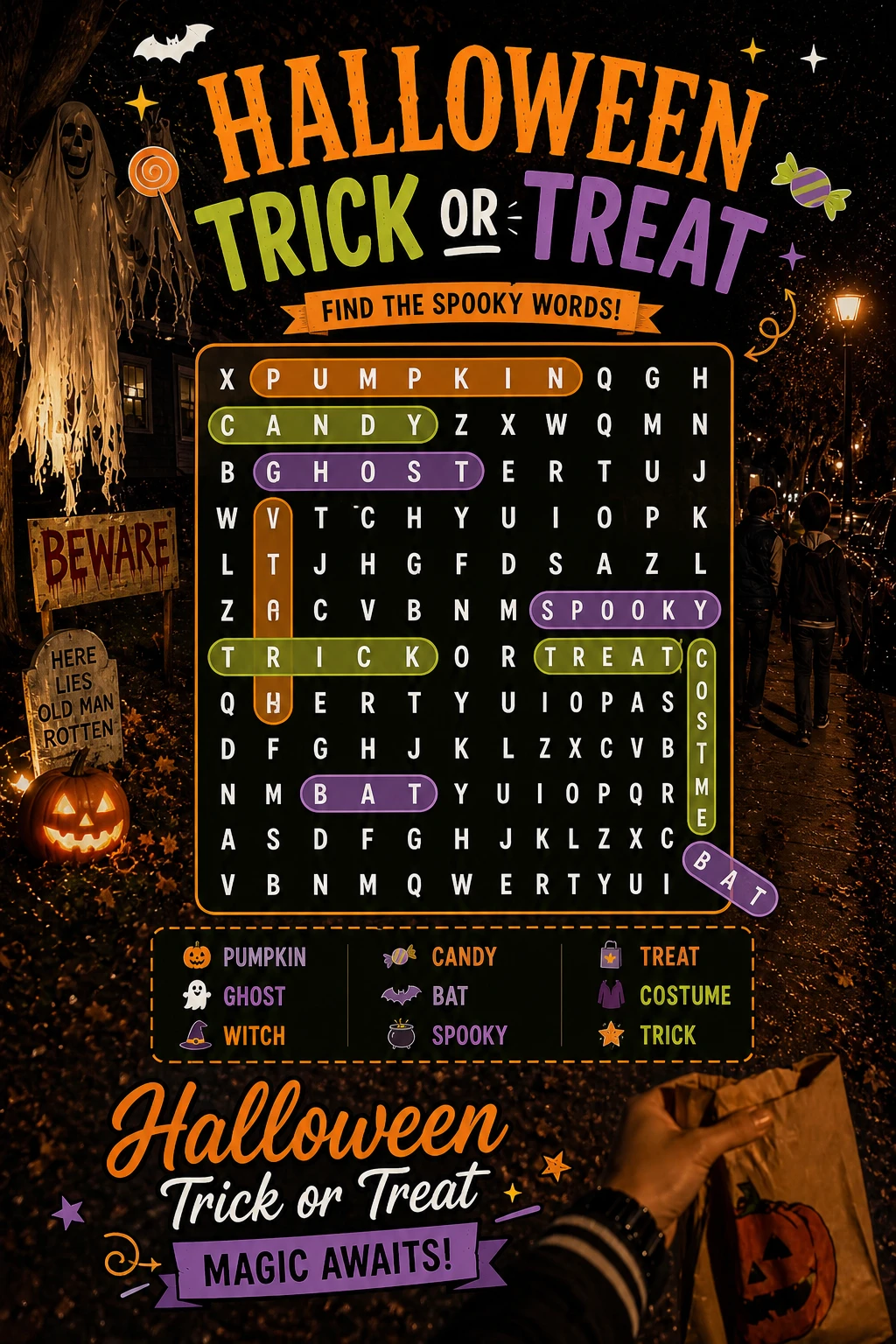
Begin by selecting the words you want to include in your word search puzzle. Since this puzzle centers on the phrase "Halloween Trick or Treat," consider incorporating related words such as "pumpkin," "costume," "candy," and "ghost." Ensure your word list is appropriate for the intended audience's age and skill level. A balanced word list typically ranges from 10 to 20 words for most puzzles, but this can vary depending on grid size and desired difficulty.
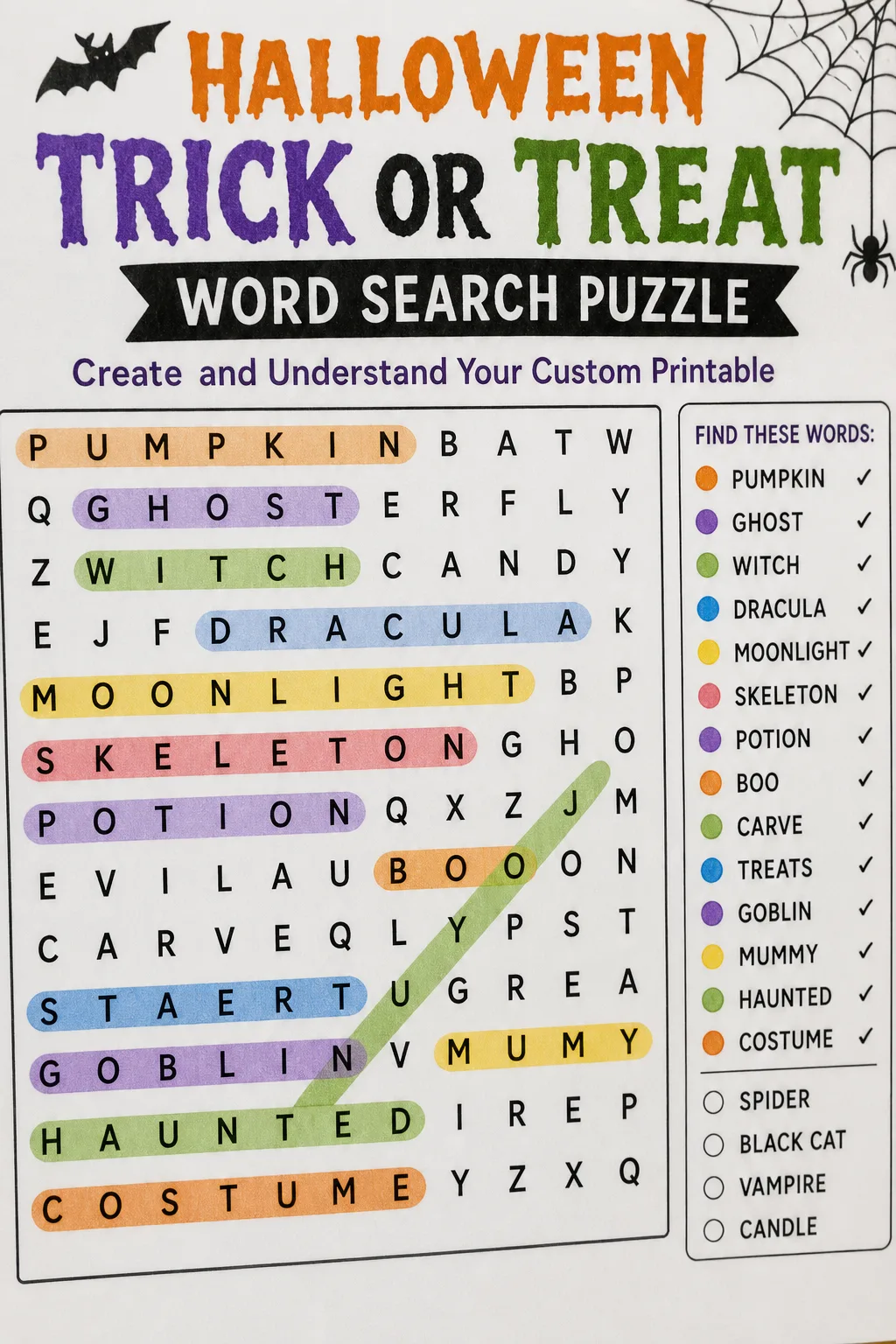
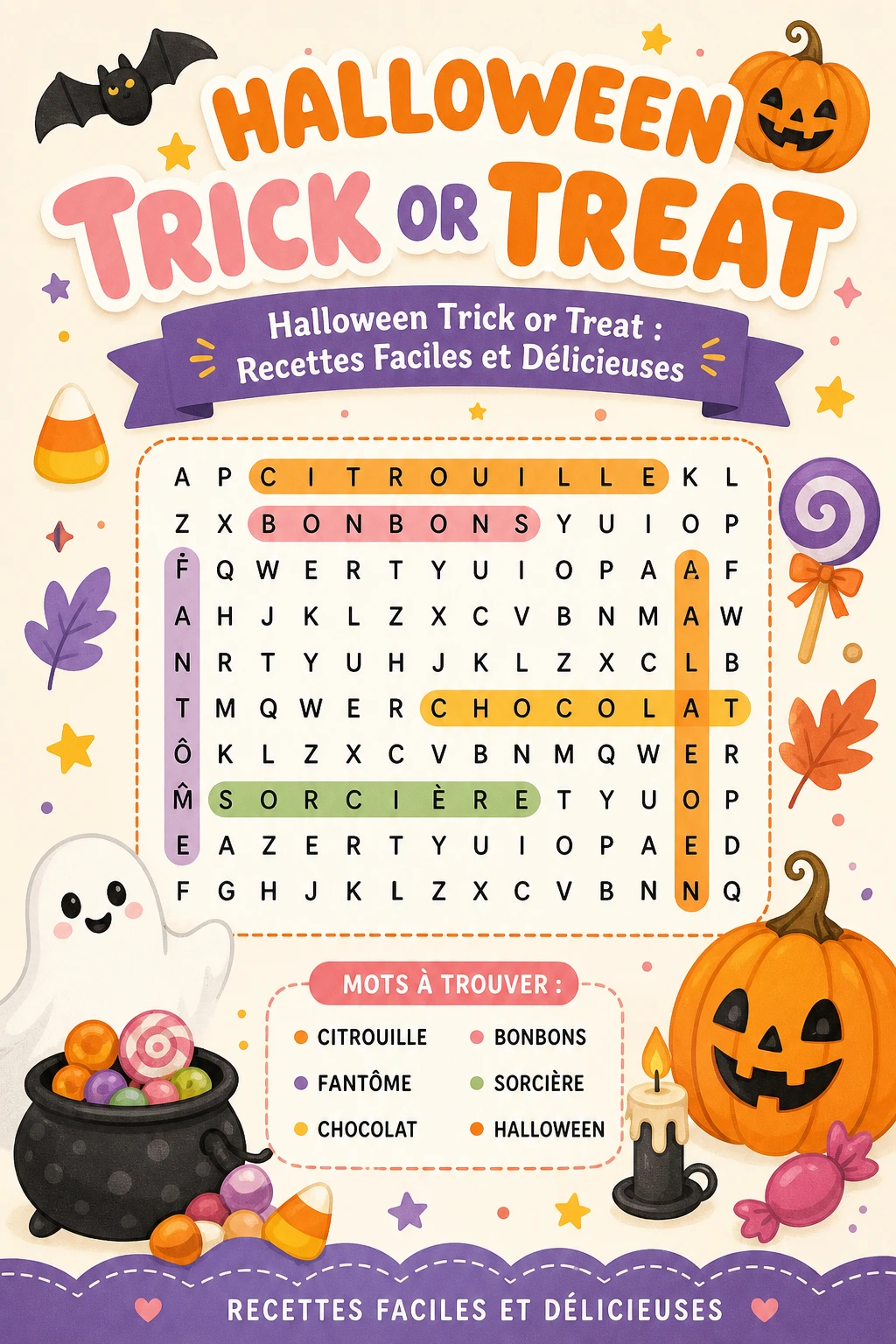
Choose an appropriate grid size based on the complexity and age group. Smaller grids (e.g., 10×10) work well for younger children, while larger grids (e.g., 15×15 or 20×20) can challenge older solvers. Place your selected words horizontally, vertically, diagonally, and even backwards to increase difficulty. Make sure the words fit within the grid without overlapping in confusing ways, and fill the remaining spaces with random letters to complete the puzzle.
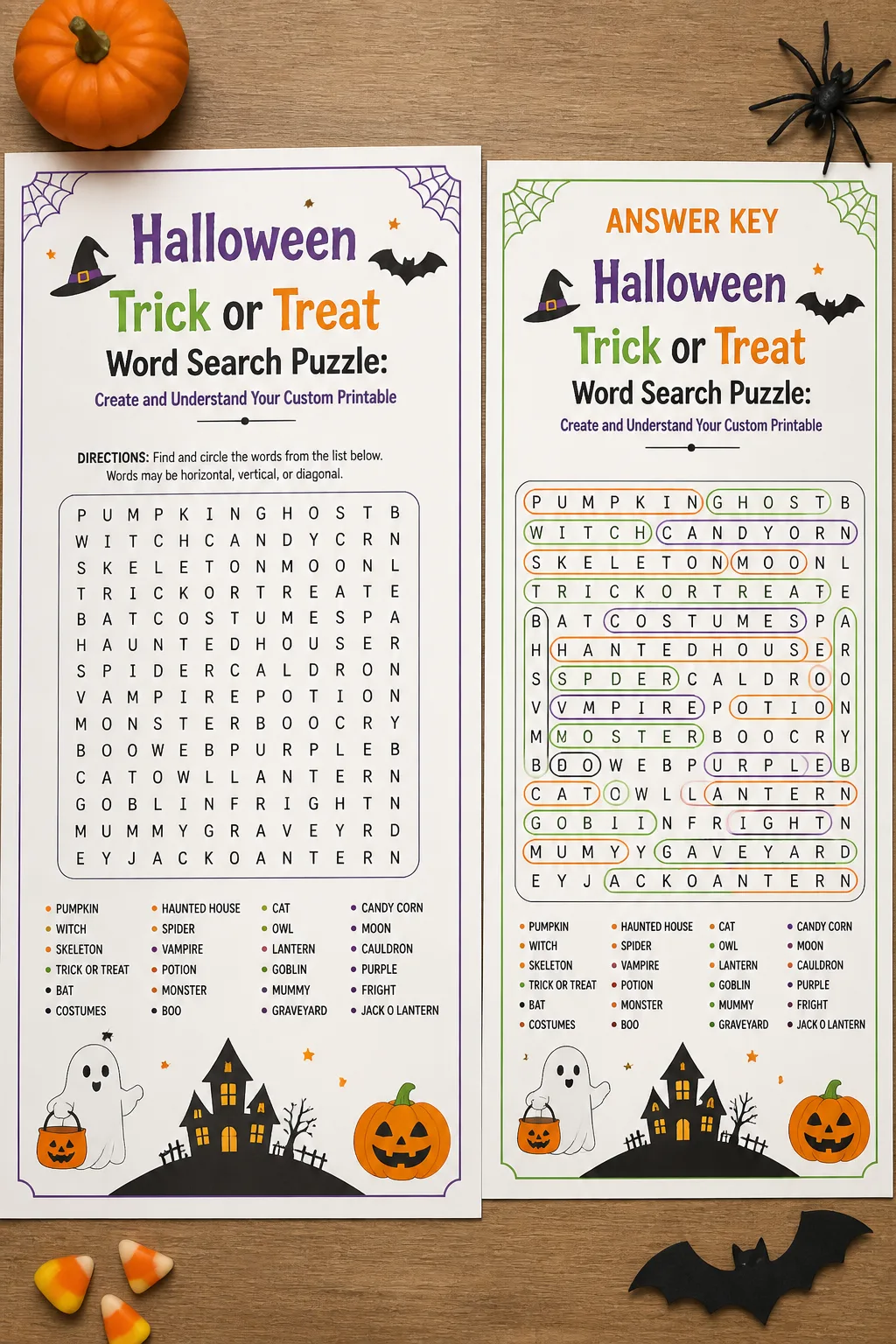
After placing all words, review the puzzle to ensure clarity and solvability. Test the puzzle yourself or have someone else try it to confirm the words are findable and the puzzle is engaging. Provide a word list alongside the puzzle for reference. Finally, format the puzzle for printing, ensuring the font size and layout are clear and accessible for your target audience.
Grid Size and Grade Guidance
What Changes Difficulty?
Input Limits and Skipped Words
When creating a custom word search puzzle, it is important to recognize input constraints that can affect the final product. Most puzzle generators and manual designs have limits on grid size and the number of words that can be included effectively. Exceeding these limits may result in overcrowded grids or unsolvable puzzles. Additionally, certain words may be skipped if they do not fit within the grid or if they conflict with previously placed words. This can happen especially with longer words or those containing rare letter combinations. To mitigate this, carefully curate your word list to include words that complement each other and fit comfortably within the chosen grid size. If a word is skipped, consider substituting it with a synonym or a shorter related term. Always review the puzzle after word placement to ensure all intended words are present and properly integrated. Understanding these limitations helps maintain puzzle quality and ensures a satisfying solving experience for users.
Furthermore, some puzzle creation tools may automatically exclude words containing special characters or spaces, such as "trick or treat." In such cases, it is advisable to input compound phrases as separate words or hyphenated terms to ensure inclusion. Being mindful of these input rules prevents unexpected omissions and streamlines the puzzle creation process. Overall, awareness of input limits and skipped word handling is essential for producing well-constructed, enjoyable word search puzzles.
FAQ
The ideal grid size depends on the target age group and the number of words included. For younger children, a 10×10 grid is often sufficient, allowing for 10 to 15 words. Older children or adults may prefer larger grids such as 15×15 or 20×20, which accommodate more words and increase difficulty. The key is balancing grid size with word count to maintain clarity and engagement.
Typically, including between 10 and 20 words works well for most puzzles. This range provides enough challenge without overwhelming the solver. For younger children, fewer words (around 10) are recommended, while older solvers can handle more. Ensure the words are relevant to the Halloween theme to keep the puzzle cohesive and interesting.
Yes, including words in backwards and diagonal orientations adds to the puzzle’s difficulty and variety. This approach challenges solvers to look more carefully and enhances the puzzle’s engagement. However, consider your audience; younger children may find backwards words frustrating, so adjust accordingly.
If certain words do not fit, consider increasing the grid size or removing less essential words. Alternatively, you can adjust word placement strategies, such as allowing overlapping letters or changing word directions. It’s important to ensure all chosen words fit comfortably to maintain puzzle quality.
To increase educational value, select words that introduce new vocabulary related to Halloween and encourage solvers to learn their meanings. Providing a brief description or definition alongside the word list can deepen understanding. Additionally, varying word difficulty and including themed words can stimulate cognitive skills and reinforce learning.
Both methods have merits. Digital creation allows for easier editing, consistent formatting, and quick generation of multiple puzzles. Hand-drawn puzzles can feel more personal and creative but may require more time and careful planning. For printable word searches, digital tools are generally more efficient and produce cleaner results.
Final Thoughts
Creating a custom printable word search puzzle centered on "Halloween Trick or Treat" is a rewarding way to celebrate the season while engaging minds of all ages. By carefully selecting words, choosing an appropriate grid size, and thoughtfully arranging word placement, you can design puzzles that are both fun and educational. This guide has provided detailed instructions, helpful tips, and insights into common challenges to help you craft high-quality puzzles that captivate and challenge solvers. Embrace these strategies to bring festive joy and mental stimulation to your Halloween celebrations, classrooms, or personal projects. Happy puzzling and have a spooktacular Halloween!
Gallery
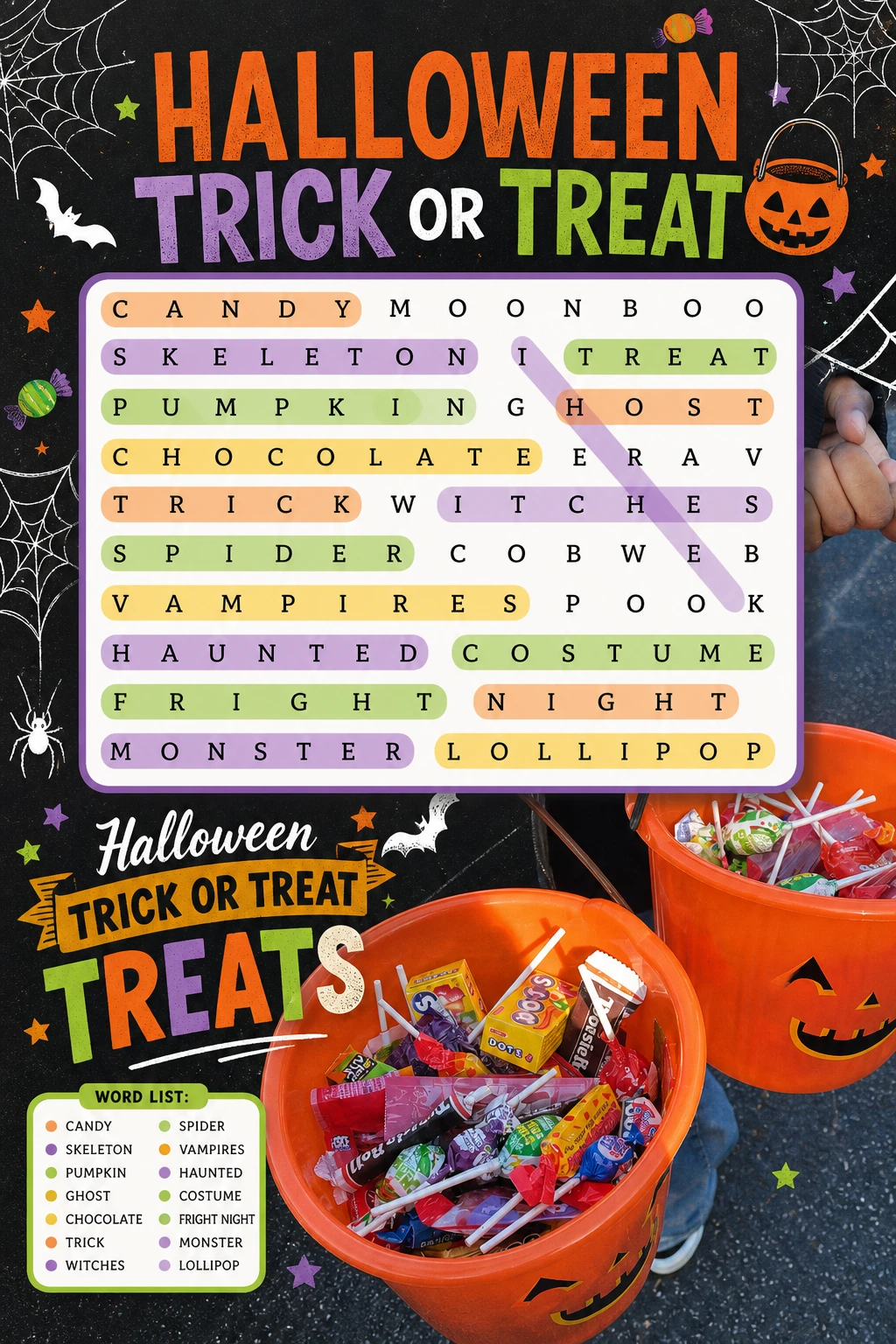
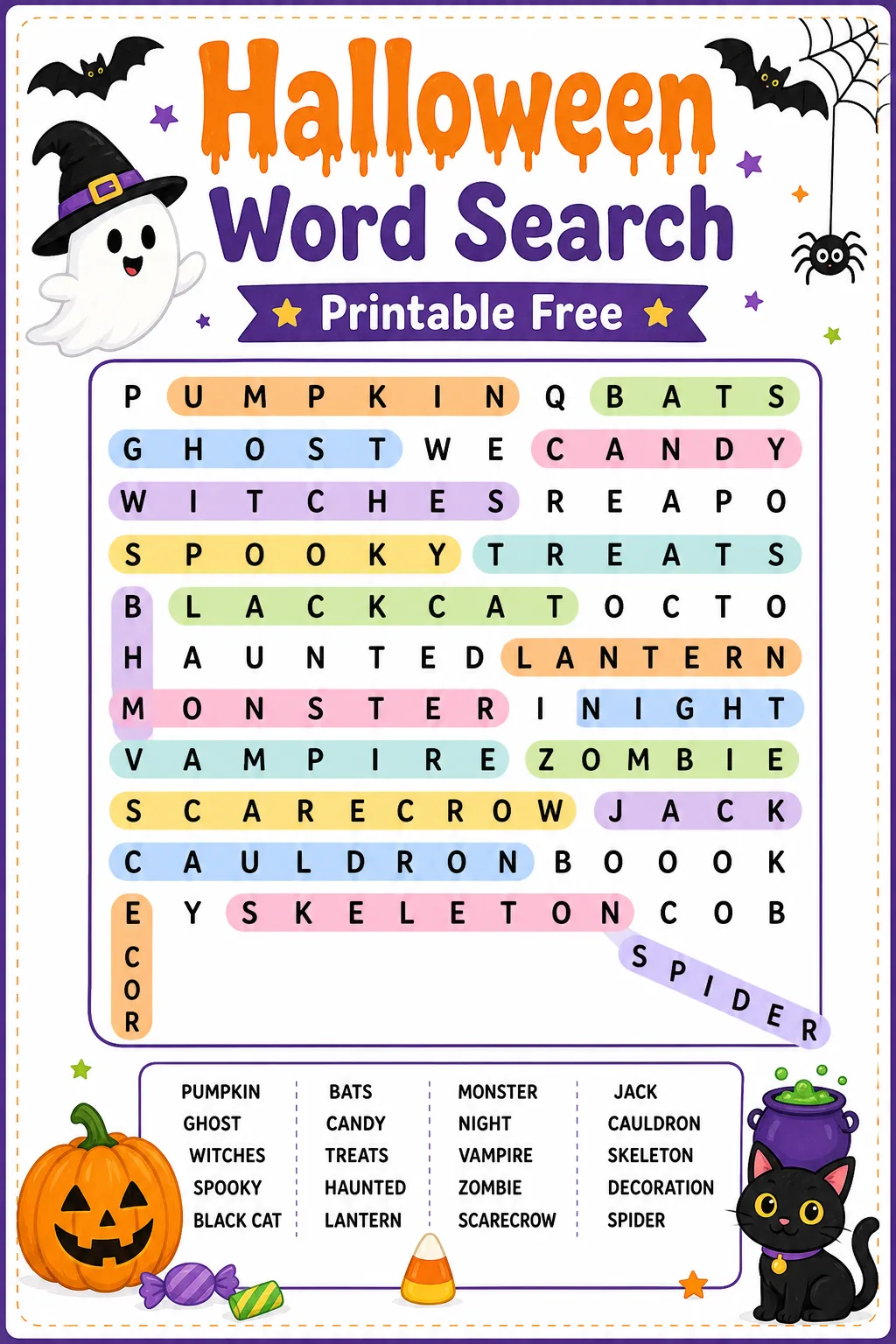
Incorporate seasonal vocabulary to enhance thematic relevance and solver interest.
Adjust grid size and word count based on the intended age group for optimal difficulty.
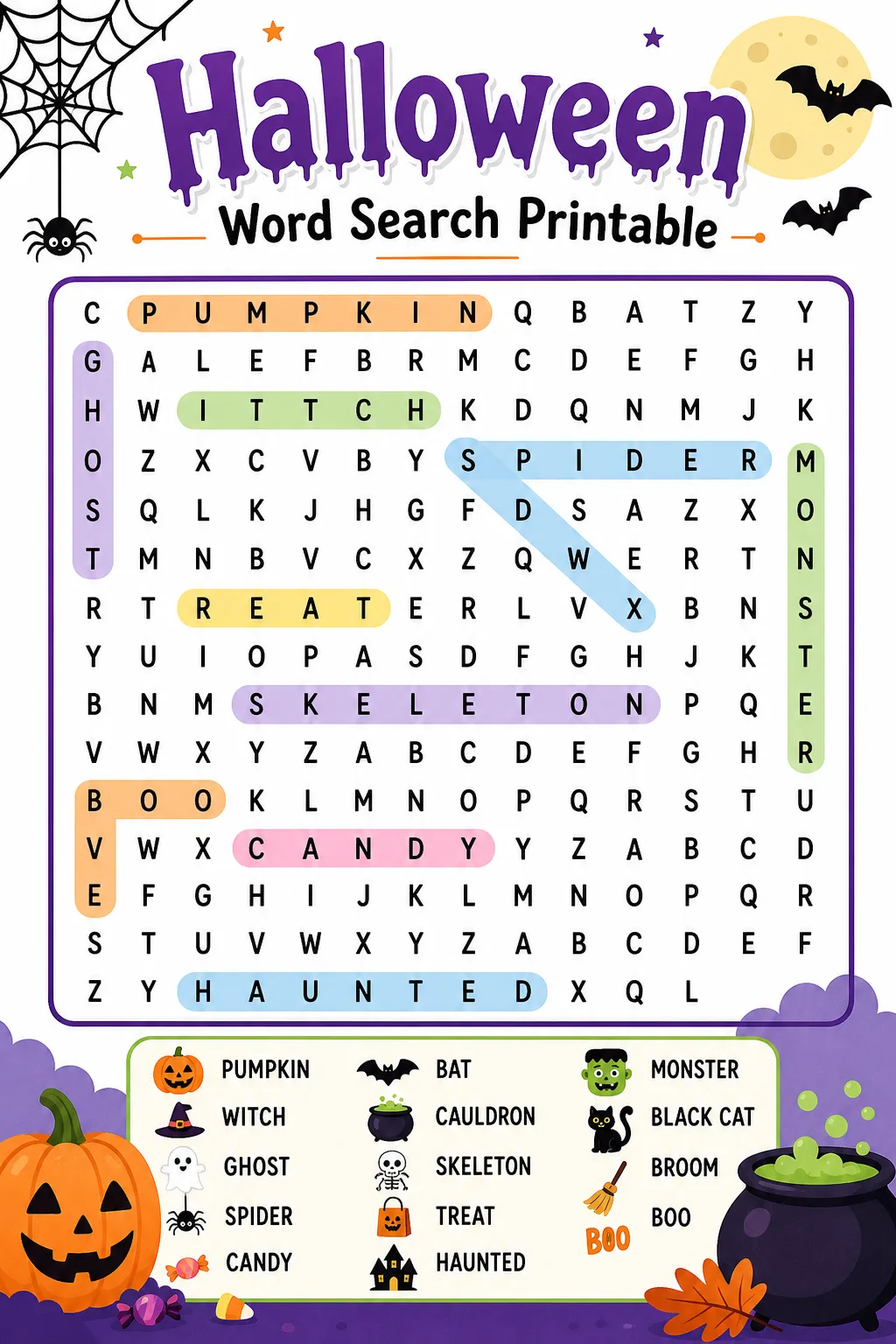
Use varied word orientations to keep the puzzle engaging and challenging.
Proofread your puzzle carefully to avoid errors that could confuse solvers.
You Might Also Like


Leave a Reply