

Discover the joy of creating and solving Halloween-themed word search puzzles with this comprehensive guide. Perfect for educators, parents, and puzzle enthusiasts, this article explores how to design custom printable word searches that celebrate the spooky season. From selecting appropriate words to understanding grid sizes and difficulty factors, learn everything you need to craft engaging and educational puzzles for all ages. Whether for classroom activities or festive family fun, this guide ensures your Halloween word searches are both challenging and enjoyable.
Introduction
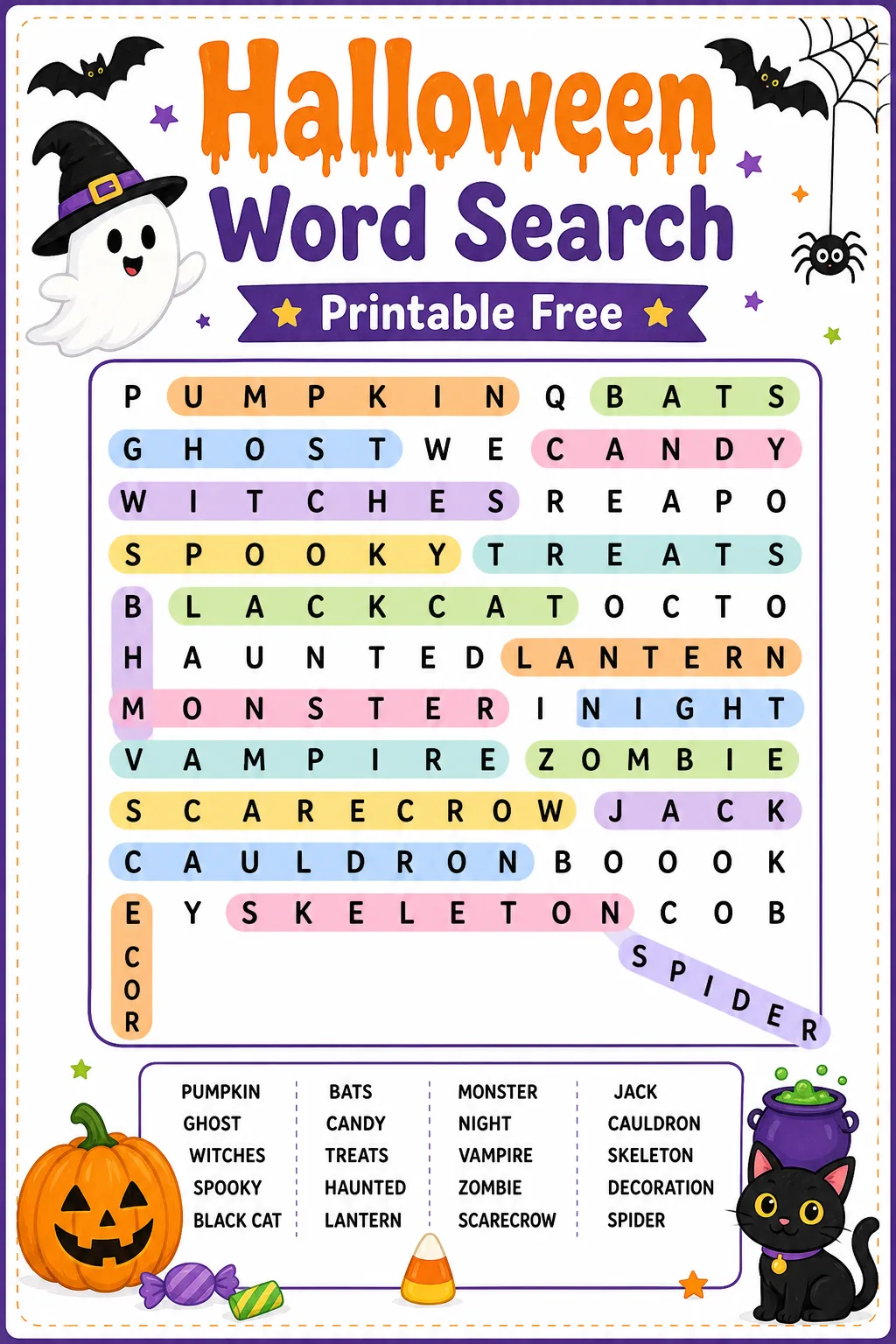
Halloween word search puzzles offer a delightful way to engage children and adults alike in a fun, educational activity that celebrates the spirit of the season. These puzzles not only entertain but also help improve vocabulary, pattern recognition, and concentration skills. Creating a custom printable Halloween word search allows you to tailor the difficulty and theme to suit your audience, whether it’s a classroom full of eager learners or a family gathering looking for festive entertainment. This article will guide you through the process of designing your own Halloween word search, covering everything from word selection to layout considerations. You’ll also learn about the benefits of word searches, practical tips for effective puzzle creation, and common pitfalls to avoid. By the end, you’ll be equipped to produce engaging, printable puzzles that bring the excitement of Halloween to life on the page.
How To Do It
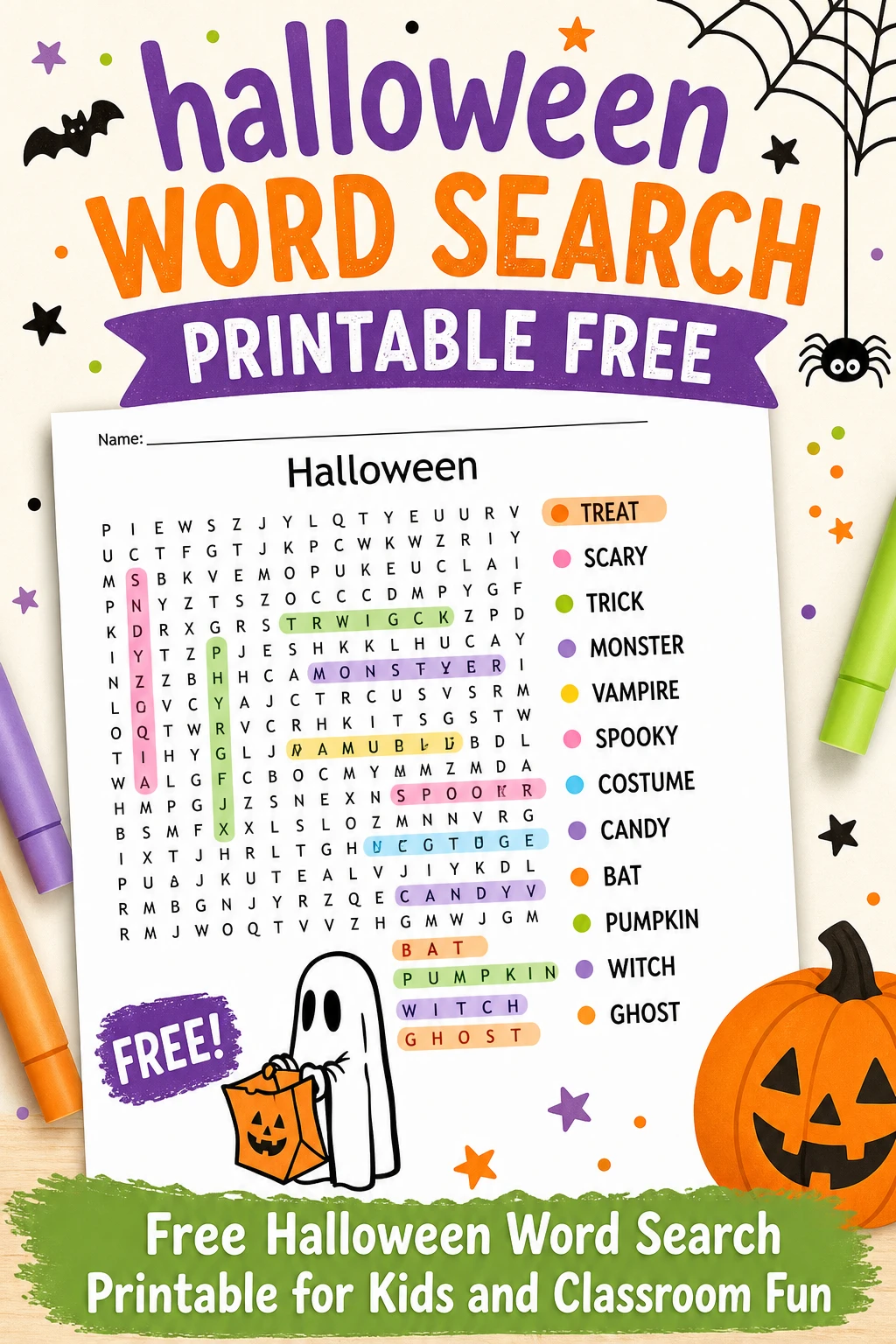
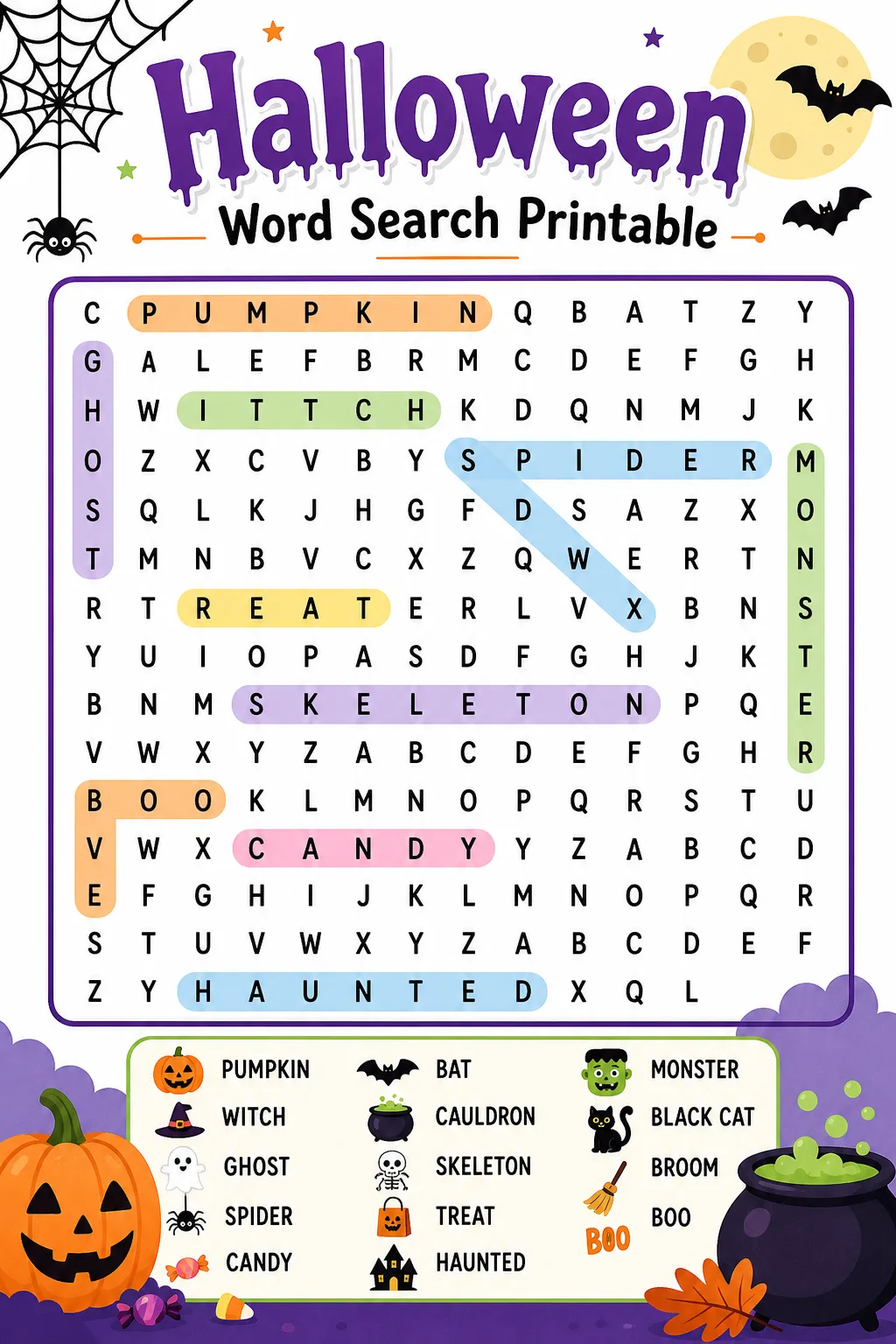
Select Your Halloween-Themed Words: Begin by compiling a list of words related to Halloween, such as 'pumpkin,' 'witch,' 'ghost,' and 'candy.' Aim for a balanced variety of word lengths and difficulty levels to keep the puzzle interesting. Ensure the words are appropriate for the target age group and relevant to the Halloween theme to maintain engagement and educational value.
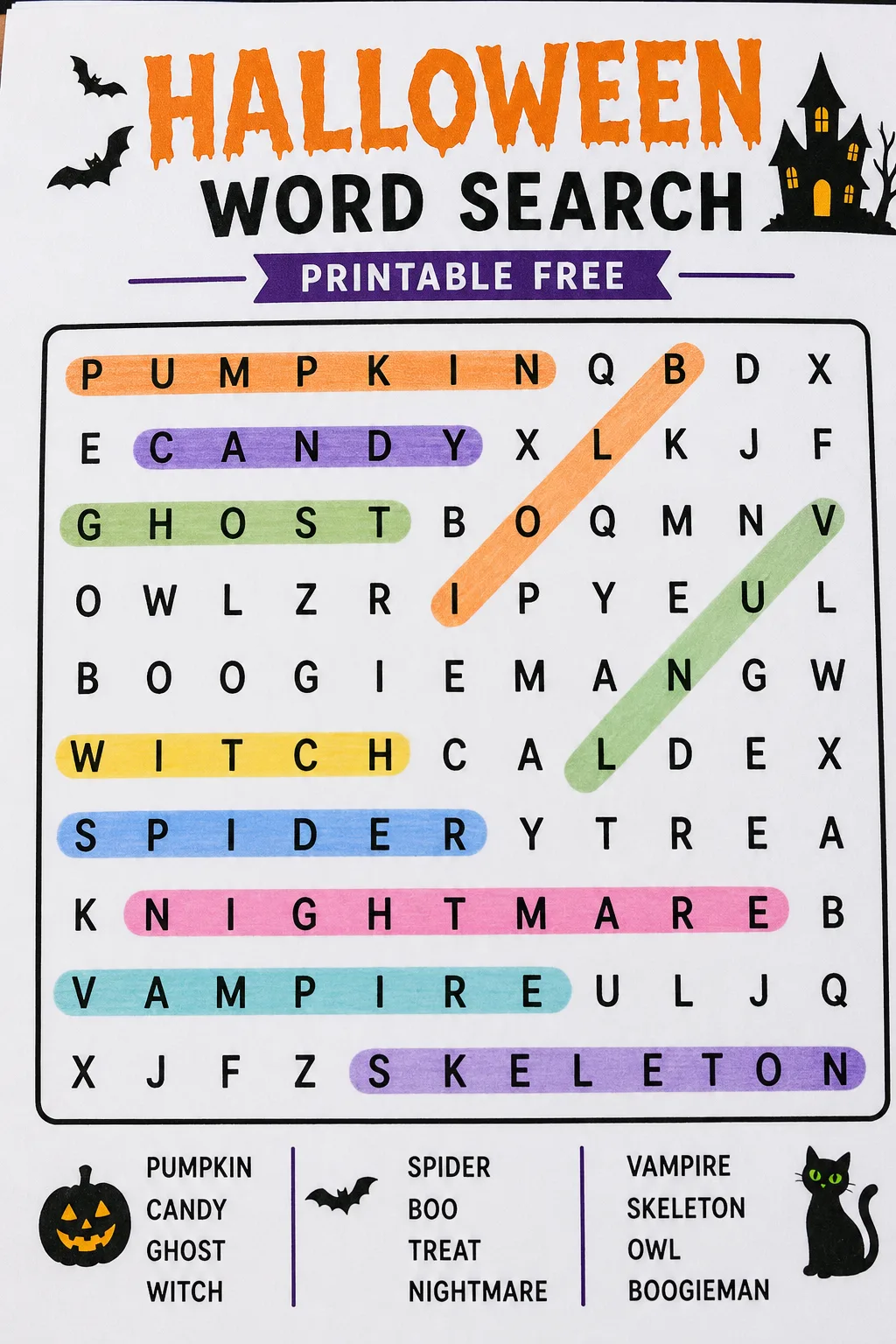
Choose an Appropriate Grid Size: Decide on the size of your word search grid based on the age and skill level of your audience. Smaller grids with fewer words suit younger children, while larger grids with more words and complex placements challenge older participants. Use the grid size and grade guidance to match your puzzle’s complexity with your intended users.
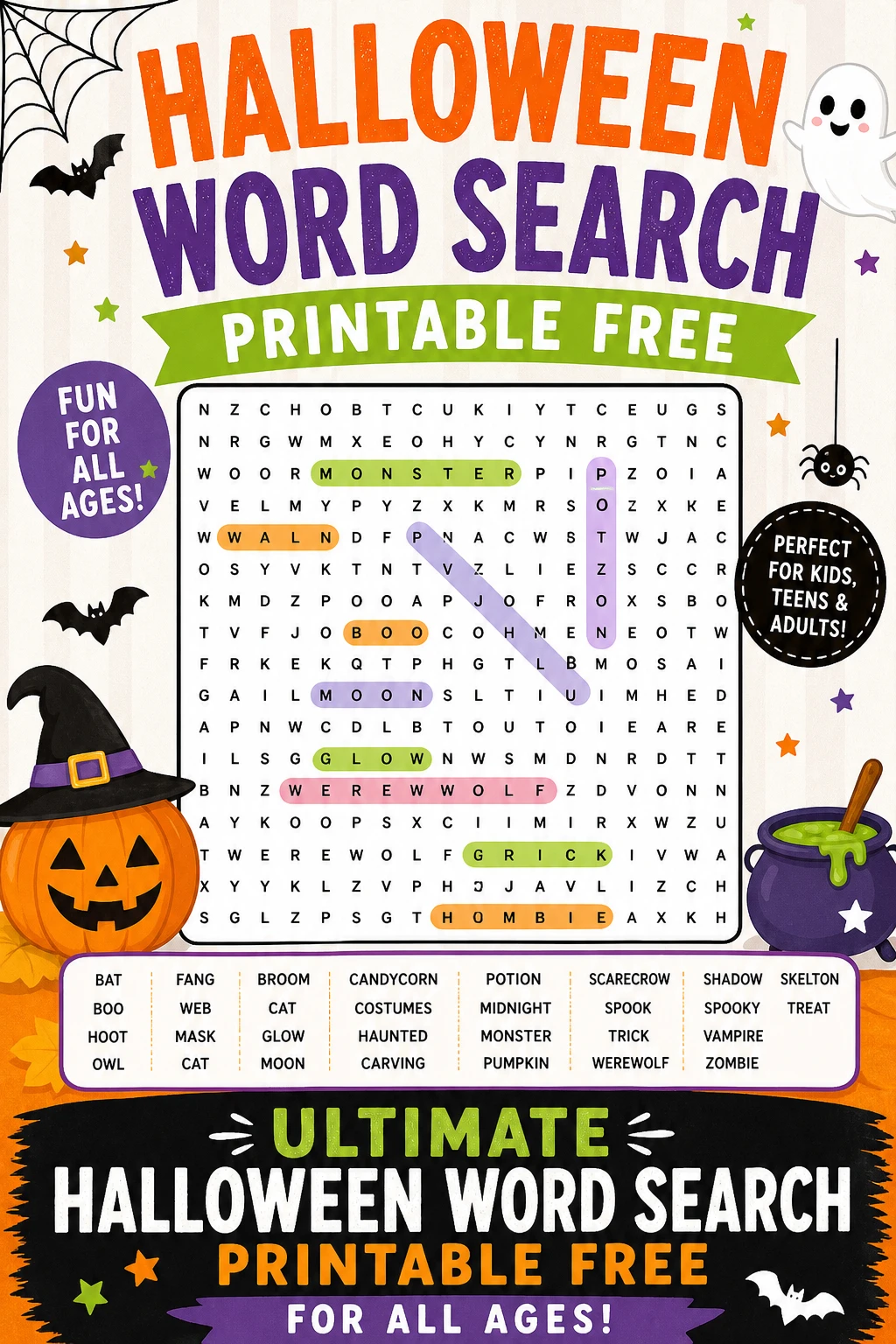
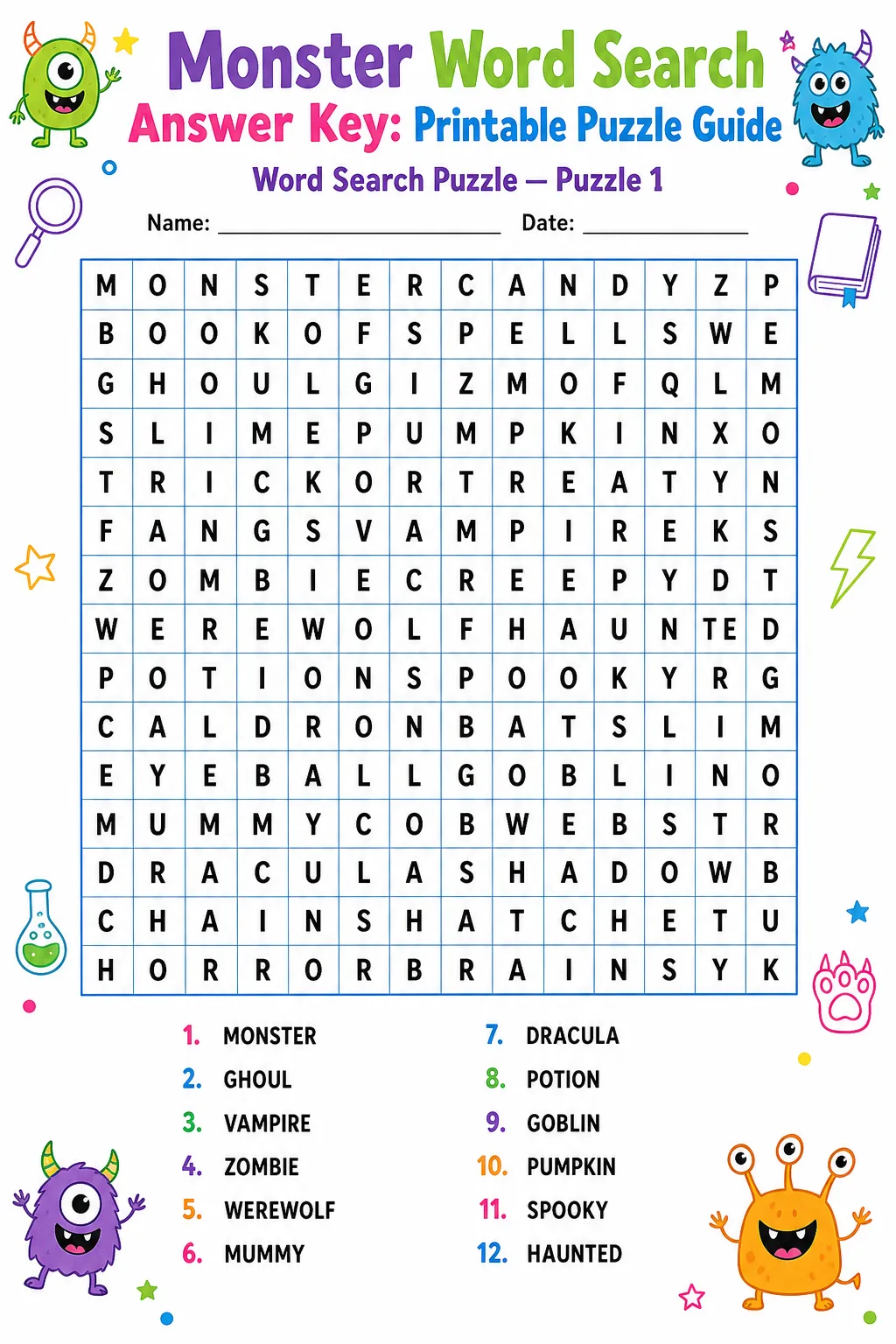
Arrange Words and Fill the Grid: Place your chosen words horizontally, vertically, diagonally, and even backwards to increase difficulty. After positioning all words, fill the remaining empty spaces with random letters to complete the grid. Double-check for accidental unintended words and ensure all target words are correctly spelled and included. Finally, format the puzzle for printing, adding a word list for solvers to reference.
Grid Size and Grade Guidance
What Changes Difficulty?
Input Limits and Skipped Words
When creating a Halloween word search puzzle, it is important to consider input constraints to ensure the puzzle remains solvable and visually appealing. Most word search generators and manual designs limit the total number of words based on the grid size; exceeding this limit can cause overcrowding, making the puzzle frustrating to solve. Additionally, words that are too long for the chosen grid may be skipped or truncated to maintain layout integrity. Words containing special characters, spaces, or punctuation are often excluded or modified because they do not fit well in the grid format. It is advisable to use single, straightforward words without spaces or symbols to avoid these issues.
Another consideration is word repetition. Including the same word multiple times can confuse solvers and reduce the puzzle’s educational value. Therefore, unique words are preferred. If a word cannot be placed after multiple attempts due to space or orientation constraints, it may be skipped to preserve the puzzle’s balance. Planning your word list with these limits in mind helps create a smooth and enjoyable puzzle experience. Always review the final puzzle to confirm all intended words are included and correctly positioned.
FAQ
Halloween word search puzzles can be tailored for a wide range of age groups. Younger children (grades 1-3) benefit from smaller grids with simple, familiar words, while older children and adults can handle larger grids with more complex word placements, including diagonal and backward words. Adjusting grid size and word difficulty ensures the puzzle is both fun and educational for any age.
The number of words depends on the grid size and the target audience’s skill level. For younger children, 8 to 12 words in a 10×10 grid is ideal. Older children and adults can handle 15 to 25 words in larger grids like 15×15 or 20×20. Balancing word count with grid size prevents overcrowding and ensures a satisfying challenge.
While you can reuse word lists, varying the word placements and grid sizes keeps puzzles fresh and engaging. Changing the orientation of words (horizontal, vertical, diagonal, backward) and mixing up the grid layout prevents solvers from memorizing solutions and maintains interest over multiple puzzles.
There are many online generators and software programs designed to create word search puzzles easily. These tools allow you to input your word list, select grid size, and customize difficulty. However, understanding the principles behind puzzle creation, as explained in this guide, helps you make more personalized and effective puzzles.
Format your puzzle clearly with legible fonts and sufficient spacing between letters. Include a word list that is easy to read, and consider adding thematic decorations or titles to enhance visual appeal. Test print your puzzle to verify clarity and adjust layout as needed before distribution.
Common Halloween words include 'pumpkin,' 'witch,' 'ghost,' 'candy,' 'spooky,' 'bat,' 'skeleton,' 'haunted,' 'costume,' and 'trick.' Including a mix of nouns, adjectives, and verbs related to Halloween enriches the vocabulary and makes the puzzle more interesting.
Final Thoughts
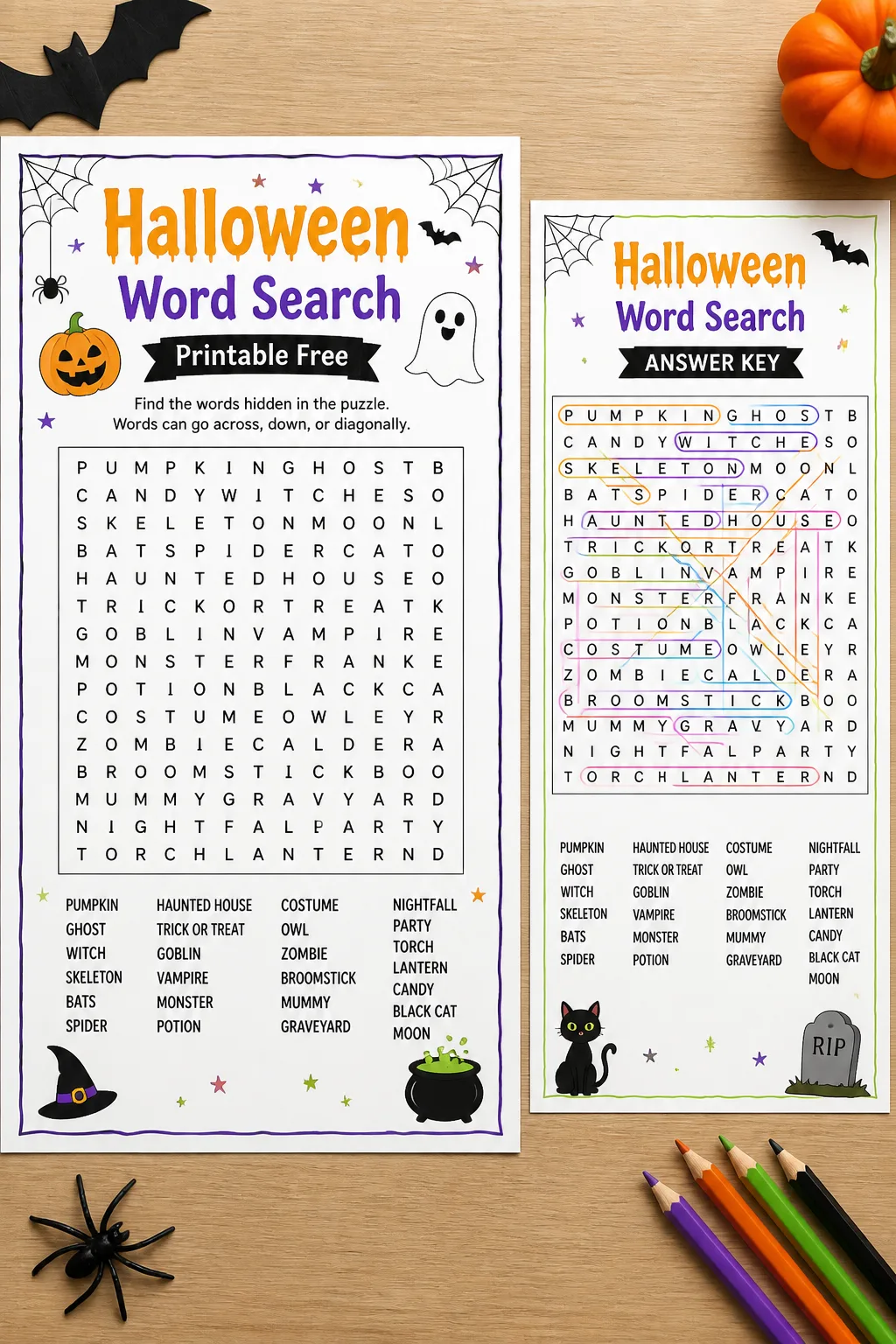
Creating your own Halloween word search printable free puzzles is a rewarding activity that combines creativity, education, and festive fun. By following the steps outlined in this article, you can design puzzles that are perfectly suited to your audience’s age and skill level. Remember to select themed words thoughtfully, choose an appropriate grid size, and carefully arrange your puzzle to balance challenge and enjoyment. Whether for classroom use, family gatherings, or community events, these puzzles provide a wonderful way to celebrate Halloween while sharpening language skills. Embrace the spirit of the season and start crafting your custom Halloween word search today!
Gallery
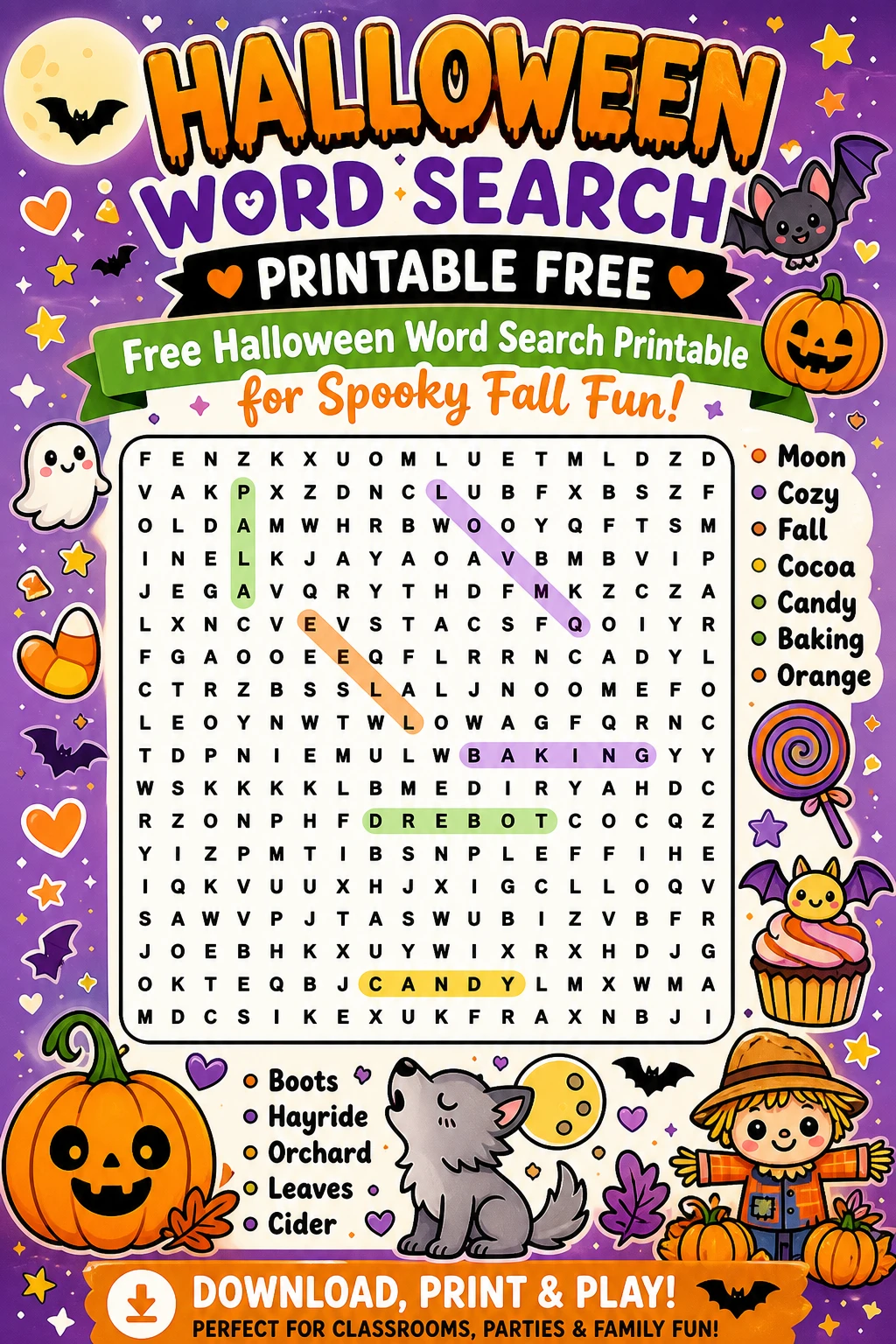
Keep your word list focused on Halloween themes to maintain relevance and interest.
Test your puzzle by solving it yourself or having someone else try it before finalizing.
Use consistent font styles and sizes for a neat and professional appearance.
Consider adding a small coloring section or Halloween imagery to complement the puzzle.
You Might Also Like


Leave a Reply